
Appearance
Visual catalog — every current interface and widget
Historical baseline catalog. Current UE5.8.3 Emberfall/Ironfront captures are in the product gallery. This older gallery remains for review and does not certify the current rebuild.
127 real Unreal captures: running menus and HUDs, complete widgets, Blueprint Designer views and graph wiring. Open any image at full size to inspect it.
Current implementation · 18 October 2026 · UE5.6.1, with the optional widget previews in UE5.8.3.
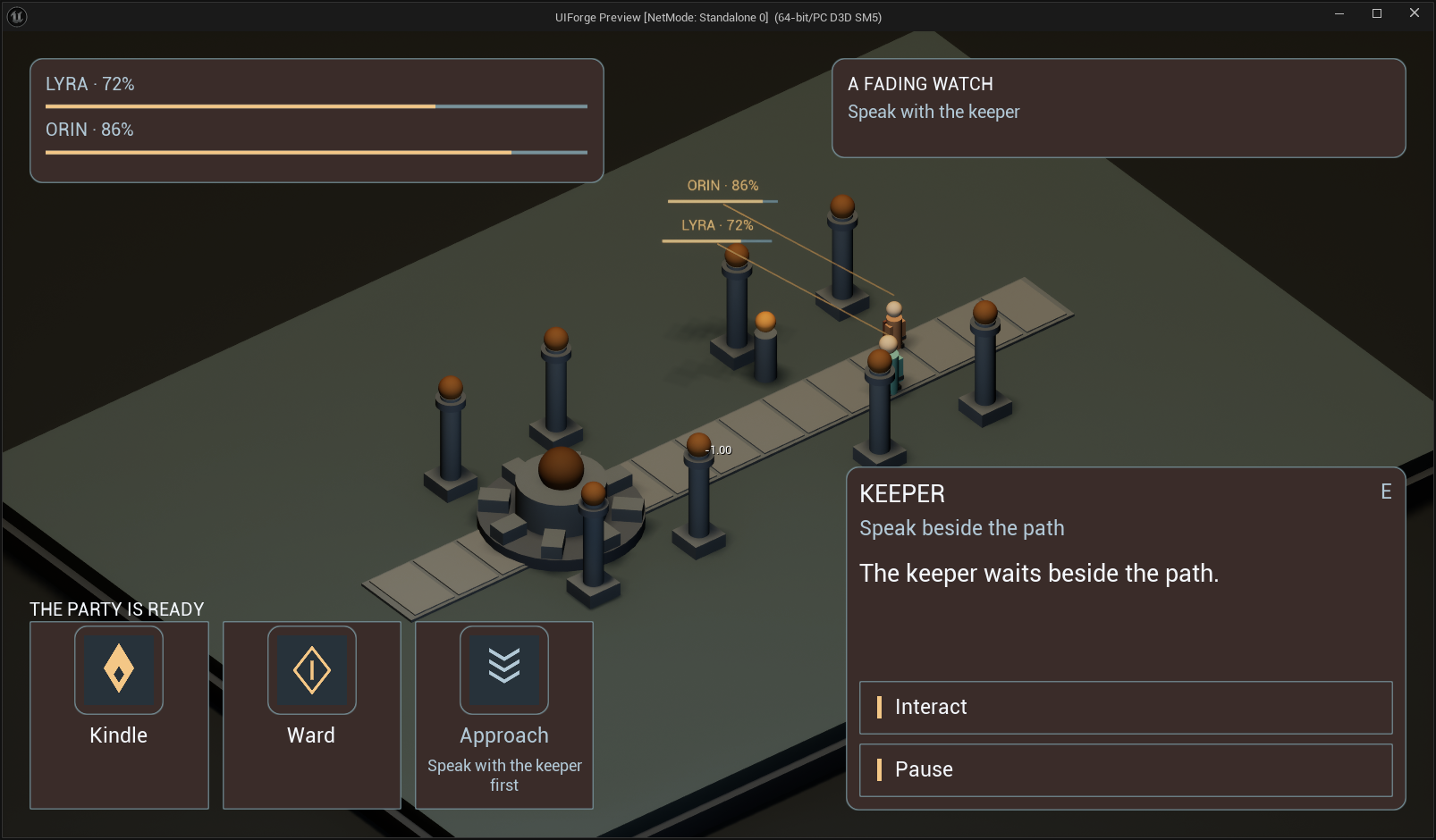
Open RPG interface at full size
Read the image labels: live PIE windows show running examples; isolated UMG previews render the saved/native widget with explicit sample data; Designer and graph images show Unreal’s actual asset editor. Roots and routing containers are shown through a composed interface because they own no independent visual body.
Code and Blueprint scheme · Blueprint authoring guide
Running RTS example
MainMenu
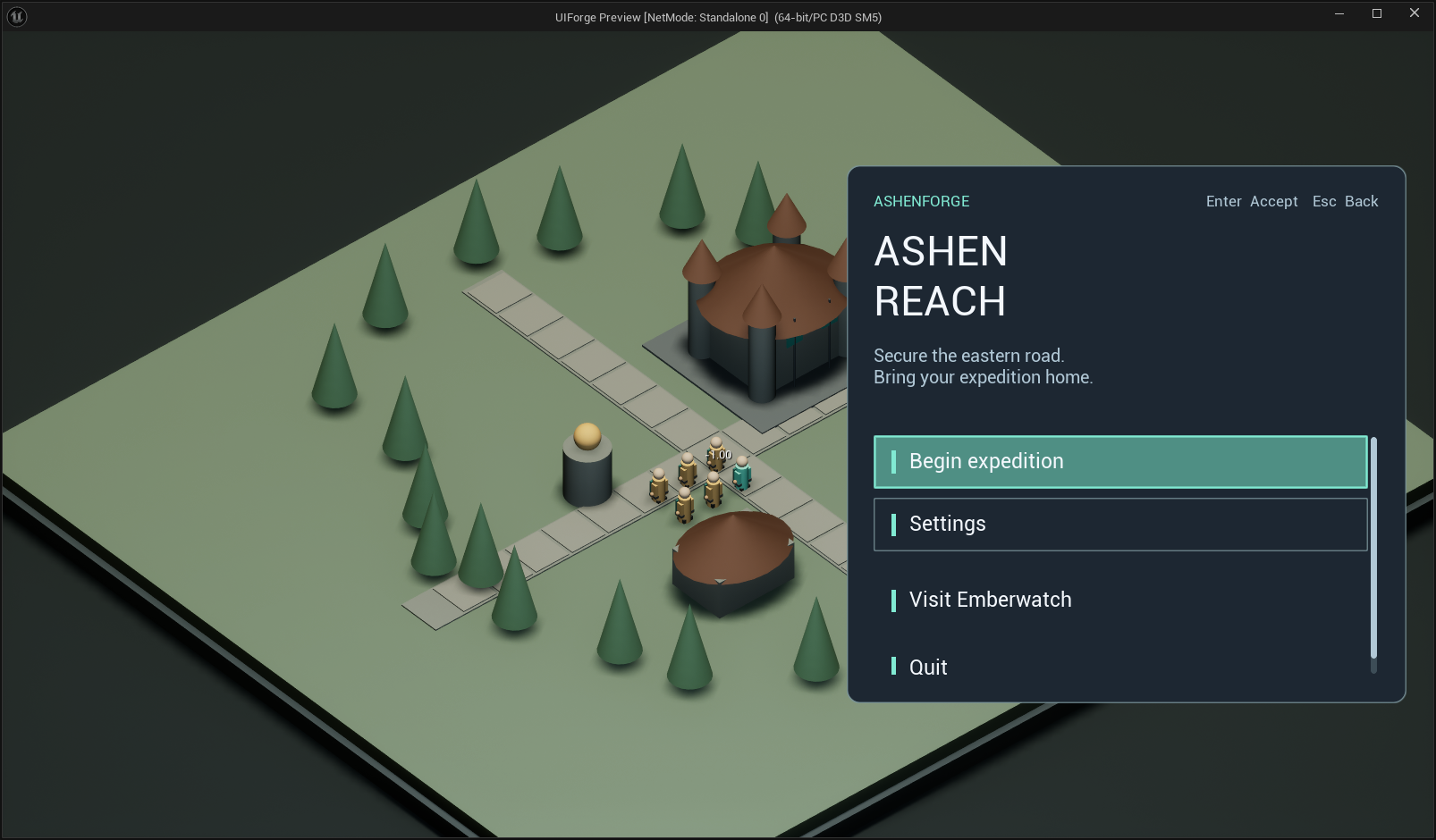
Open full-size image — Actual main menu with expedition and world-travel controls.
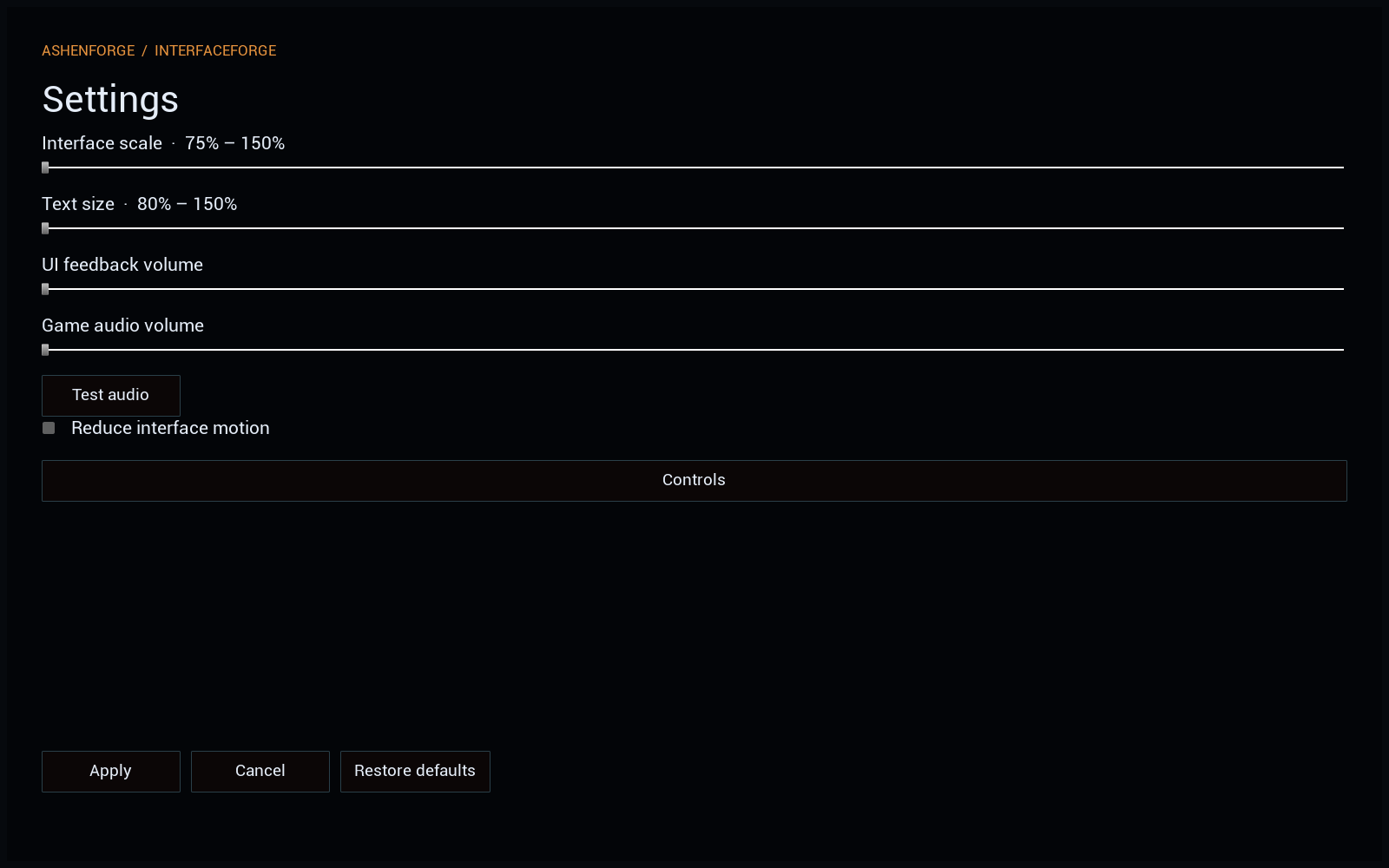
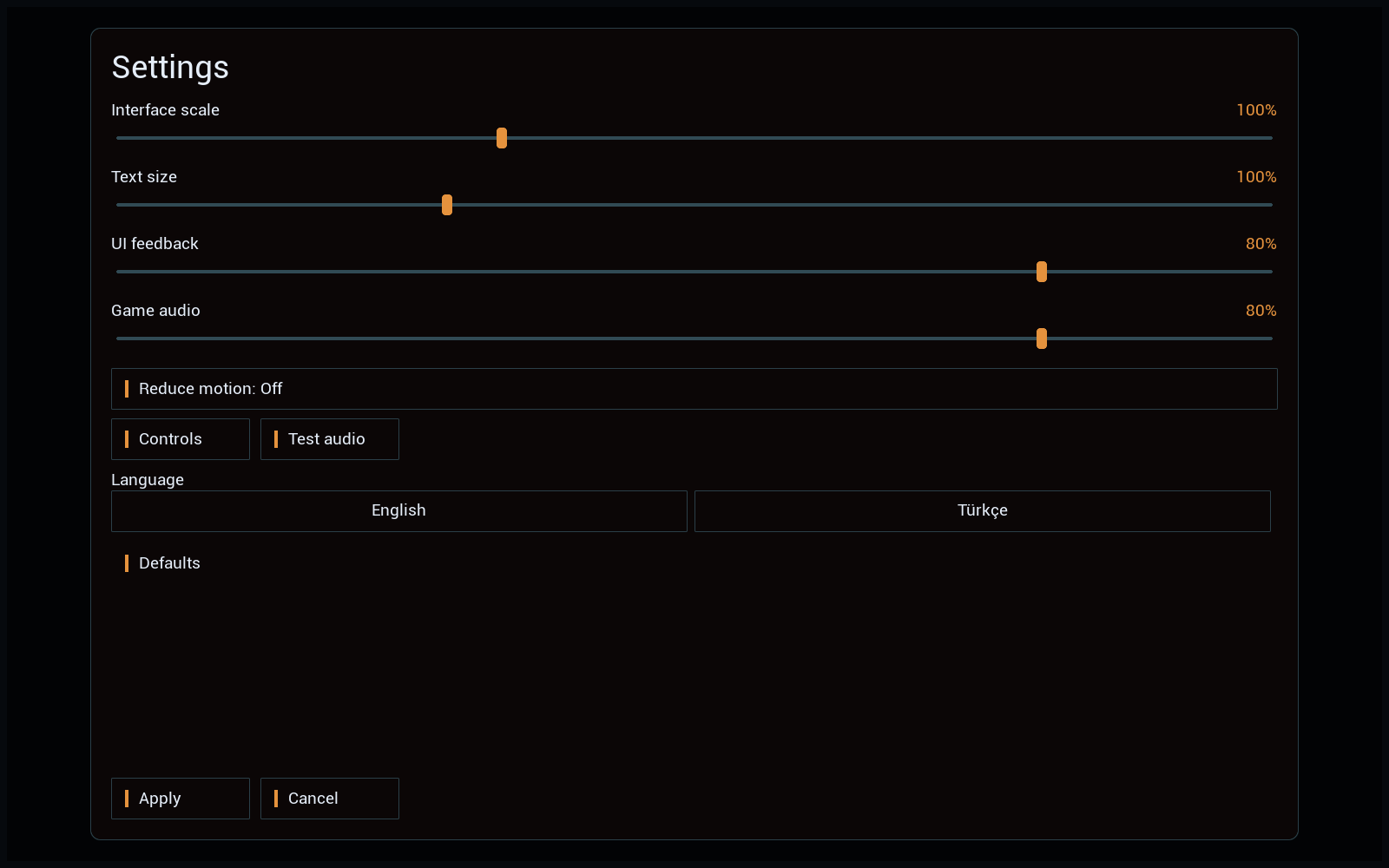
Settings
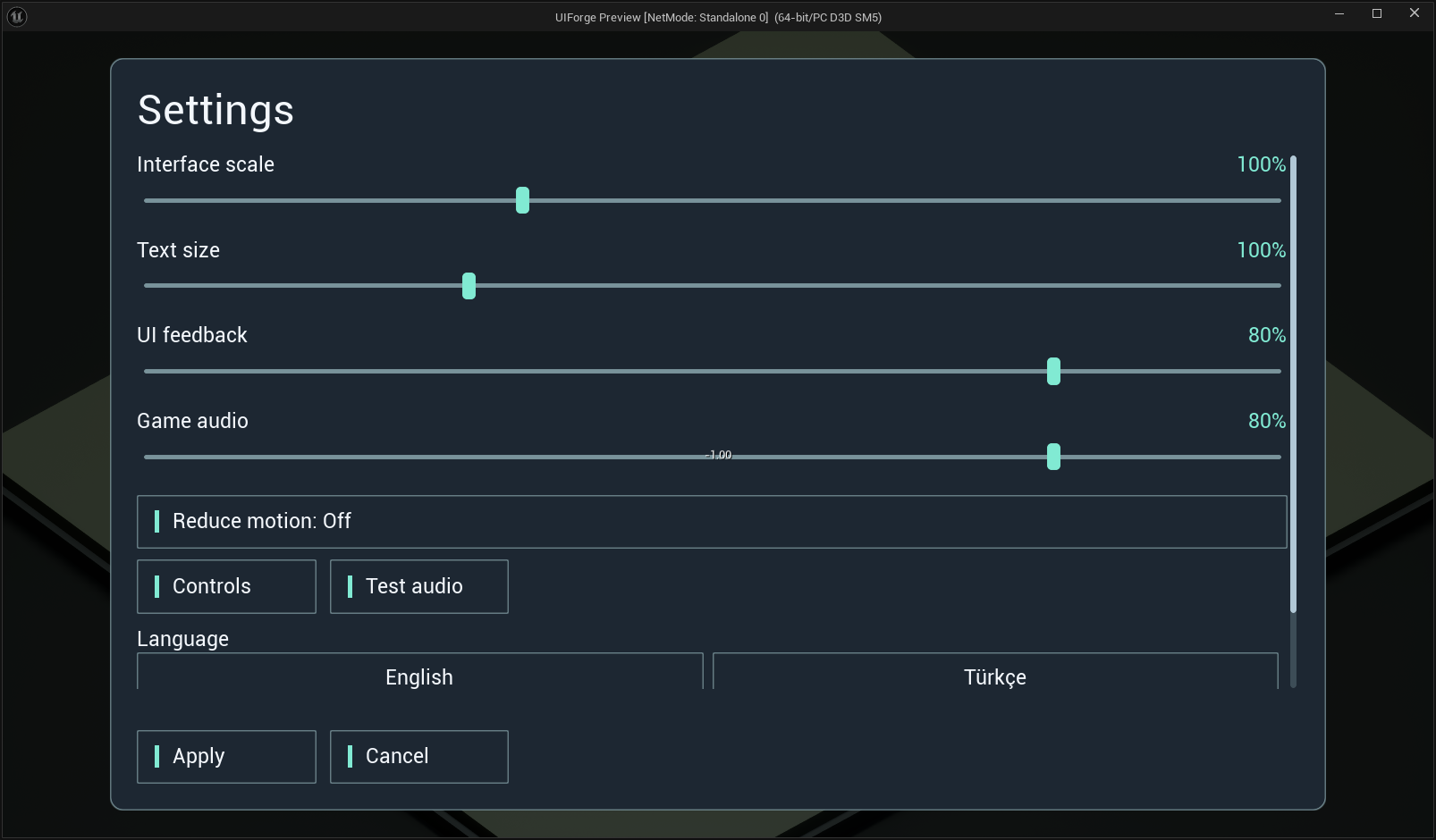
Open full-size image — Actual UI/audio/text settings, locale and motion options.
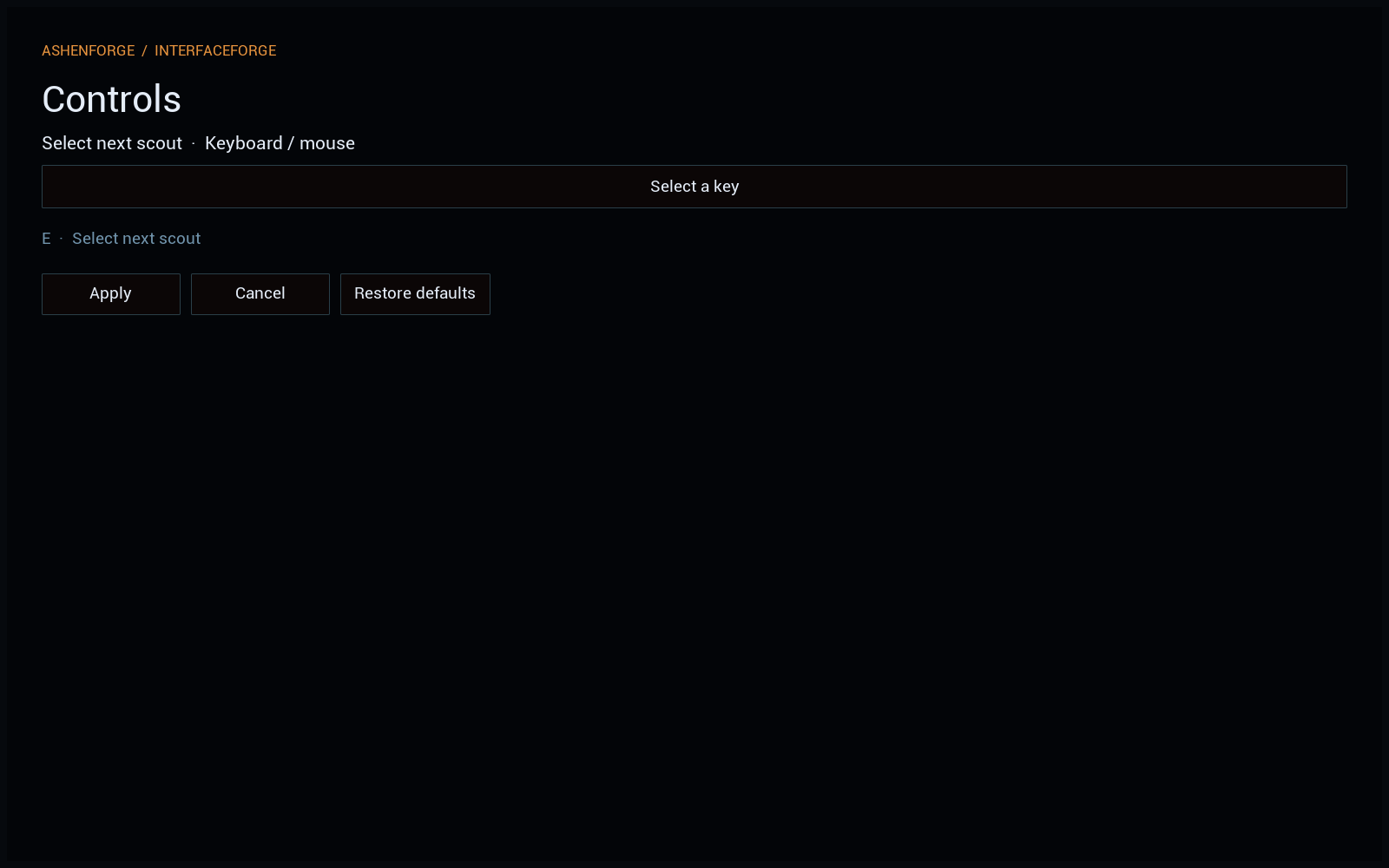
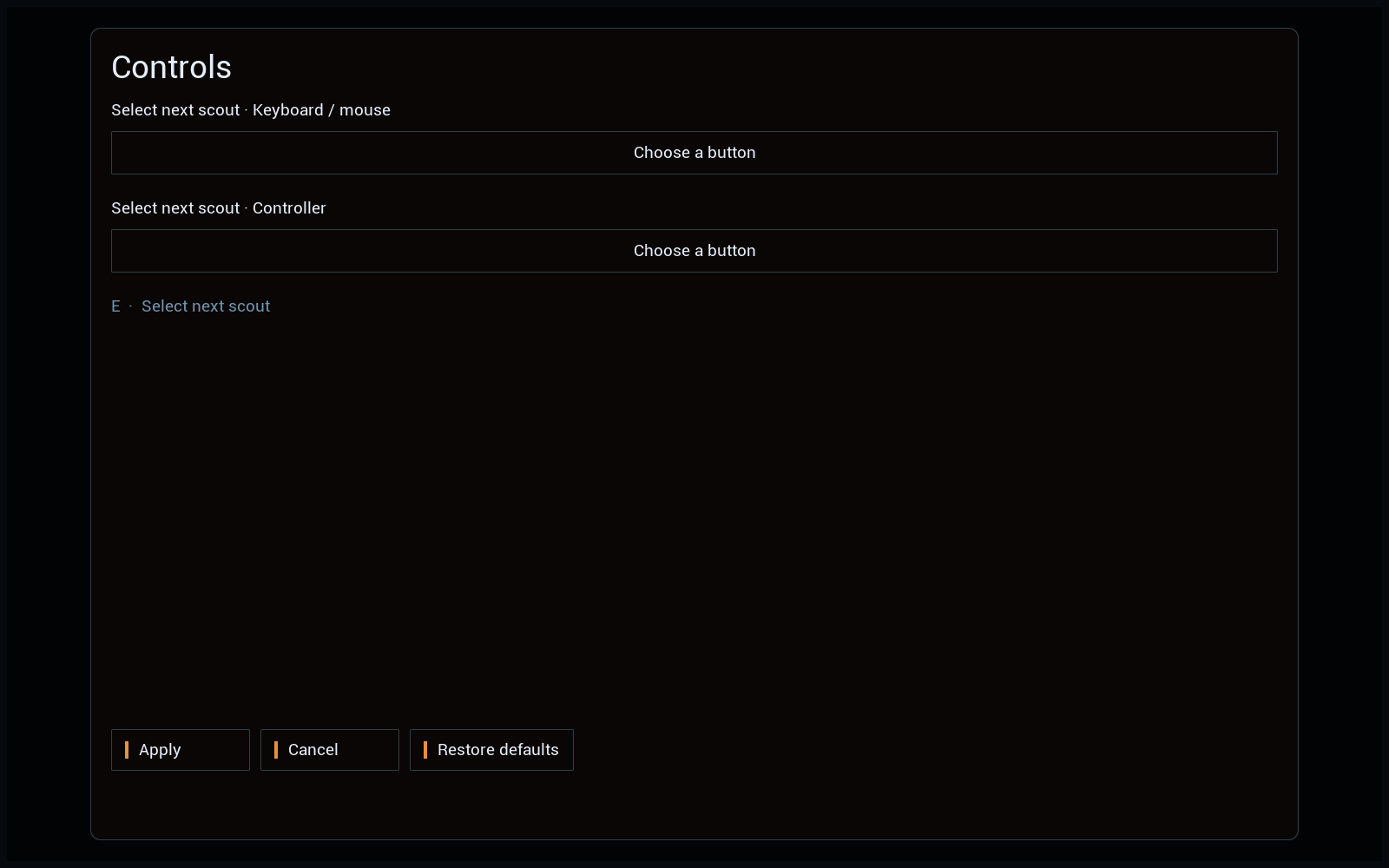
Controls
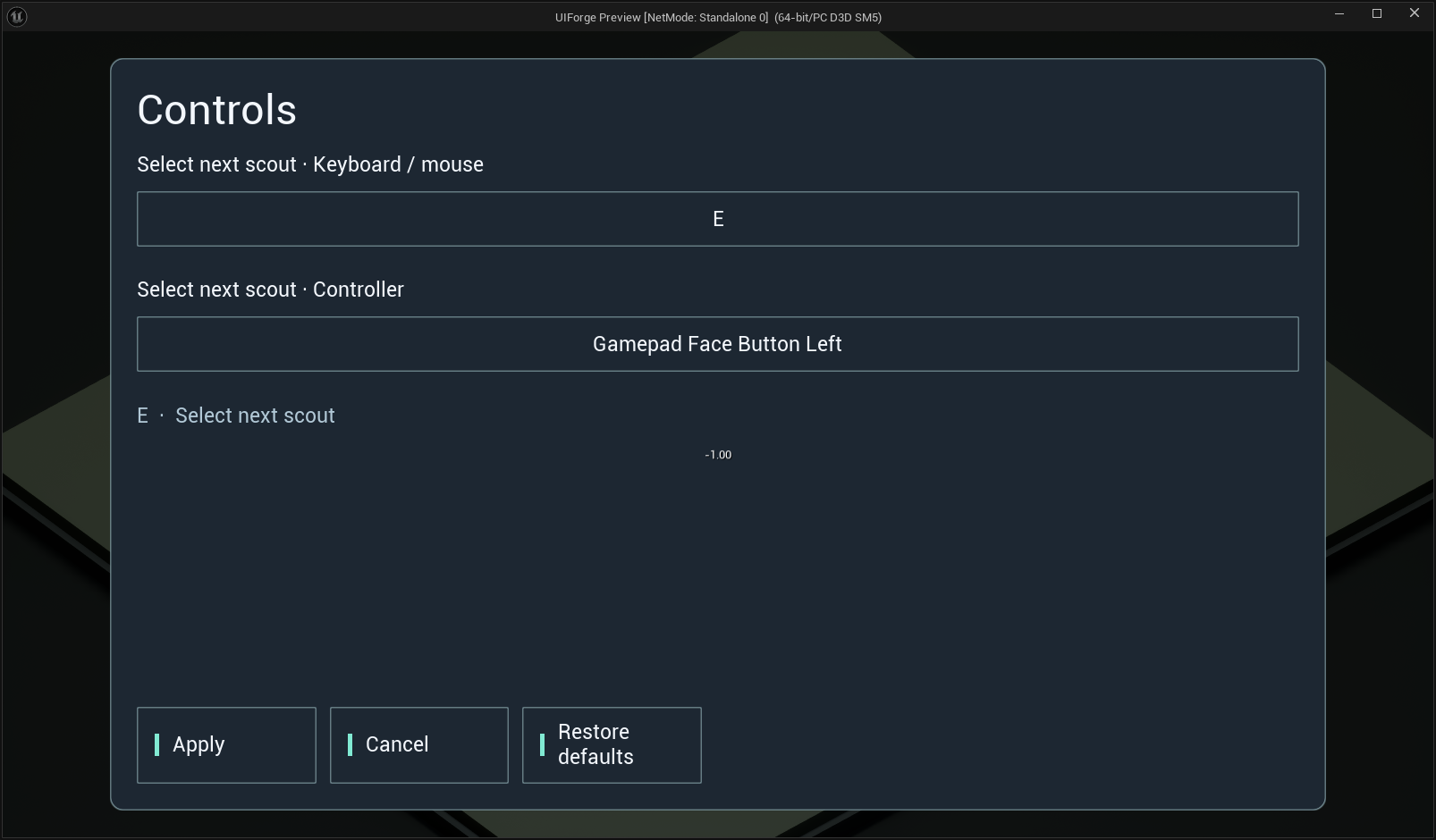
Open full-size image — Keyboard/controller remapping, Apply/Cancel/Defaults.
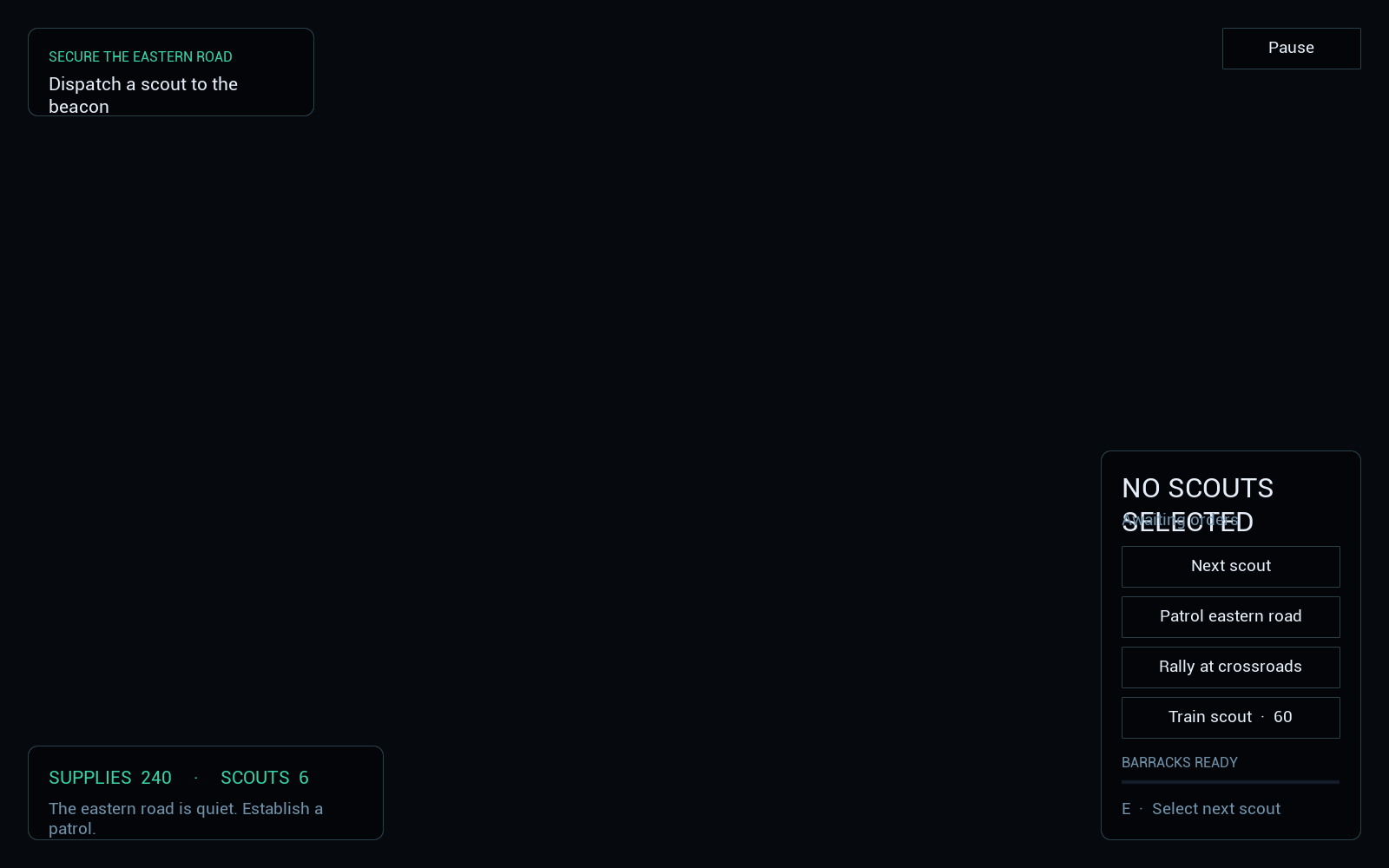
HUD
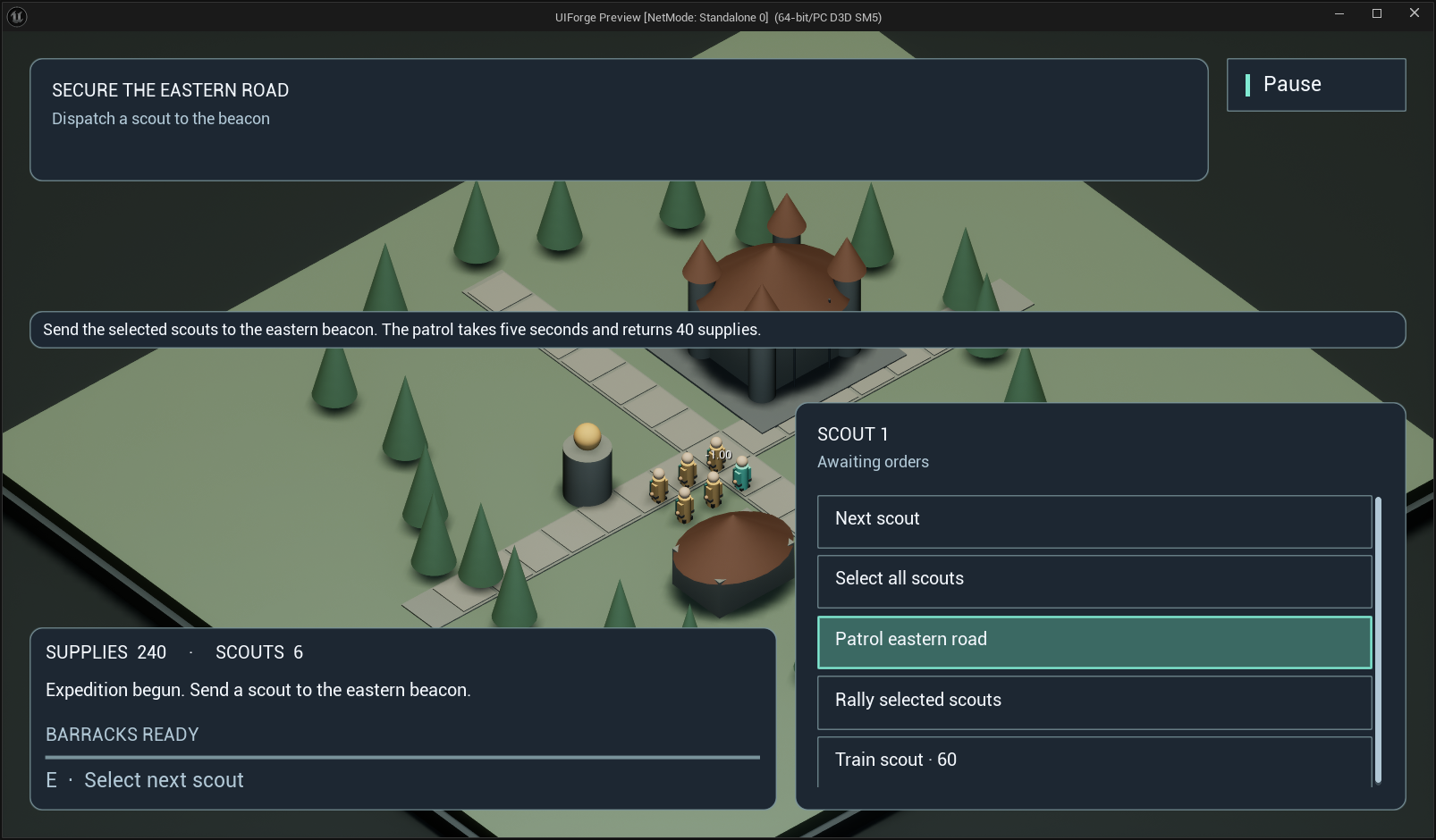
Open full-size image — Actual selection, command, resource and production HUD.
MultiSelection
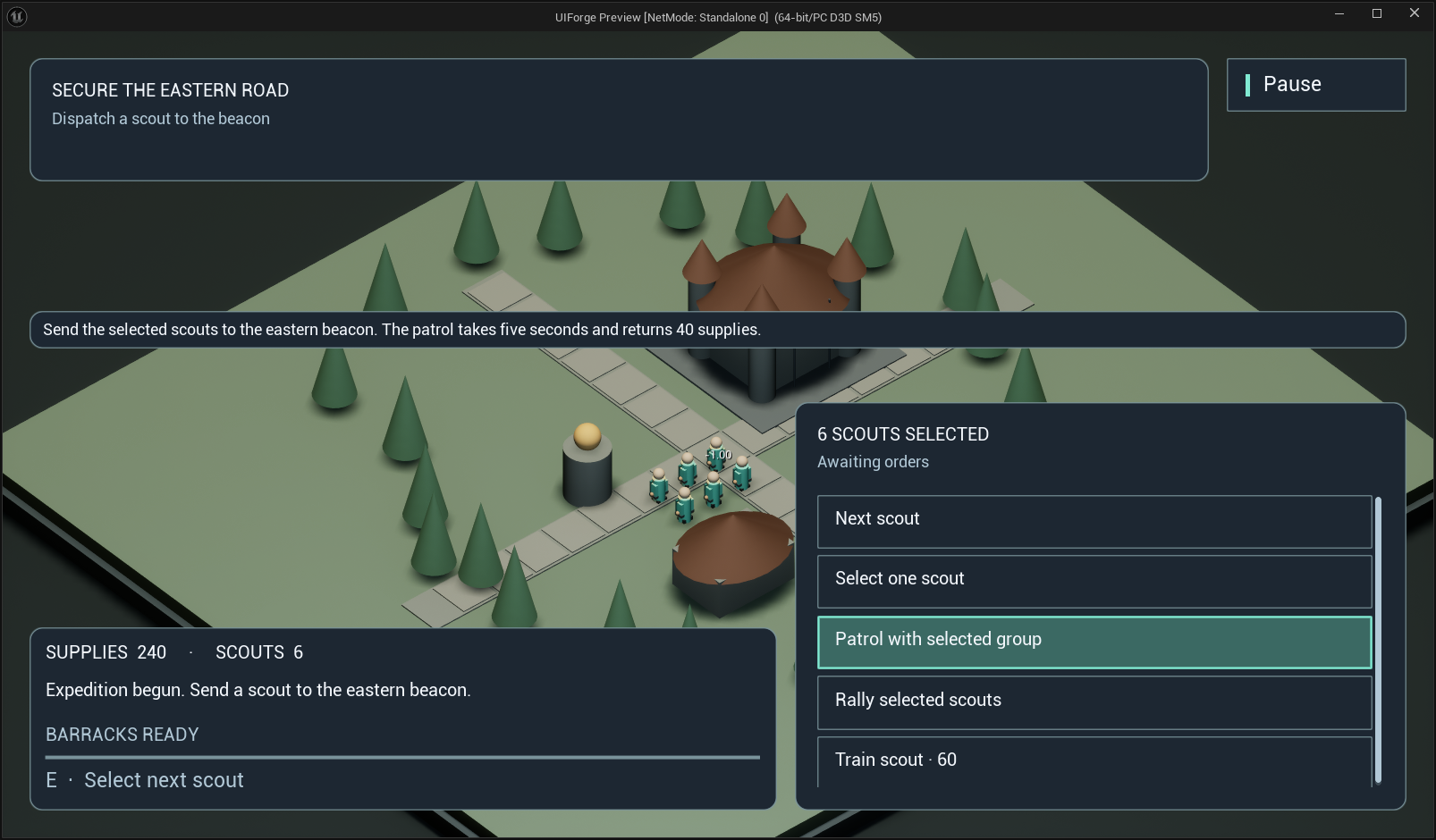
Open full-size image — Multi-selection summary and contextual commands.
Production
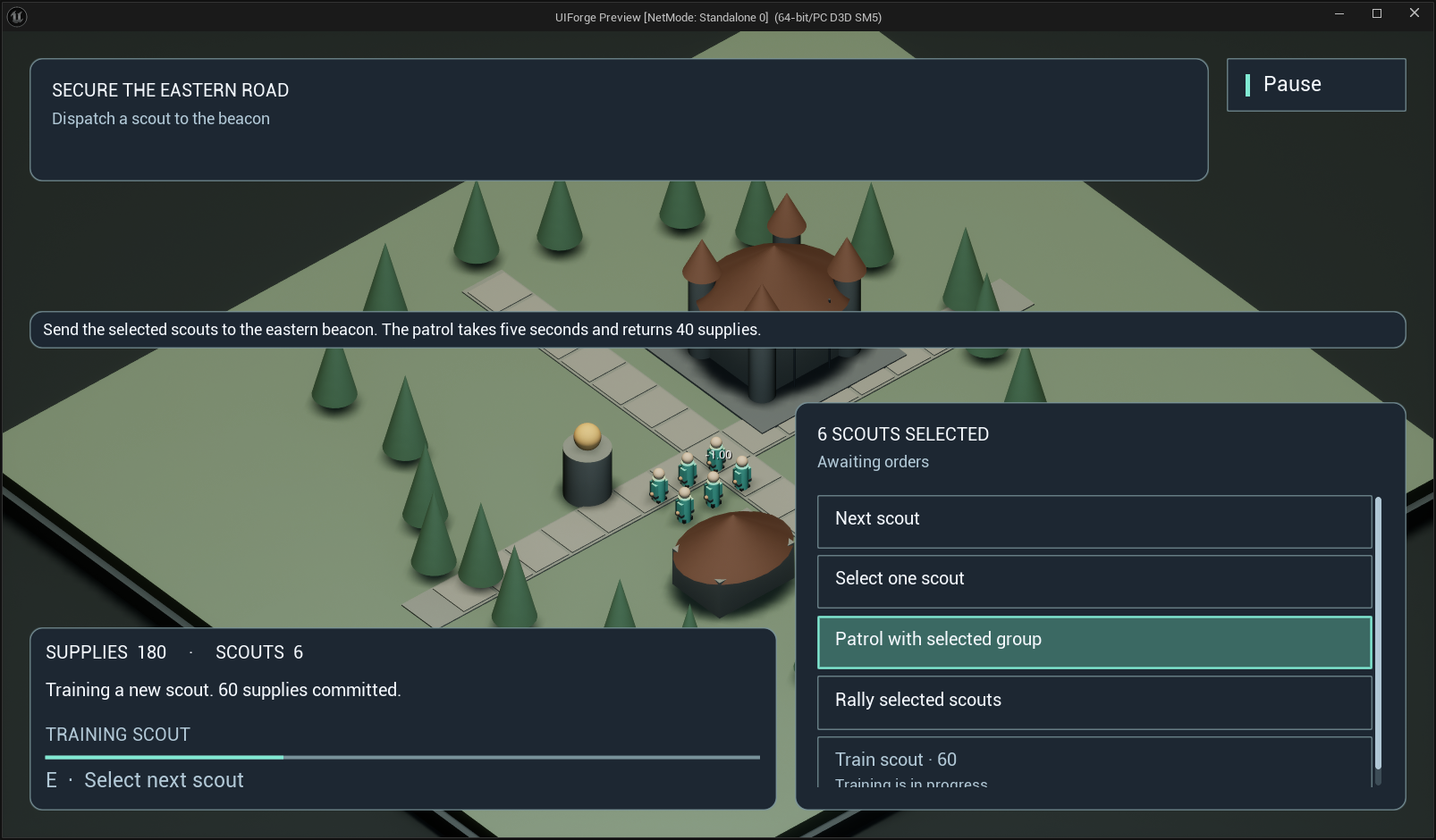
Open full-size image — Training queue and resource feedback after a real order.
Pause
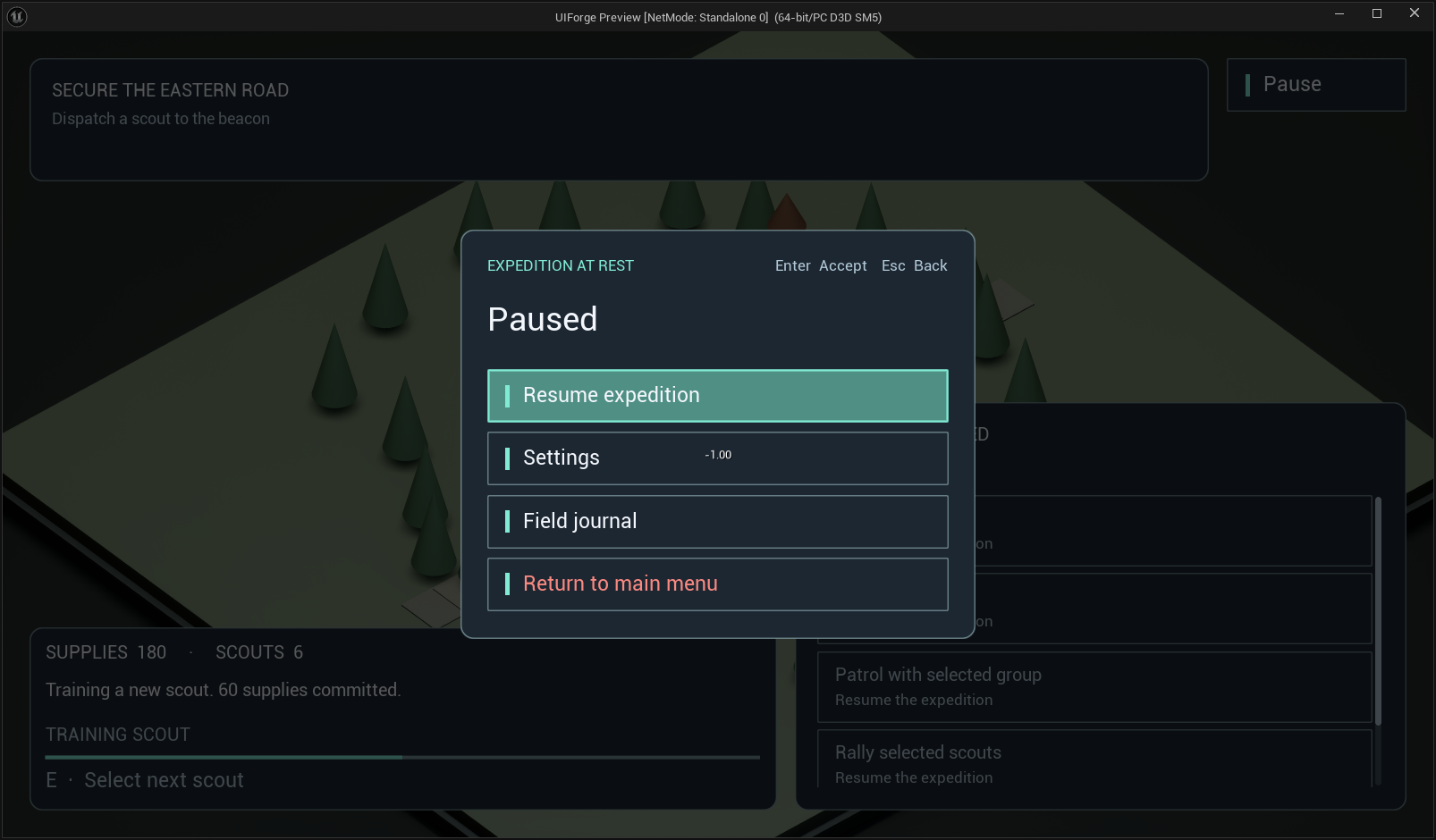
Open full-size image — Pause menu over the game scene.
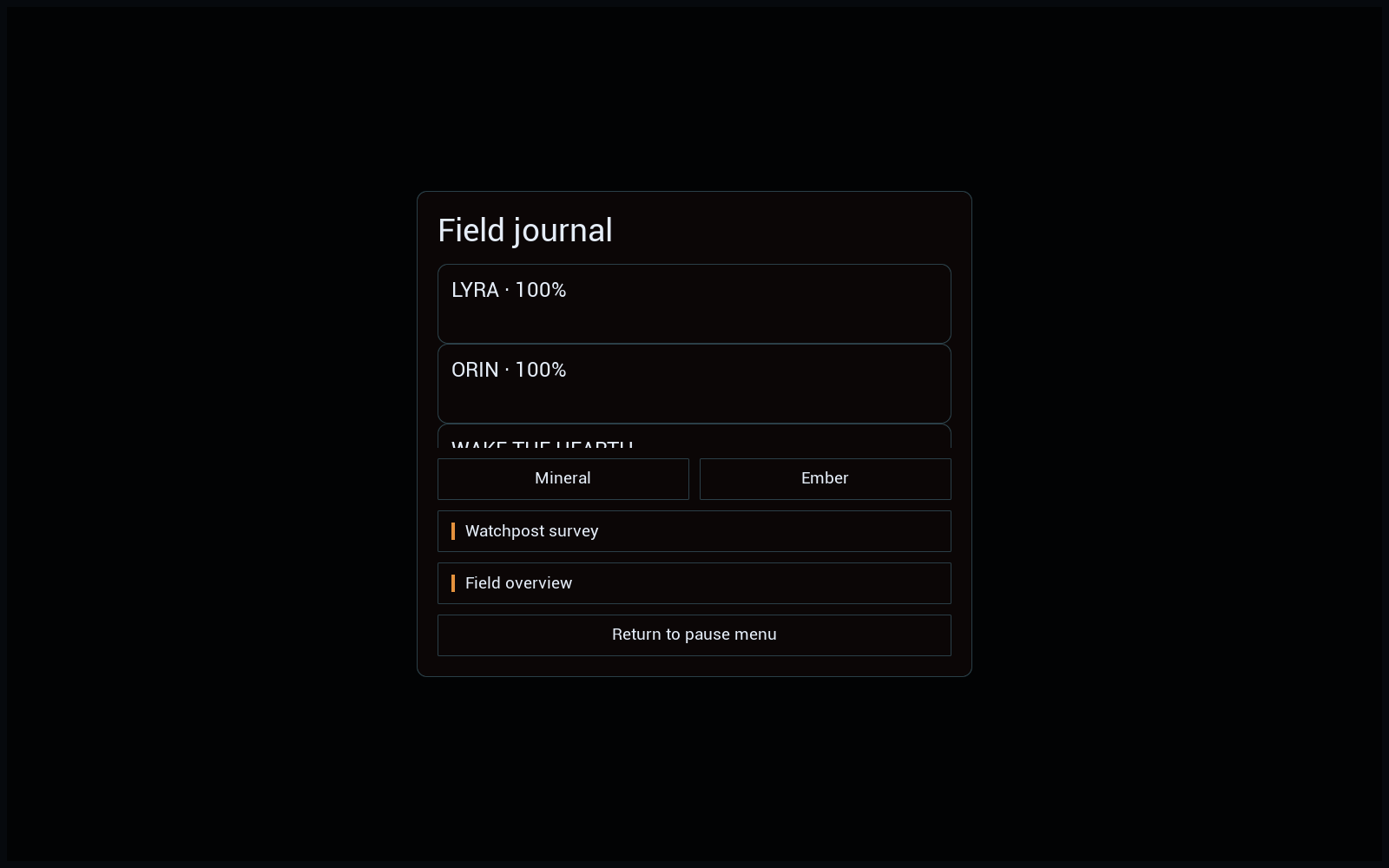
Journal
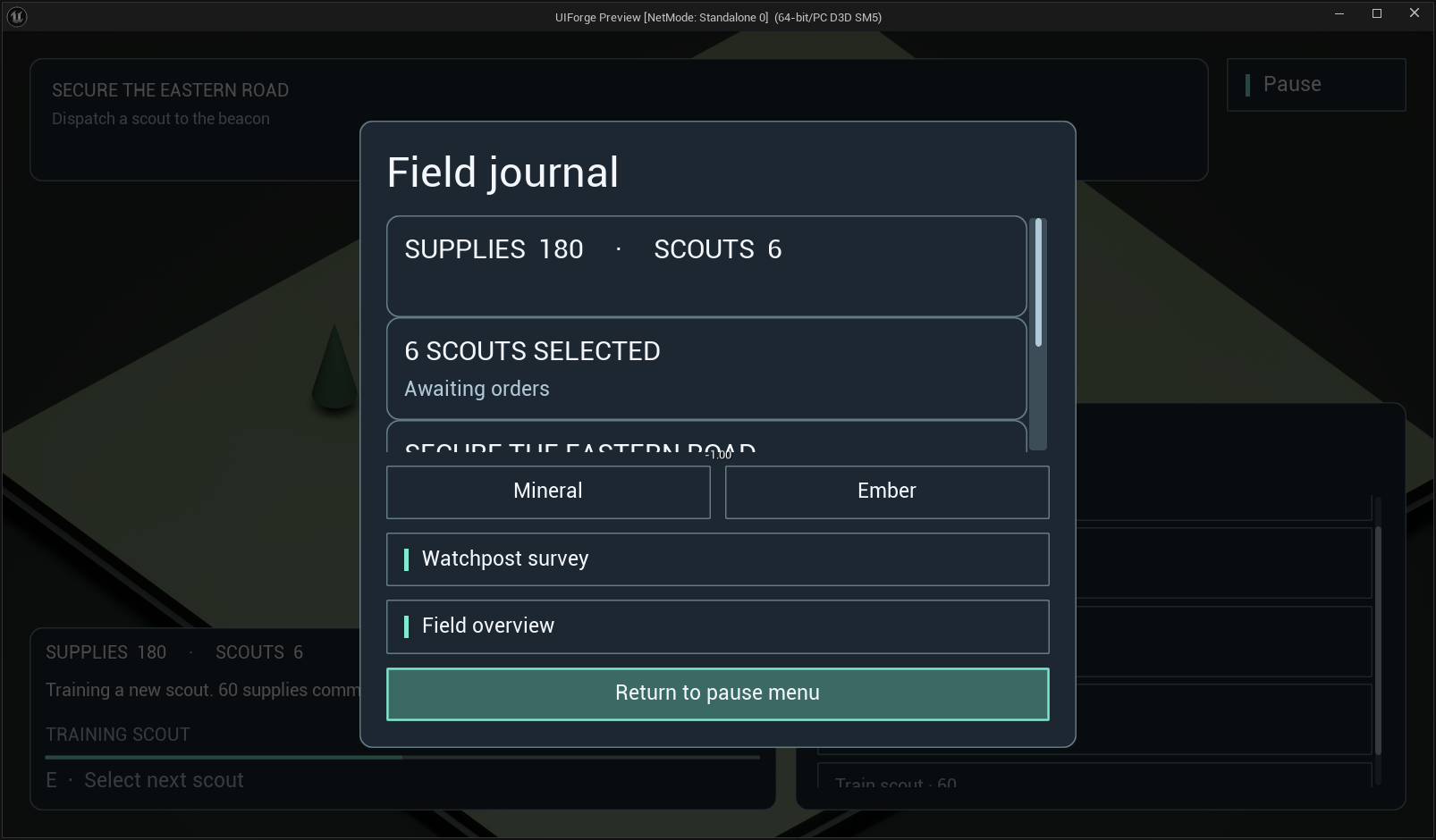
Open full-size image — Journal collection, theme choices, survey and card navigation.
Survey
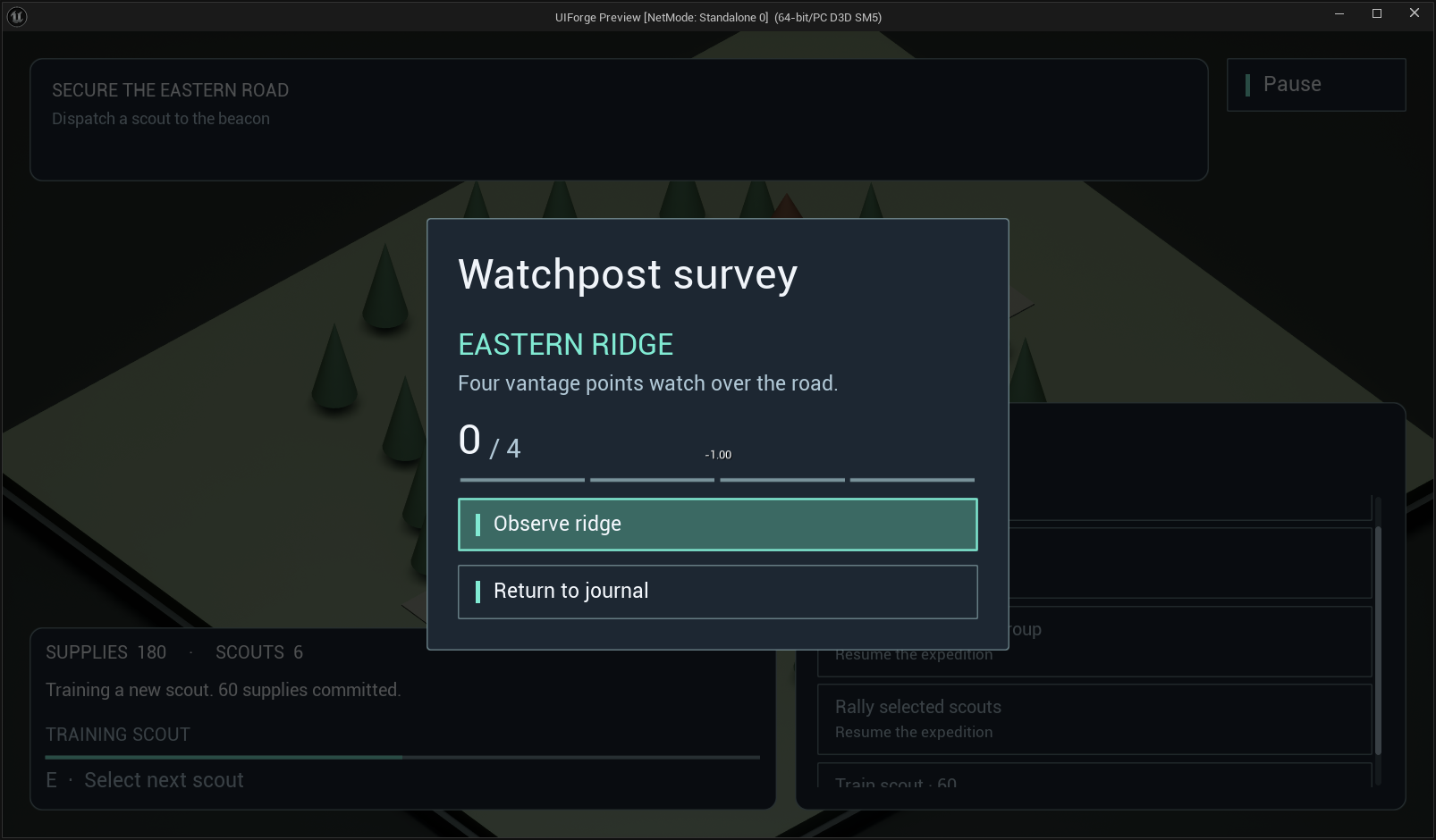
Open full-size image — Developer-created Blueprint screen and entry using a Blueprint data source.
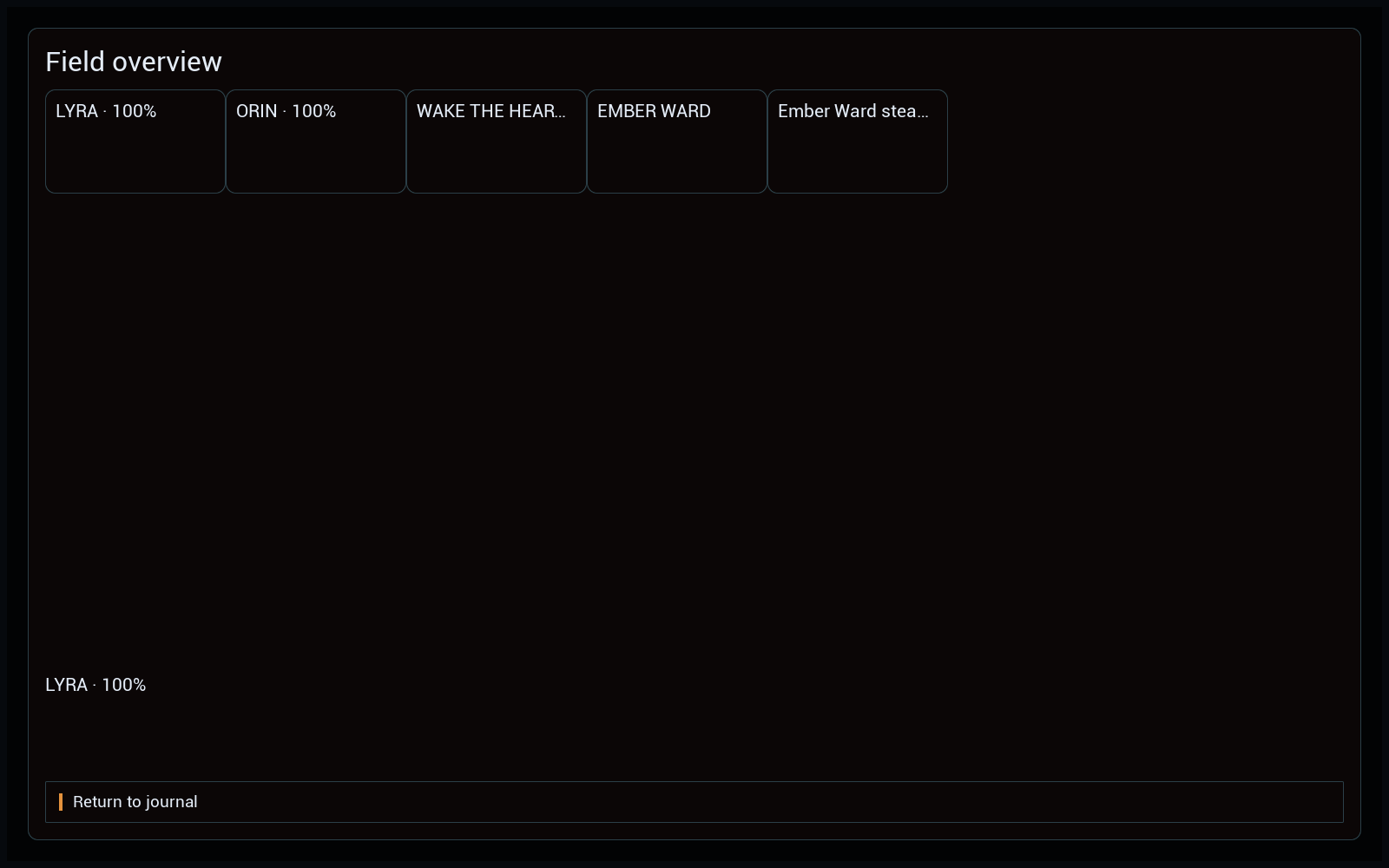
Cards
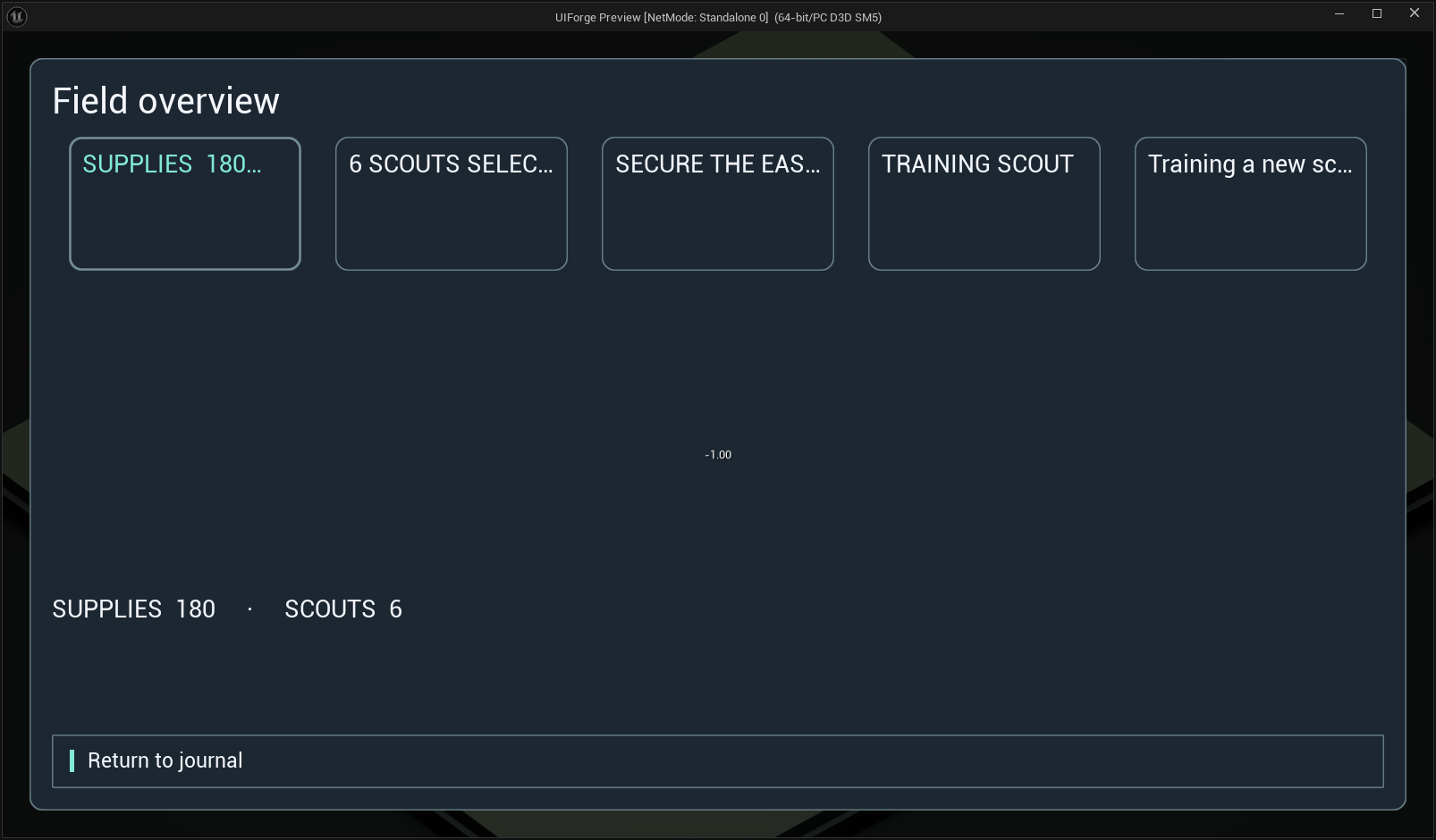
Open full-size image — Virtualized field-card grid with selection detail.
Confirmation
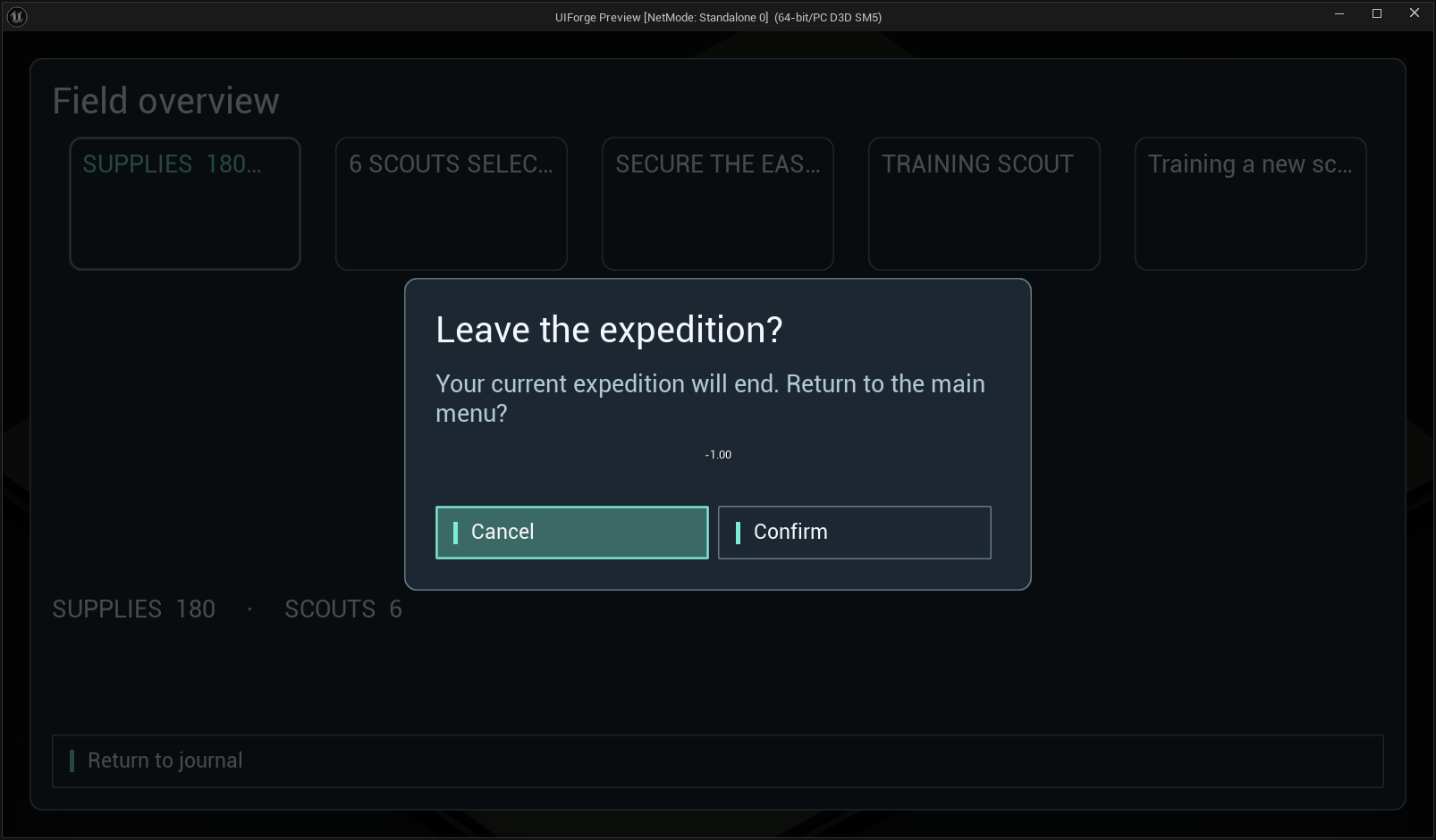
Open full-size image — Modal confirmation layered above a custom Blueprint screen.
Journal Ember
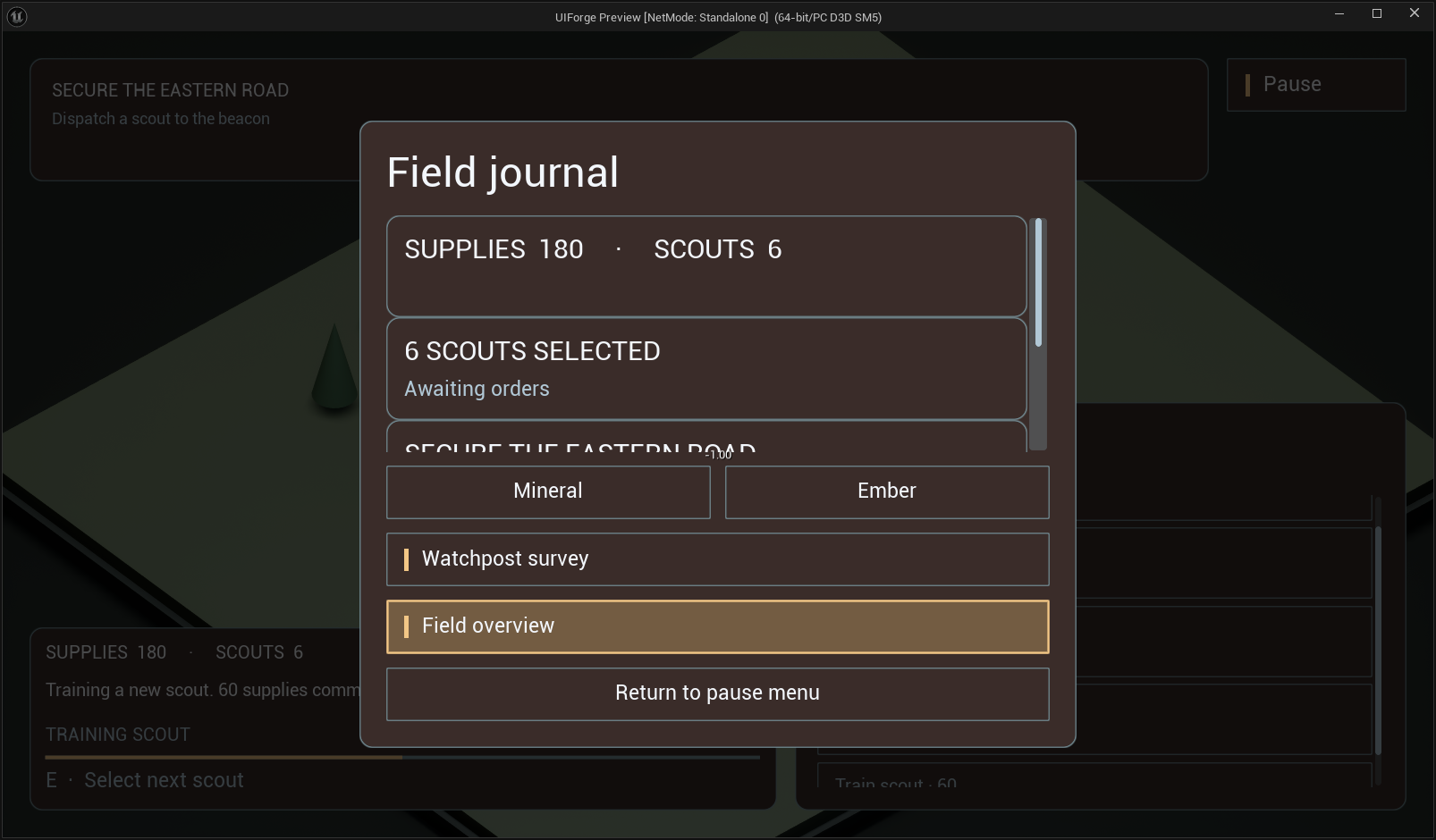
Open full-size image — Same journal with the alternate theme; no duplicated screen tree.
Running RPG example
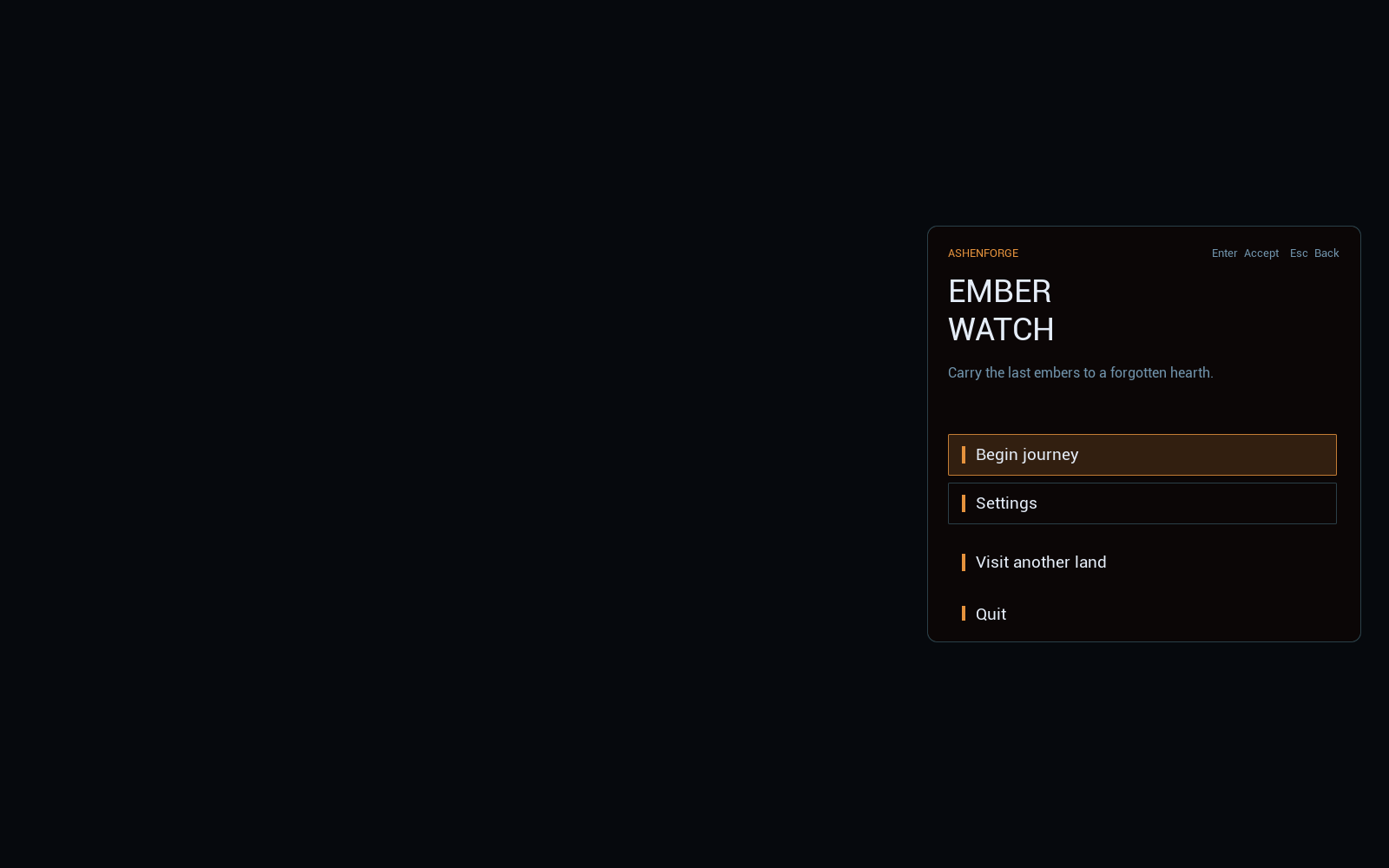
MainMenu
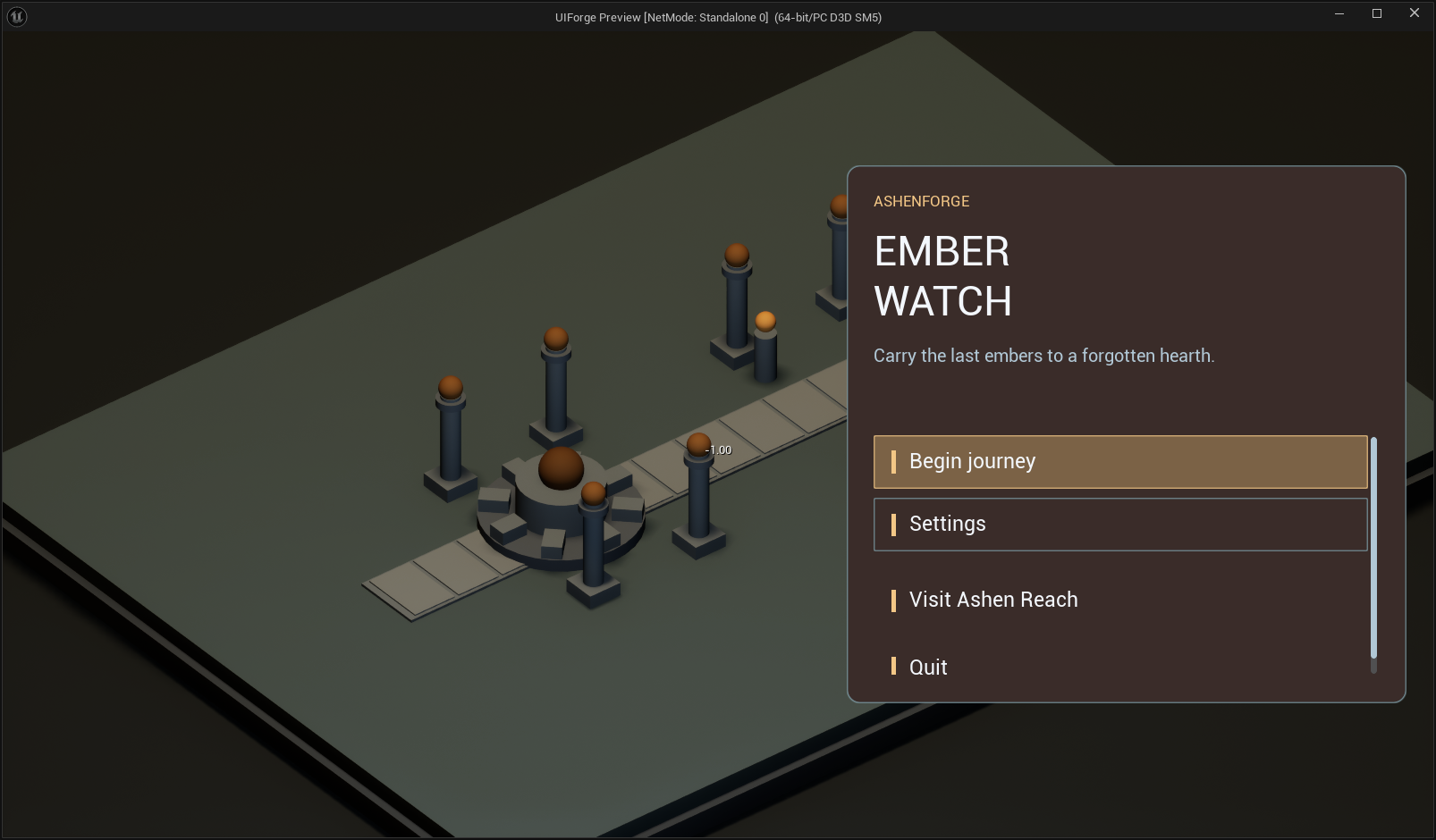
Open full-size image — Actual RPG menu over Emberwatch; shares menu widgets with a distinct theme and data source.
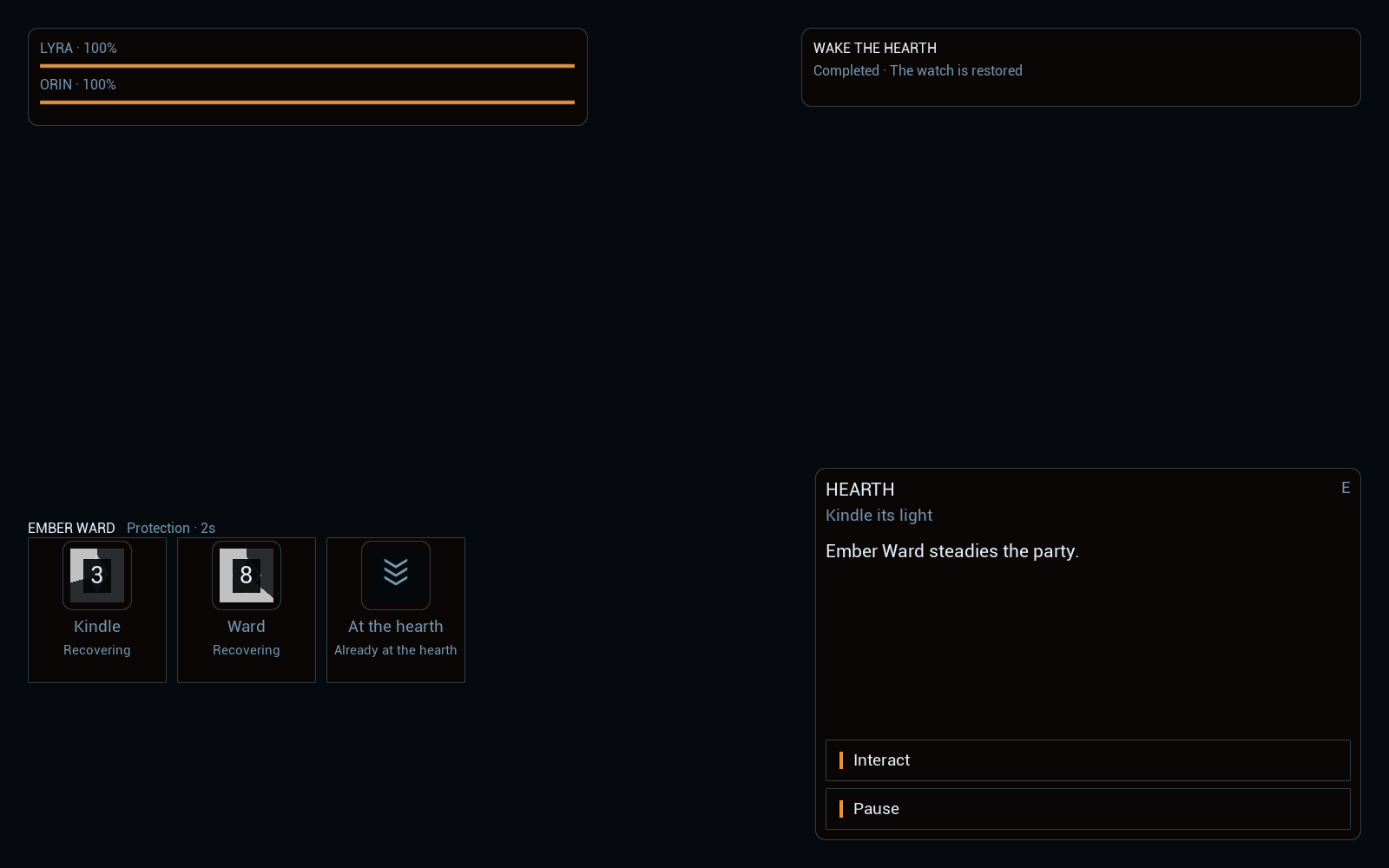
HUD
Open full-size image — Party status, quest, contextual interaction and three action entries.
KeeperDialog
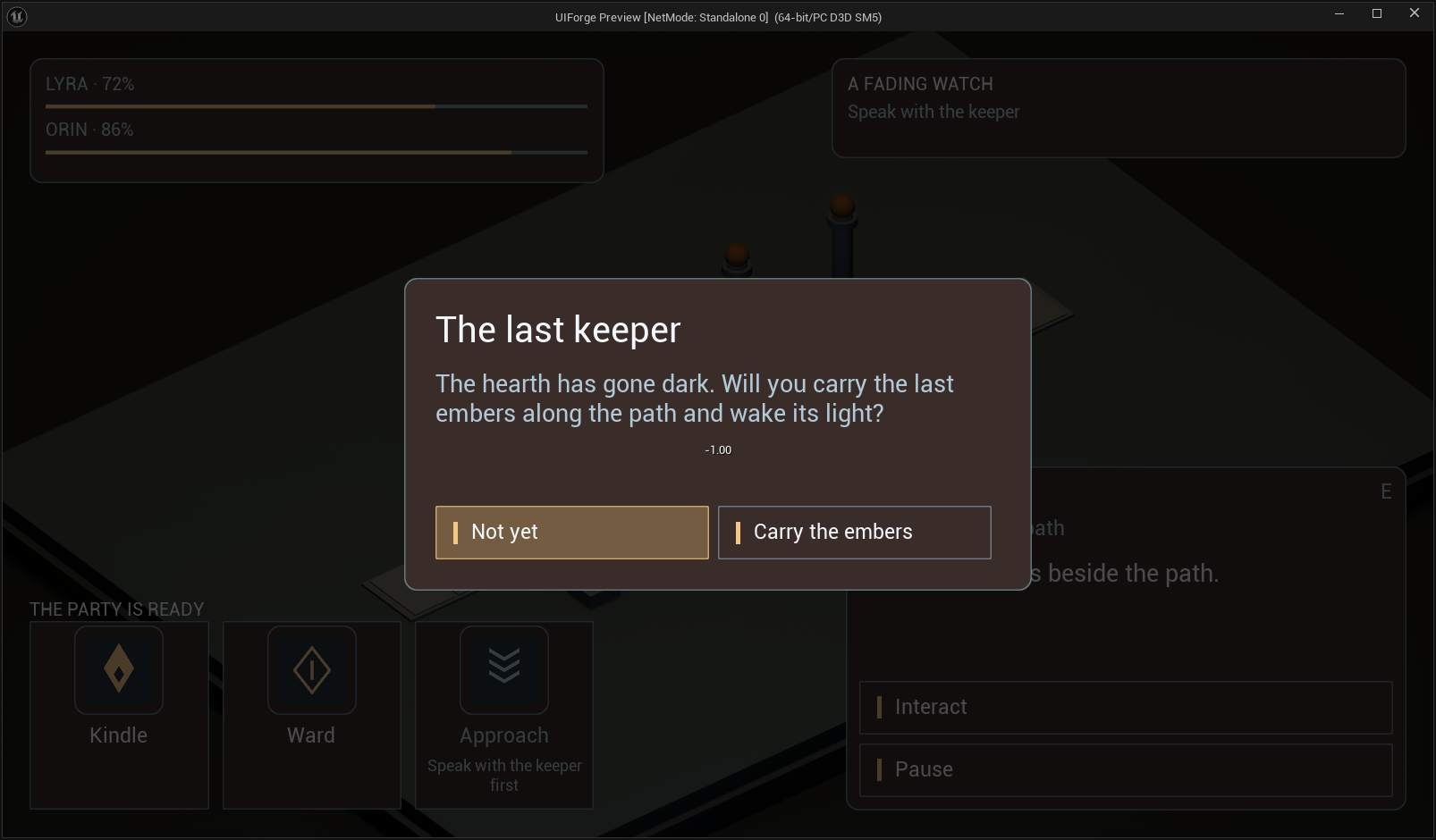
Open full-size image — Actual keeper interaction confirmation, before accepting the quest.
QuestAccepted
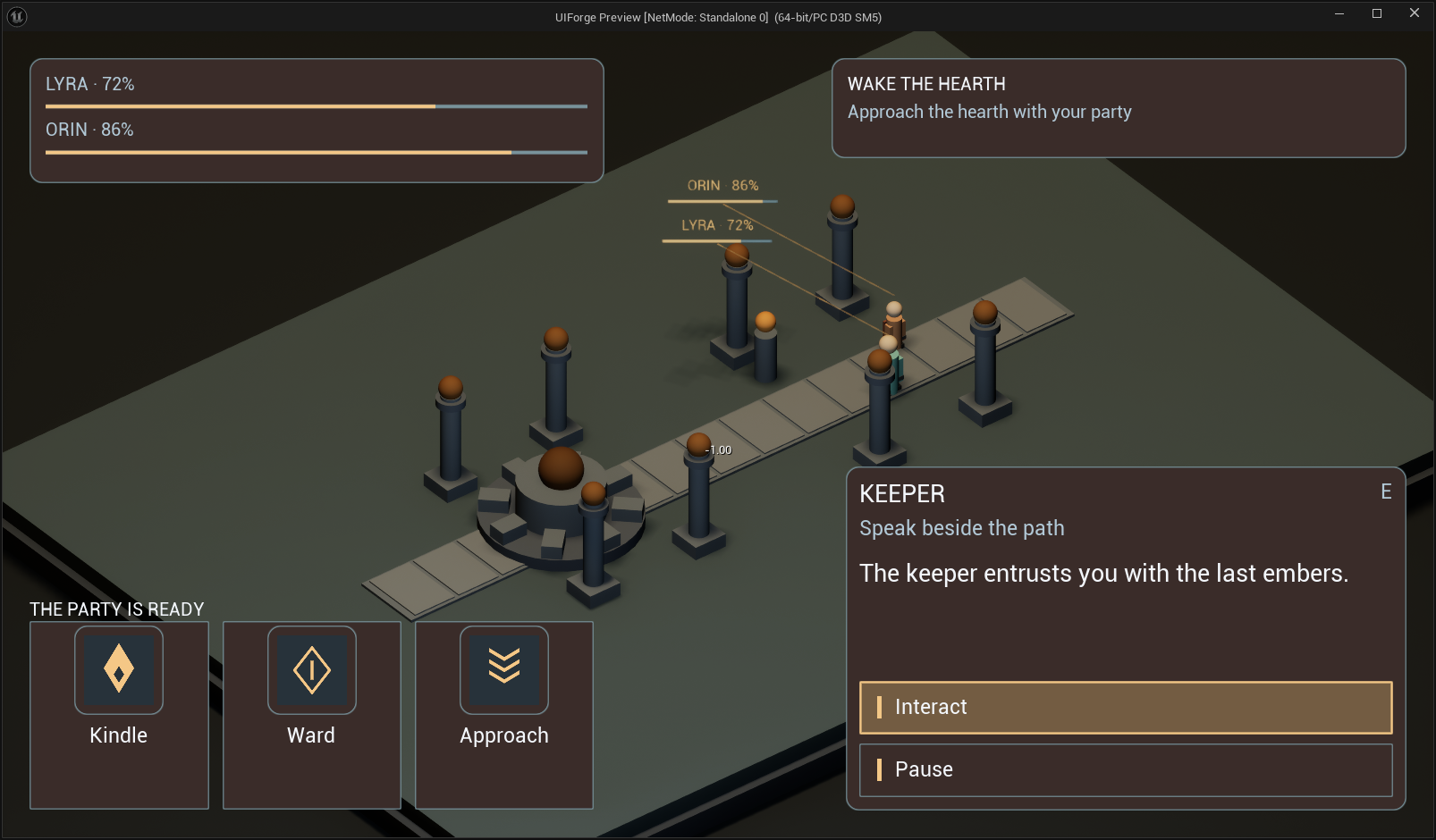
Open full-size image — Quest accepted; Approach becomes available.
Hearth
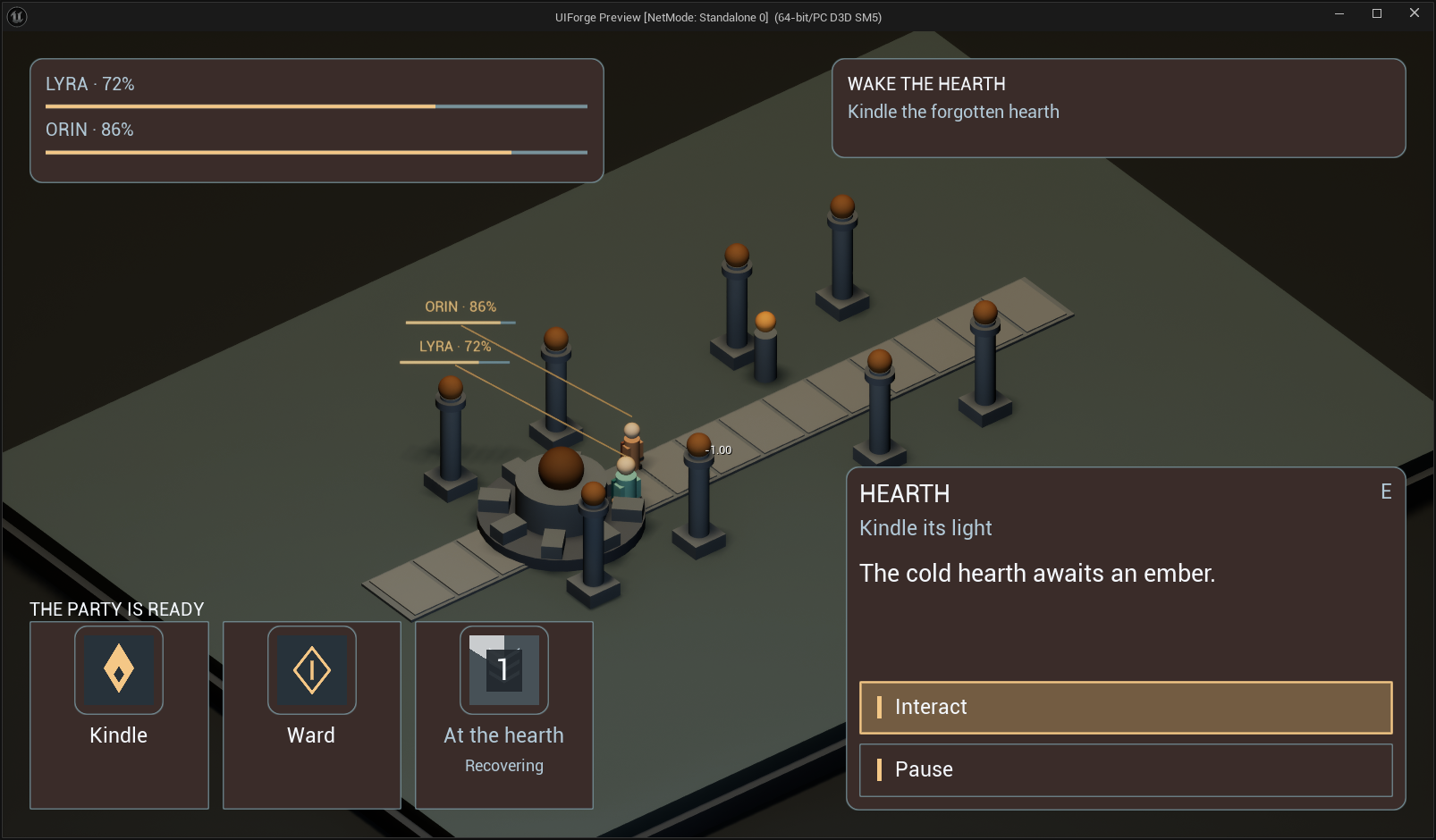
Open full-size image — Party at the hearth, with contextual status and actions.
Kindle Cooldown
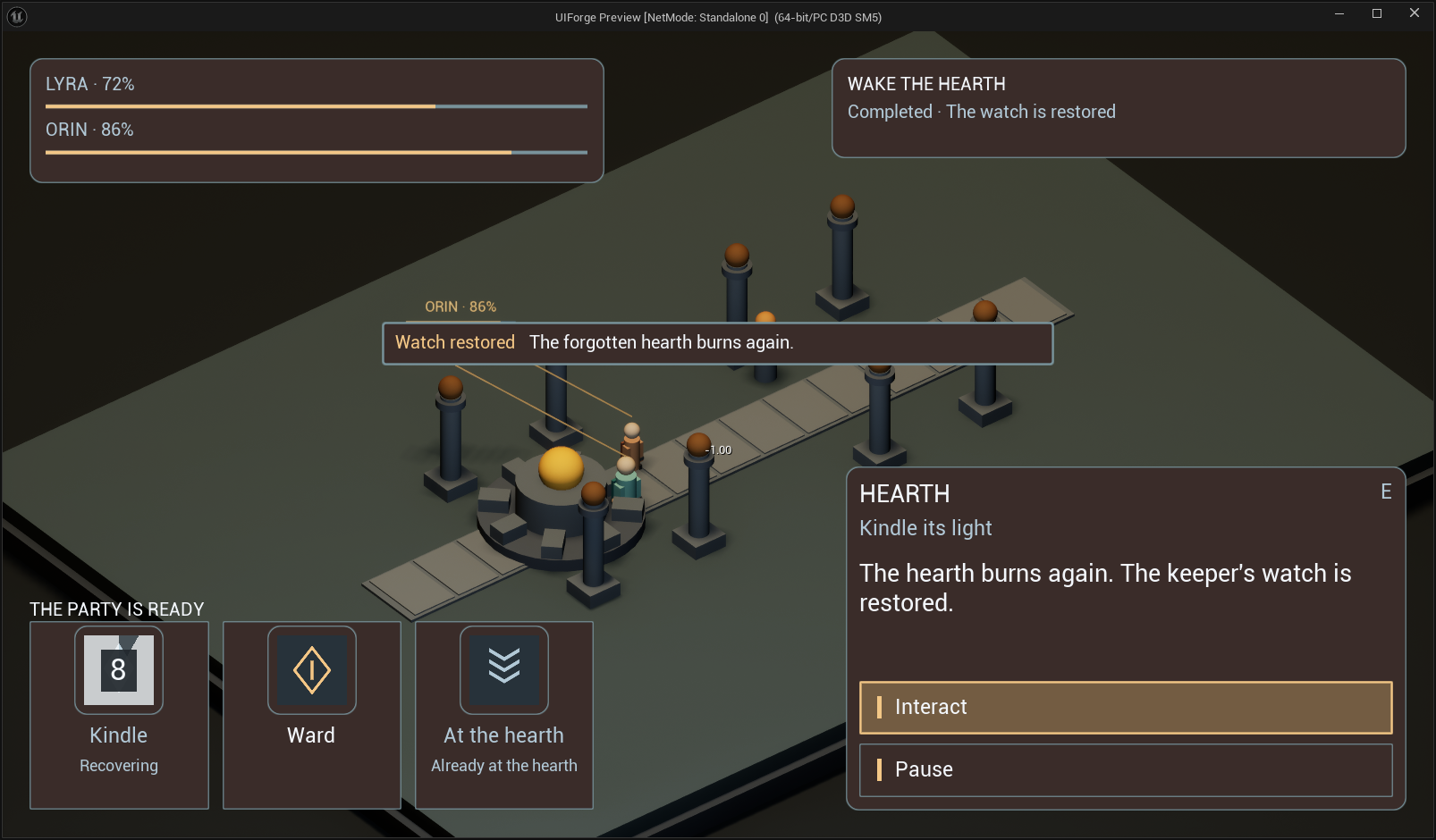
Open full-size image — Actual icon and center-origin tint during the Kindle cooldown.
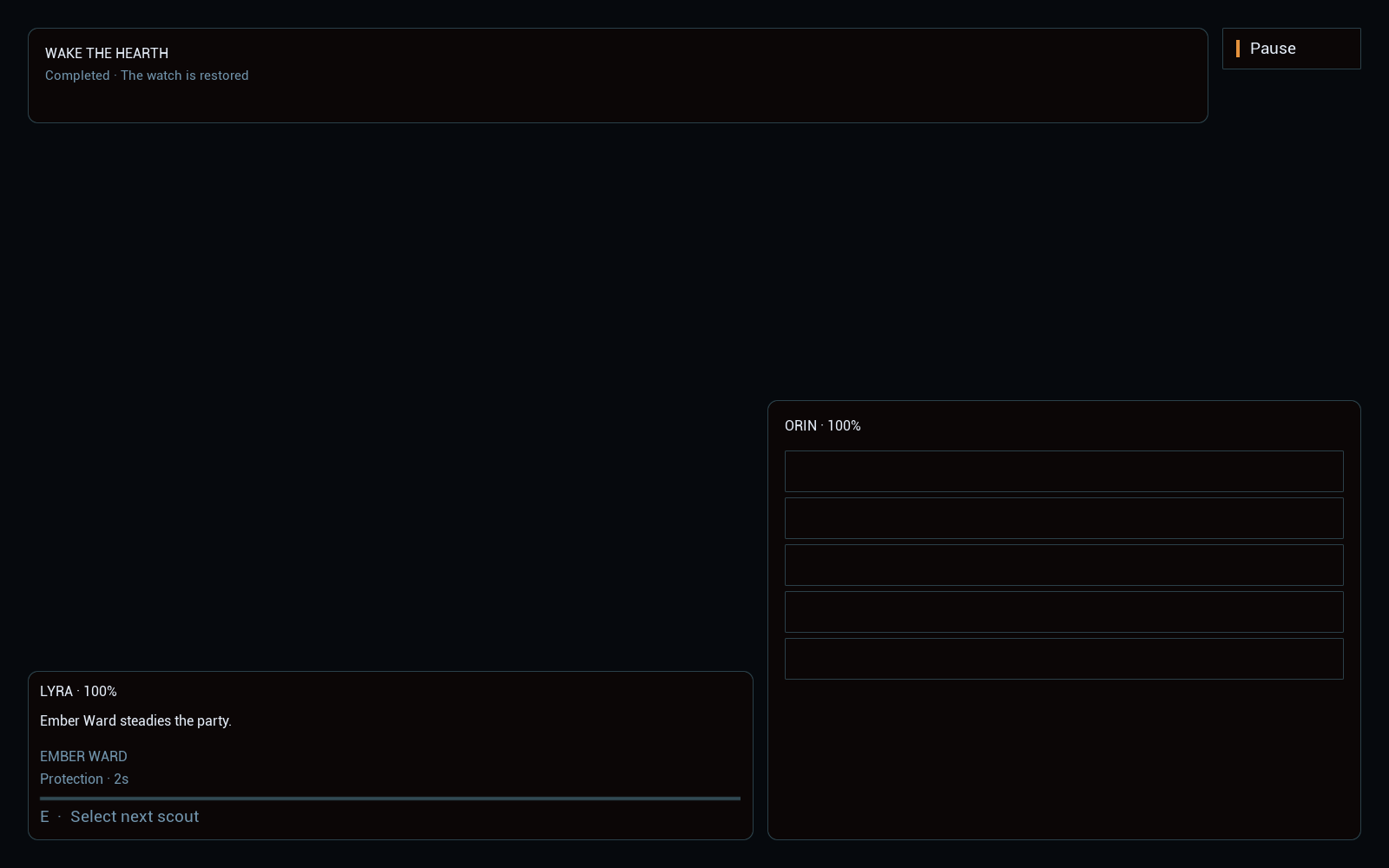
Ward Cooldown
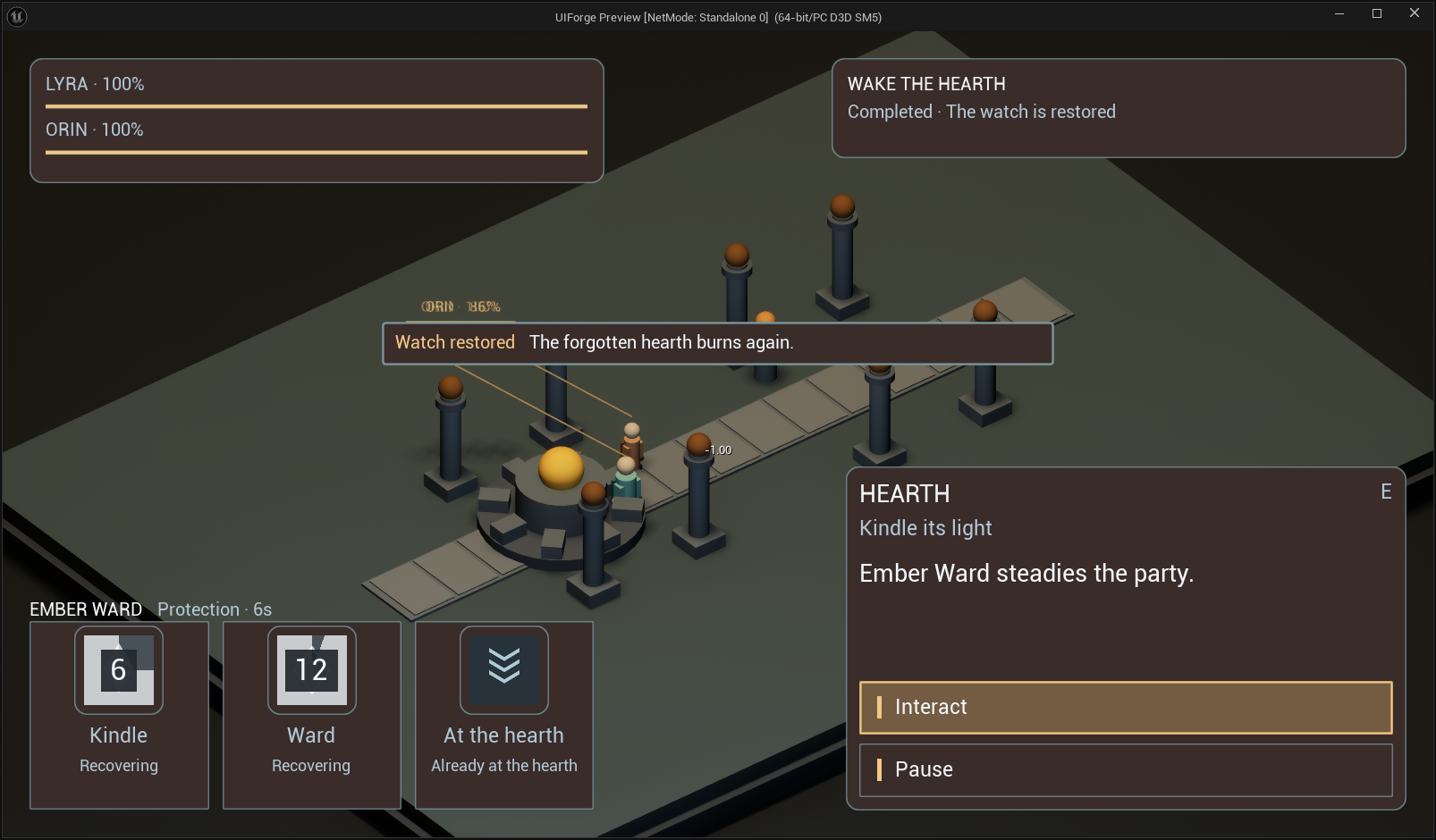
Open full-size image — Party restoration, notification and running Ward cooldown.
Ward MidCooldown
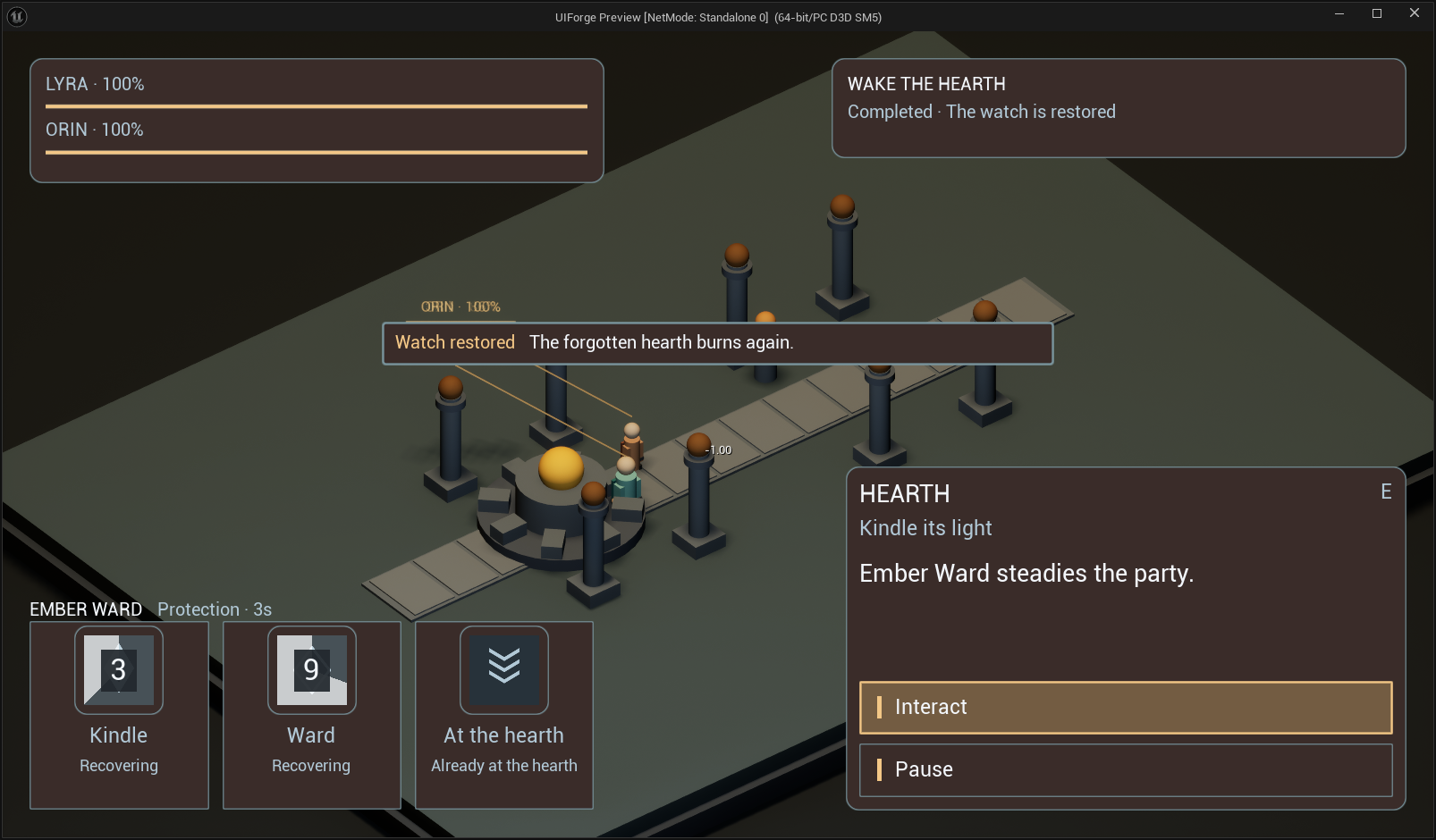
Open full-size image — Same cooldown at a later fraction; no replacement progress effect.
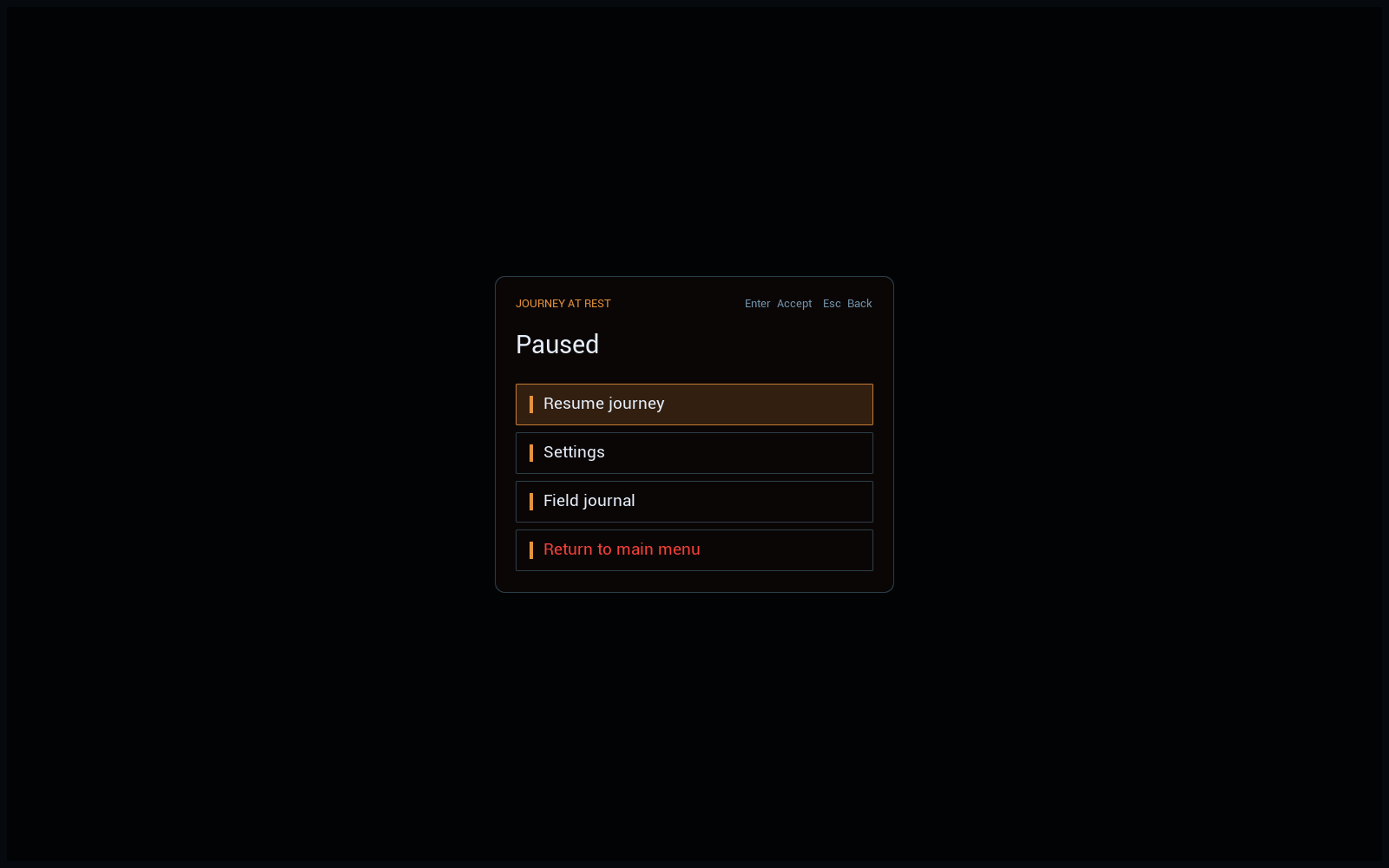
Pause
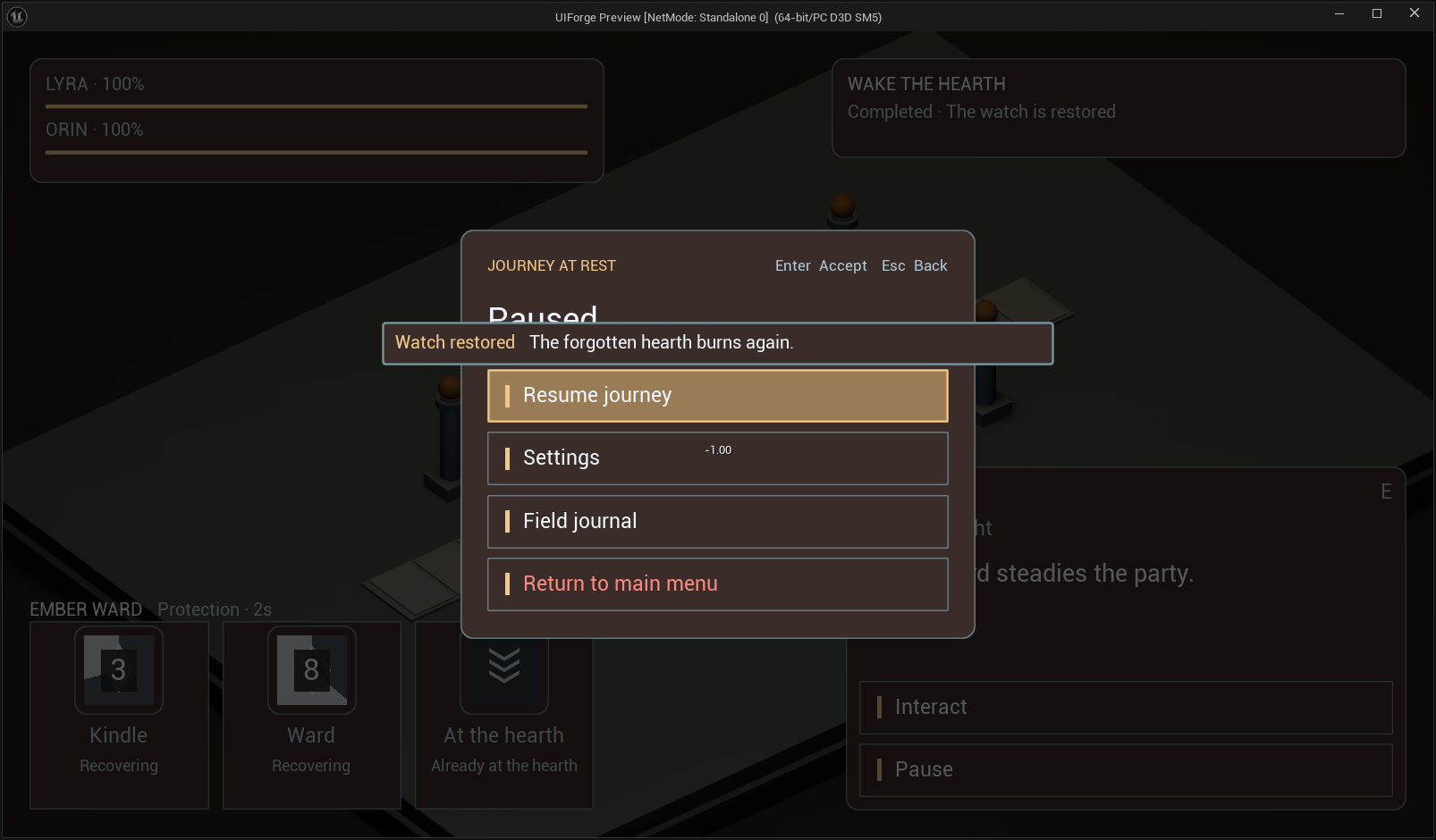
Open full-size image — Shared pause flow retaining RPG context.
ReturnDialog
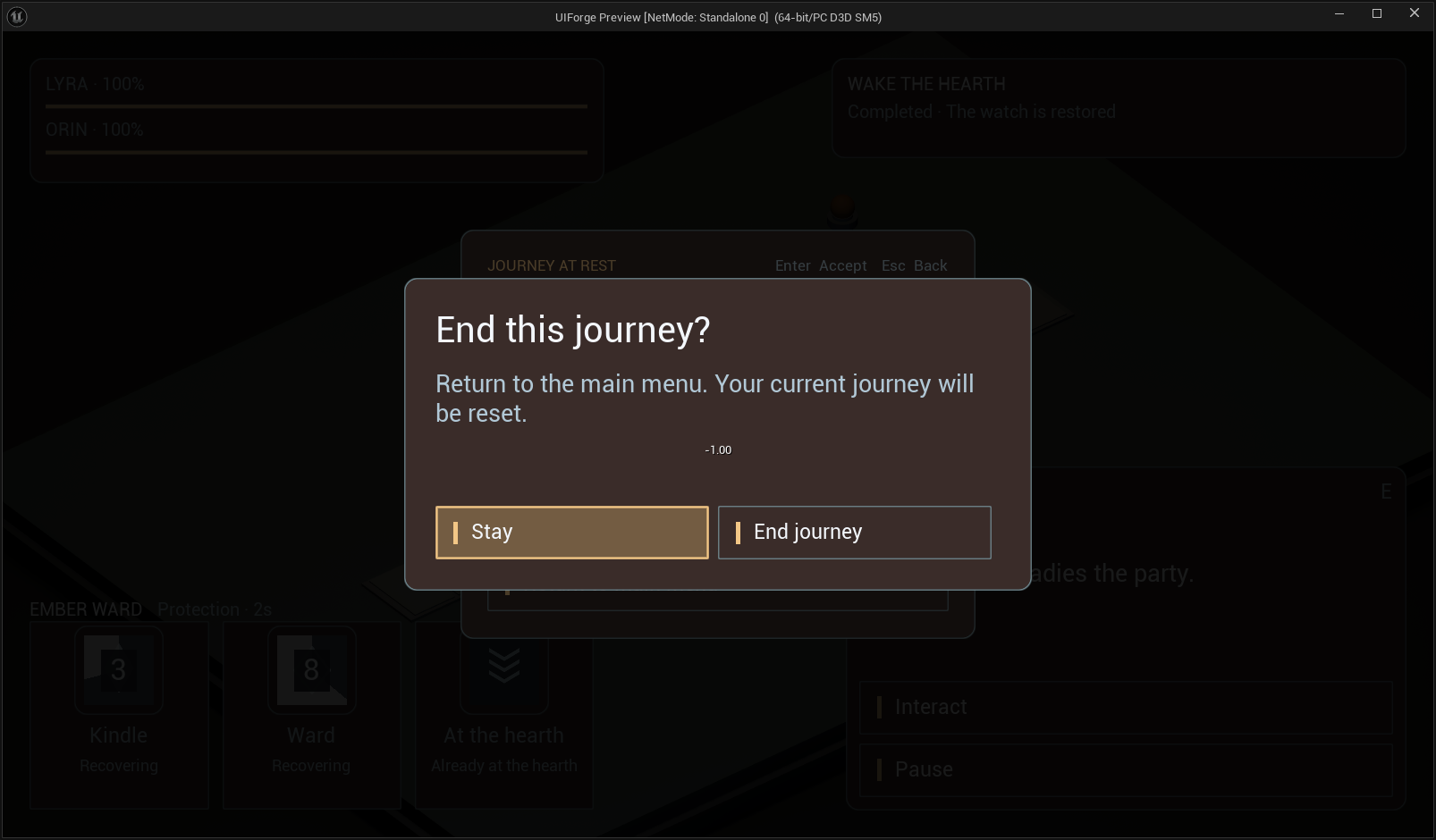
Open full-size image — Actual return-to-menu confirmation.
Optional example interface
These are the original optional Watchpost widgets. A documentation-only IFDataSource supplies the visible values; its commands do not implement entity/gameplay actions. The background is the owned UIForge outpost scene, not a claim that the original MassForge example world was executed.
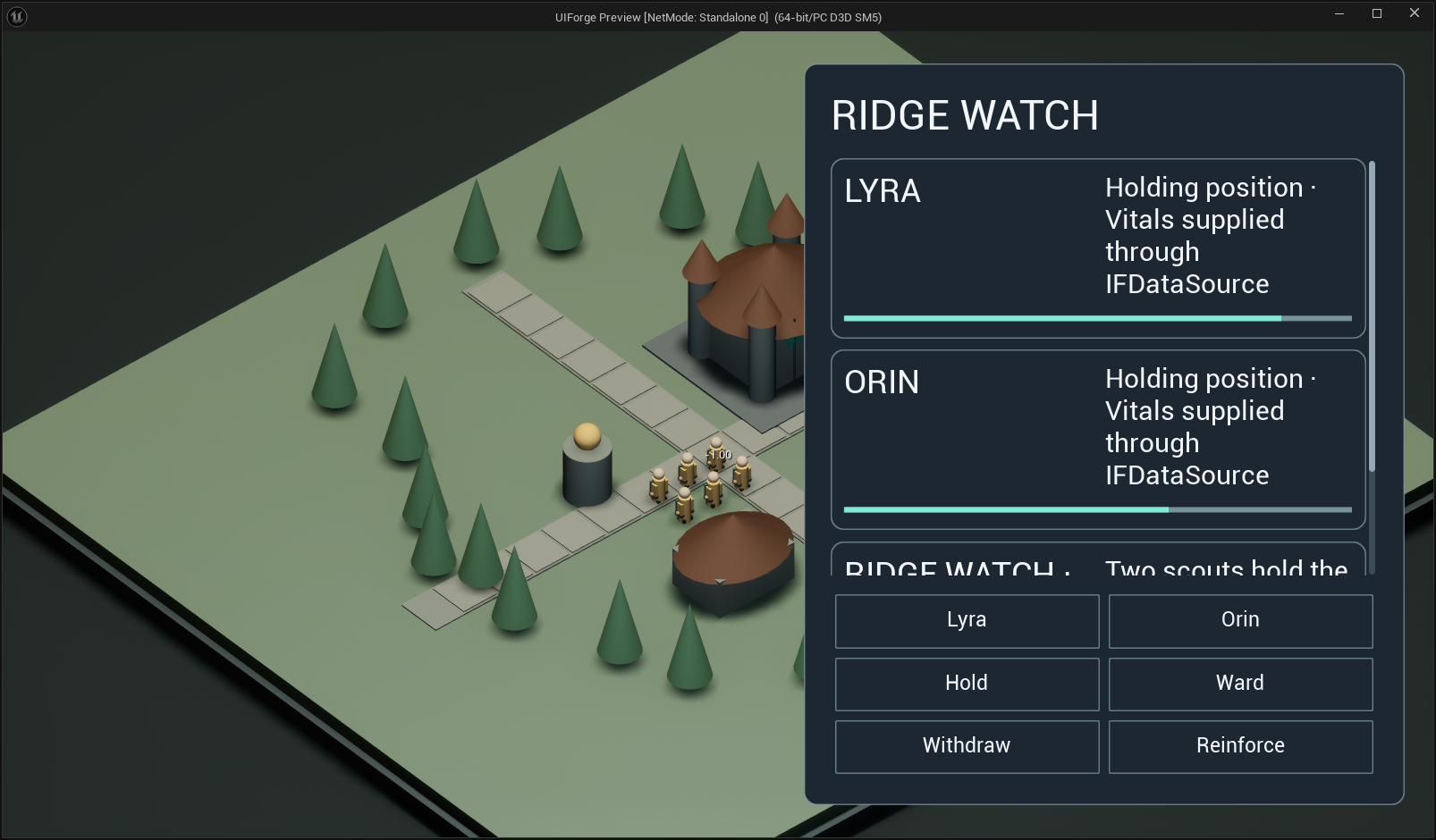
Every Widget Blueprint
Each entry has a rendered interface/complete-widget image and its actual Designer editor. Isolated entry data is deliberately visible in the captions. The folder/code document lists the complete Designer hierarchy and every saved graph node.
WBP_AshenControls
/Game/UI/Blueprint/WBP_AshenControls.WBP_AshenControls → IFScreen · screen.
Open full-size image — Live composed interface.
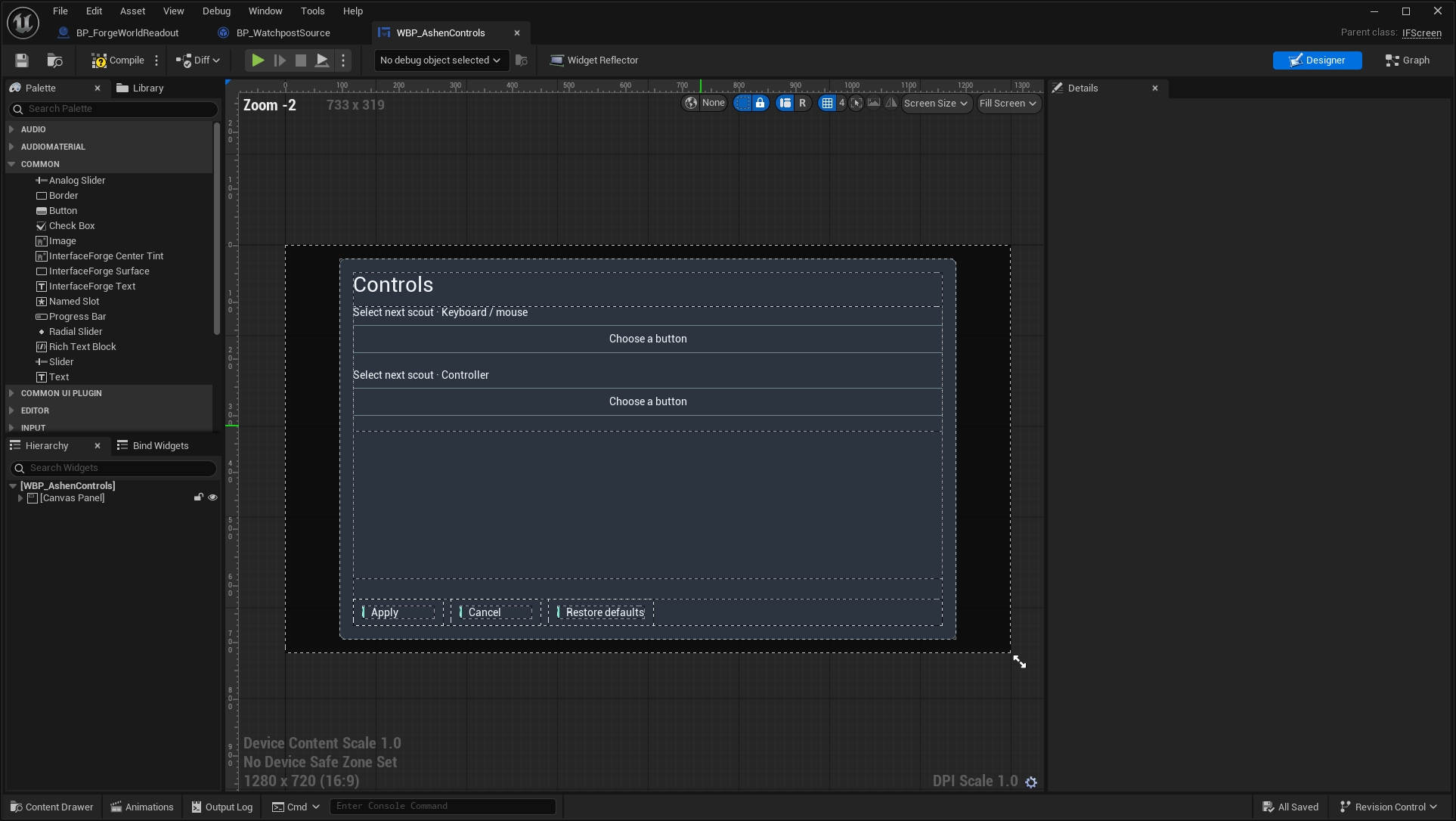
Open full-size image — Actual asset editor; design-time values can differ from runtime bindings.
WBP_AshenMainMenu
/Game/UI/Blueprint/WBP_AshenMainMenu.WBP_AshenMainMenu → IFScreen · screen.
Open full-size image — Live composed interface.
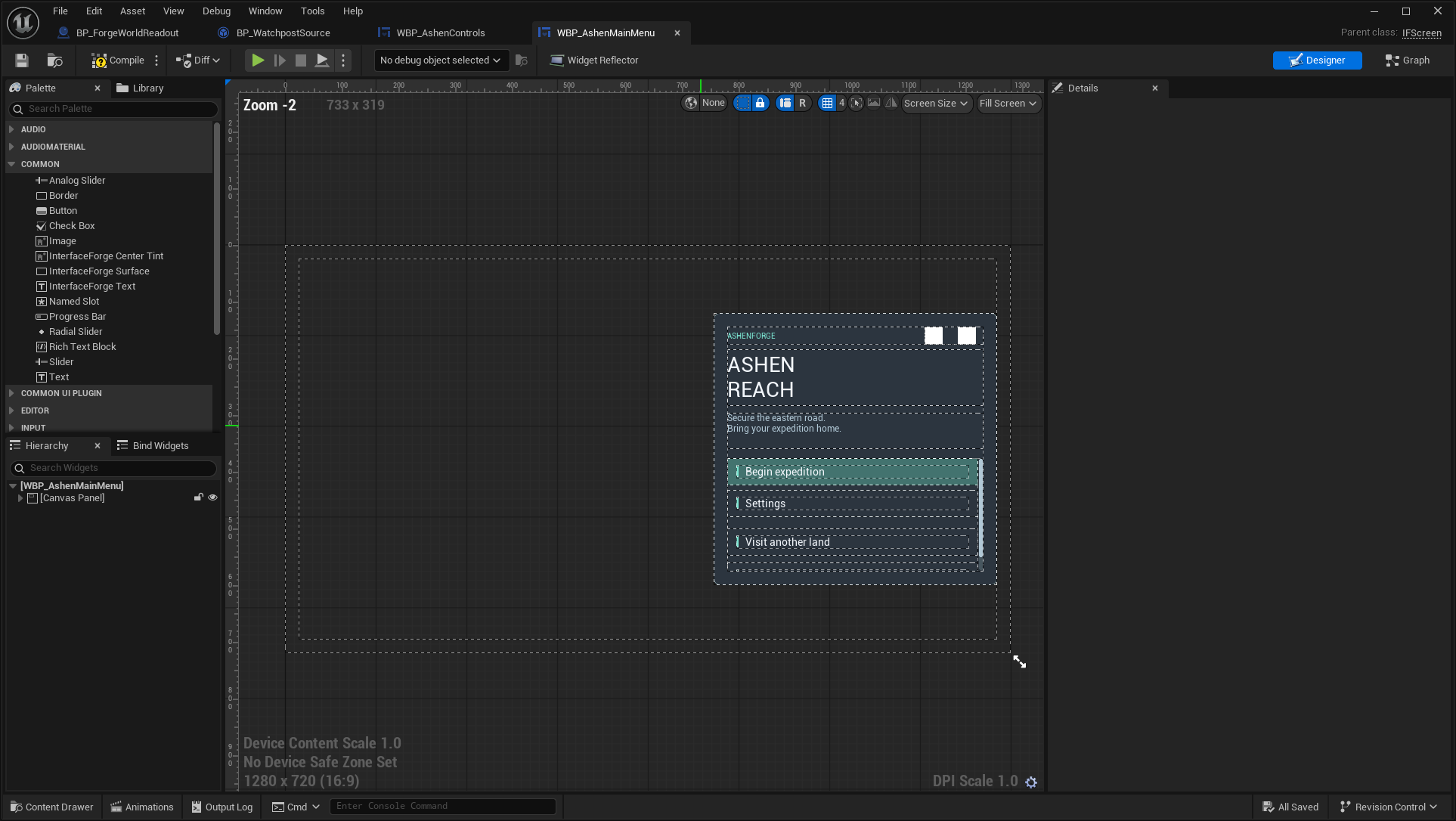
Open full-size image — Actual asset editor; design-time values can differ from runtime bindings.
WBP_AshenPause
/Game/UI/Blueprint/WBP_AshenPause.WBP_AshenPause → IFScreen · screen.
Open full-size image — Live composed interface.
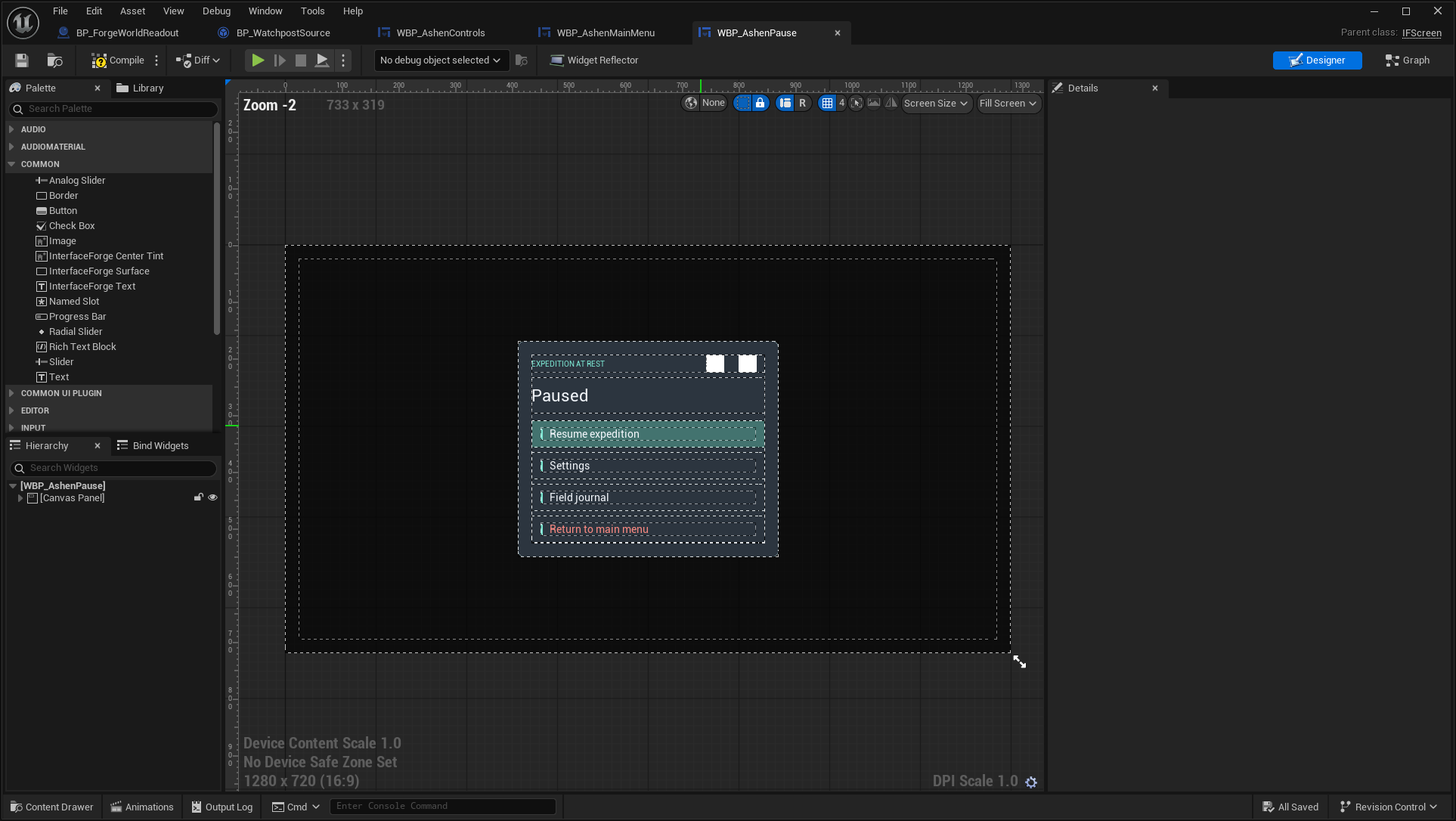
Open full-size image — Actual asset editor; design-time values can differ from runtime bindings.
WBP_AshenRTSHUD
/Game/UI/Blueprint/WBP_AshenRTSHUD.WBP_AshenRTSHUD → IFScreen · screen.
Open full-size image — Live composed interface.
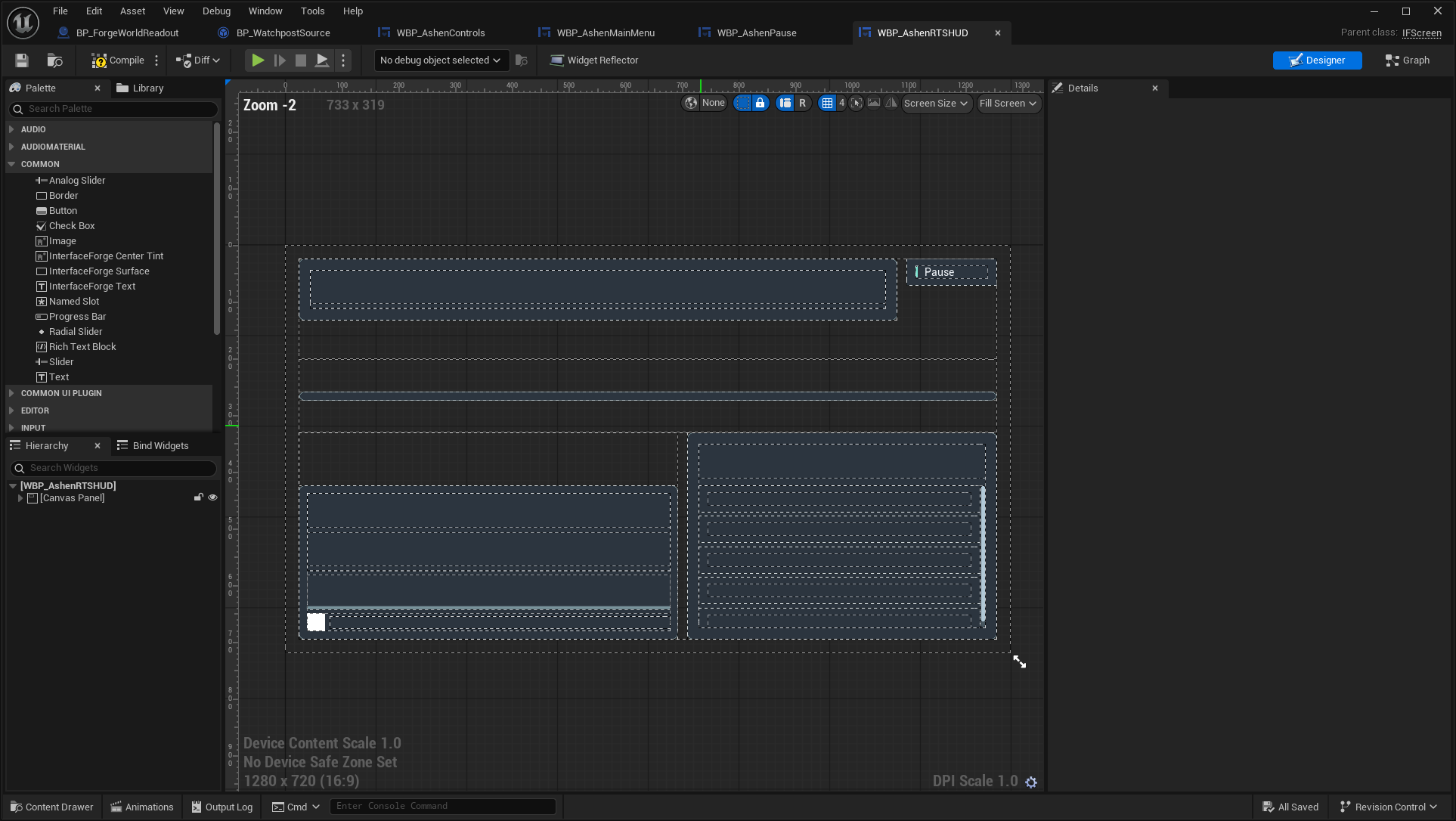
Open full-size image — Actual asset editor; design-time values can differ from runtime bindings.
WBP_AshenSettings
/Game/UI/Blueprint/WBP_AshenSettings.WBP_AshenSettings → IFScreen · screen.
Open full-size image — Live composed interface.
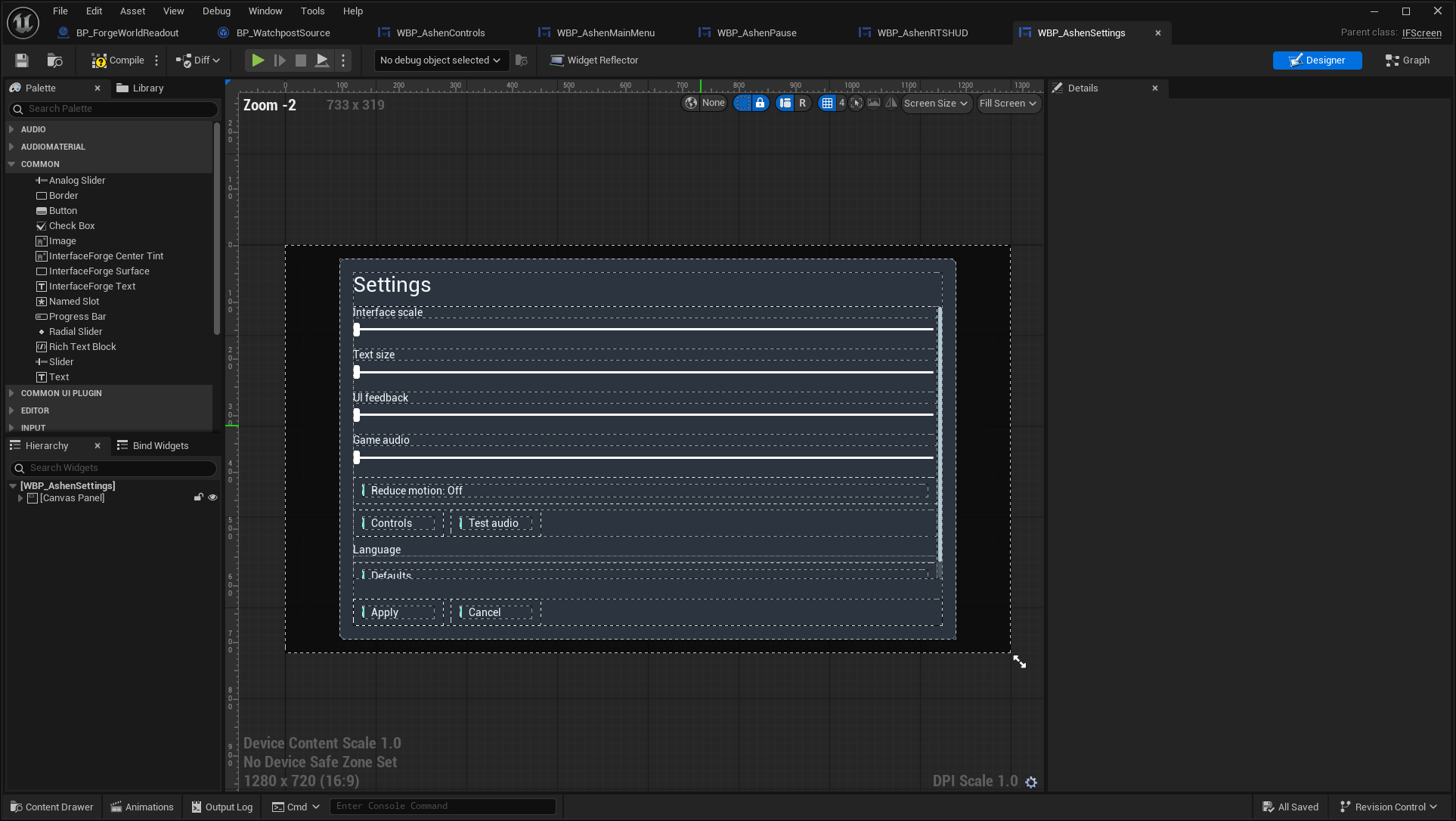
Open full-size image — Actual asset editor; design-time values can differ from runtime bindings.
WBP_EmberAction
/Game/UI/Blueprint/WBP_EmberAction.WBP_EmberAction → IFEntryWidget · entry.
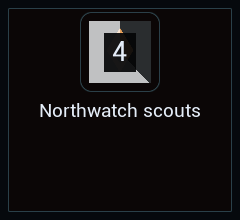
Open full-size image — Isolated saved widget; entries use explicit sample presentation data. Layout previews do not replace the live-window images above.
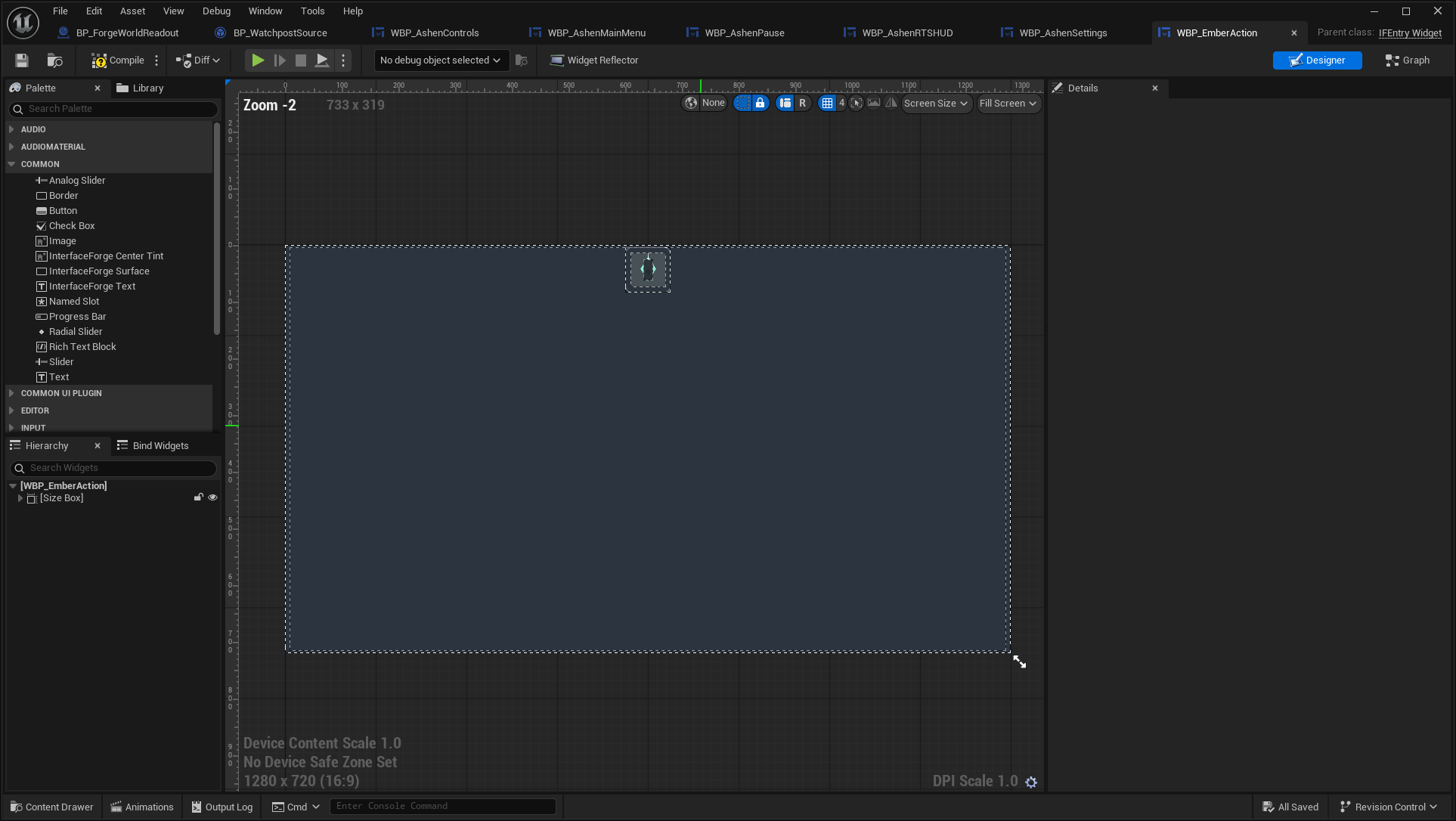
Open full-size image — Actual asset editor; design-time values can differ from runtime bindings.
WBP_EmberActionButton
/Game/UI/Blueprint/WBP_EmberActionButton.WBP_EmberActionButton → IFButton · button.
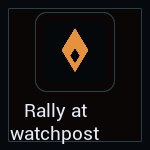
Open full-size image — Isolated saved widget; entries use explicit sample presentation data. Layout previews do not replace the live-window images above.
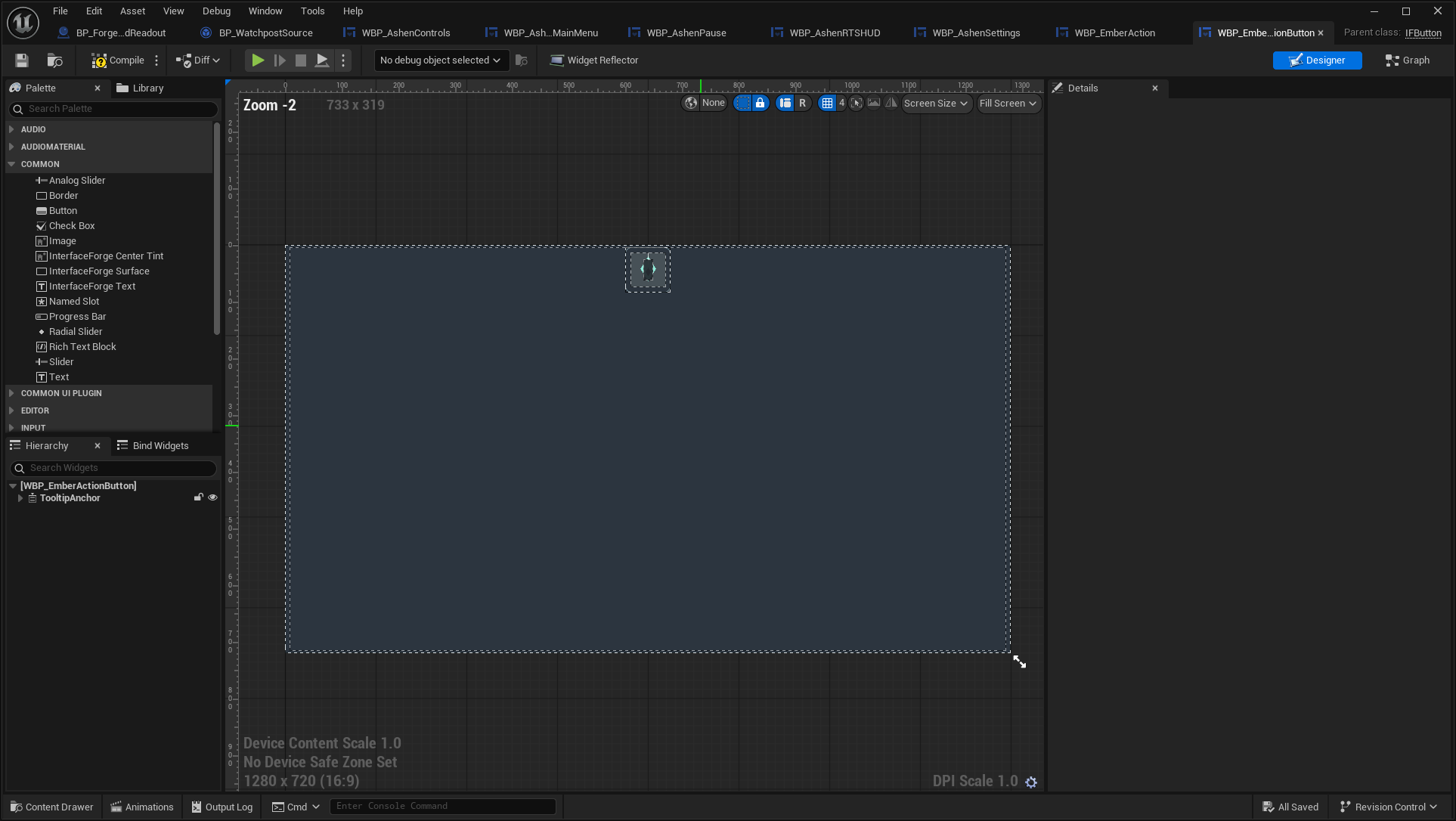
Open full-size image — Actual asset editor; design-time values can differ from runtime bindings.
WBP_EmberRPGHUD
/Game/UI/Blueprint/WBP_EmberRPGHUD.WBP_EmberRPGHUD → IFScreen · screen.
Open full-size image — Live composed interface.
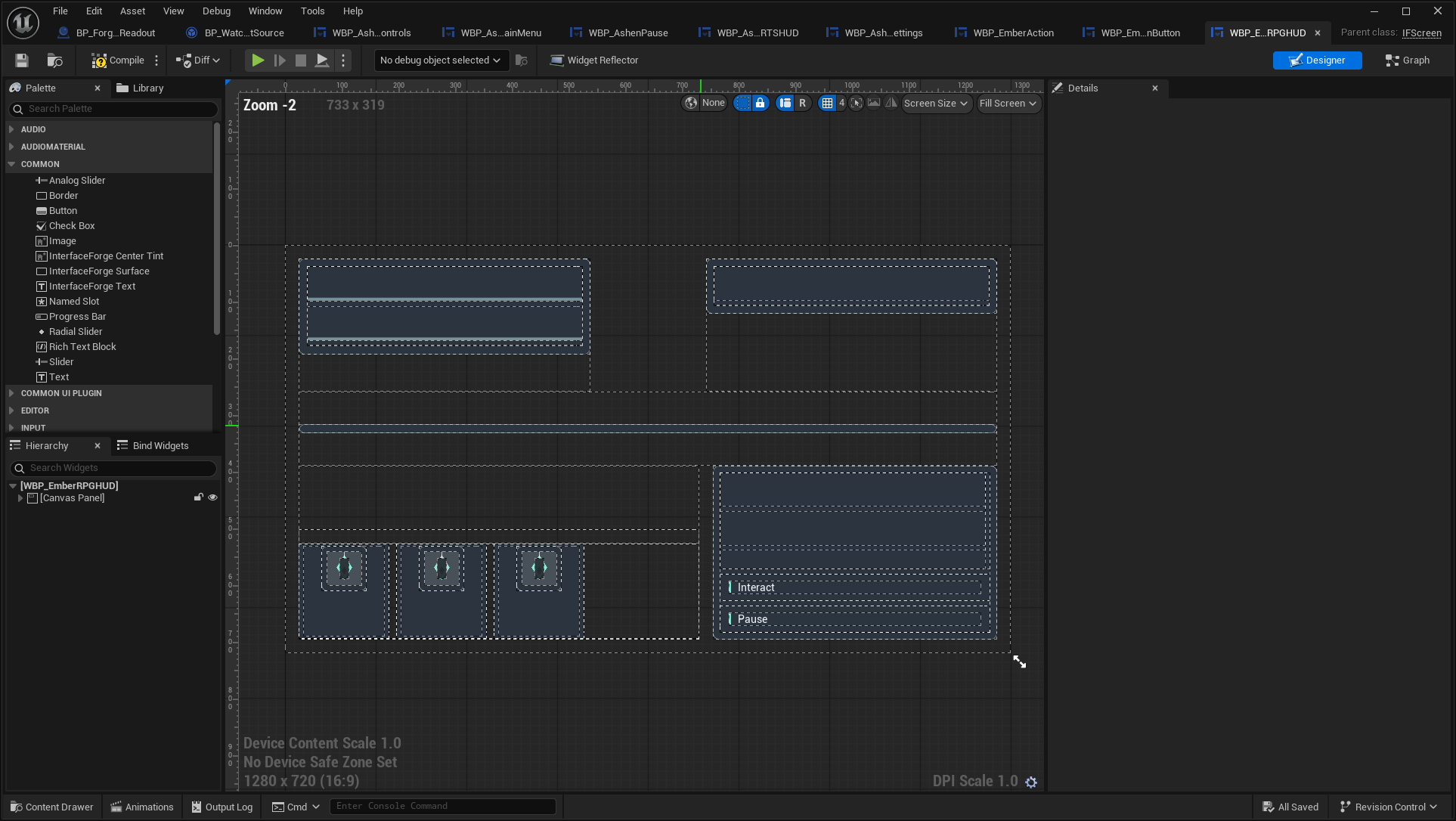
Open full-size image — Actual asset editor; design-time values can differ from runtime bindings.
WBP_EmberRoot
/Game/UI/Blueprint/WBP_EmberRoot.WBP_EmberRoot → IFRootLayout · root. RPG root composition. A root is a layer container, not a separate menu.
Open full-size image — Live composed interface.
Open full-size image — Actual asset editor; design-time values can differ from runtime bindings.
WBP_FieldCard
/Game/UI/Blueprint/WBP_FieldCard.WBP_FieldCard → IFEntryWidget · entry.
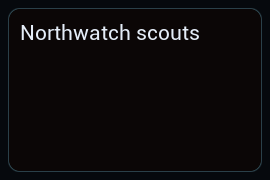
Open full-size image — Isolated saved widget; entries use explicit sample presentation data. Layout previews do not replace the live-window images above.
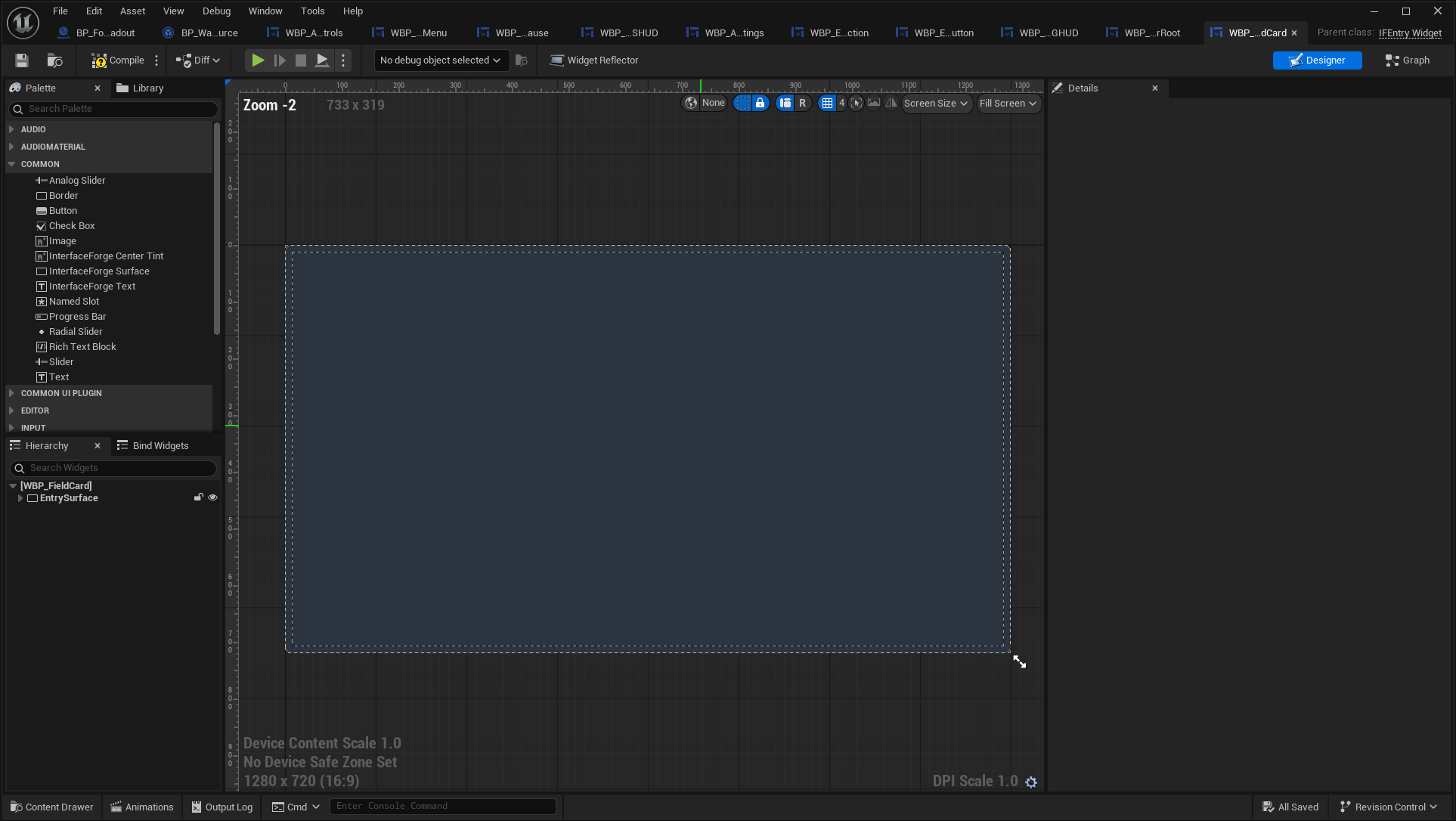
Open full-size image — Actual asset editor; design-time values can differ from runtime bindings.
WBP_FieldCards
/Game/UI/Blueprint/WBP_FieldCards.WBP_FieldCards → IFScreen · screen.
Open full-size image — Live composed interface.
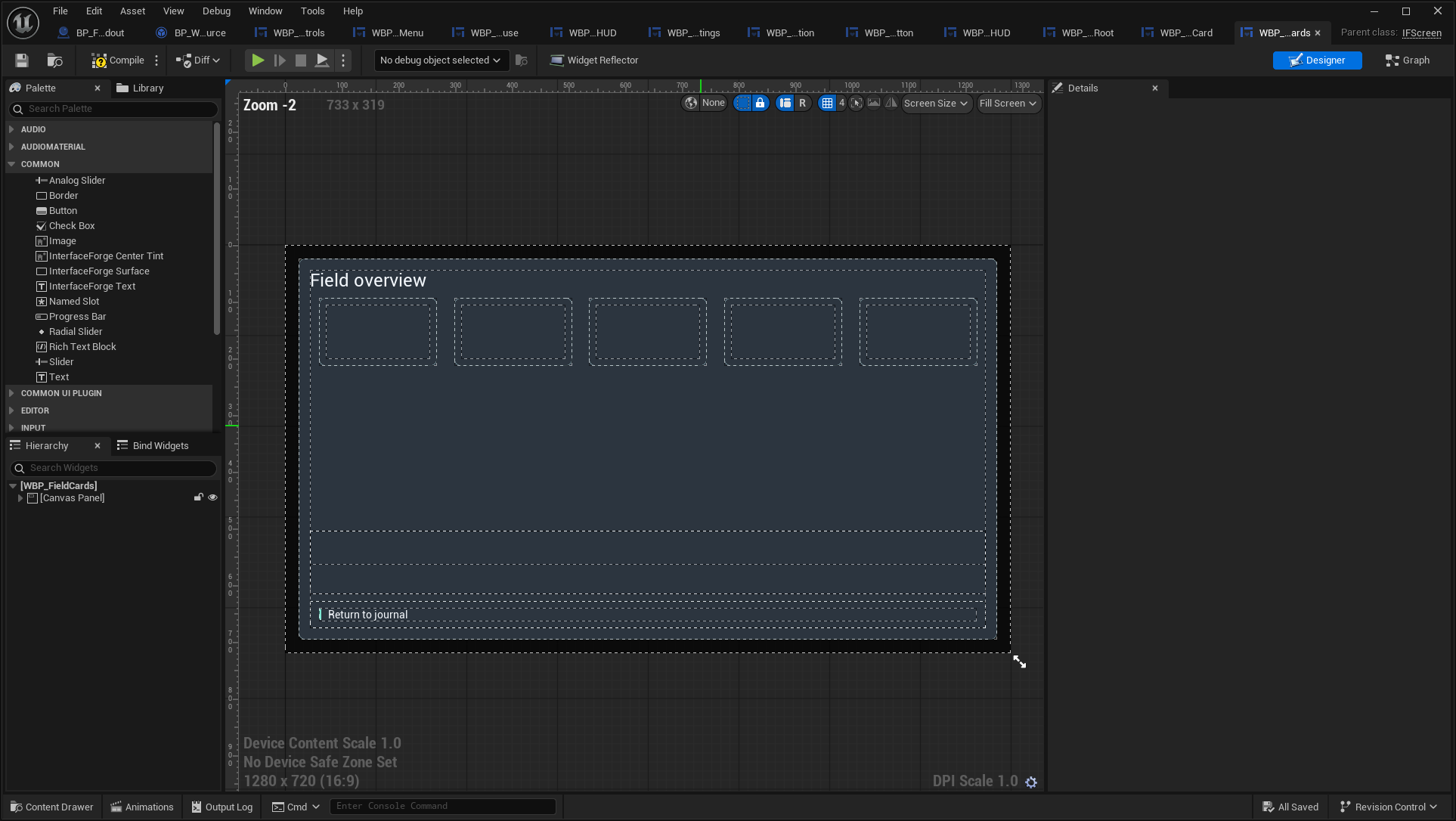
Open full-size image — Actual asset editor; design-time values can differ from runtime bindings.
WBP_FieldJournal
/Game/UI/Blueprint/WBP_FieldJournal.WBP_FieldJournal → IFScreen · screen.
Open full-size image — Live composed interface.
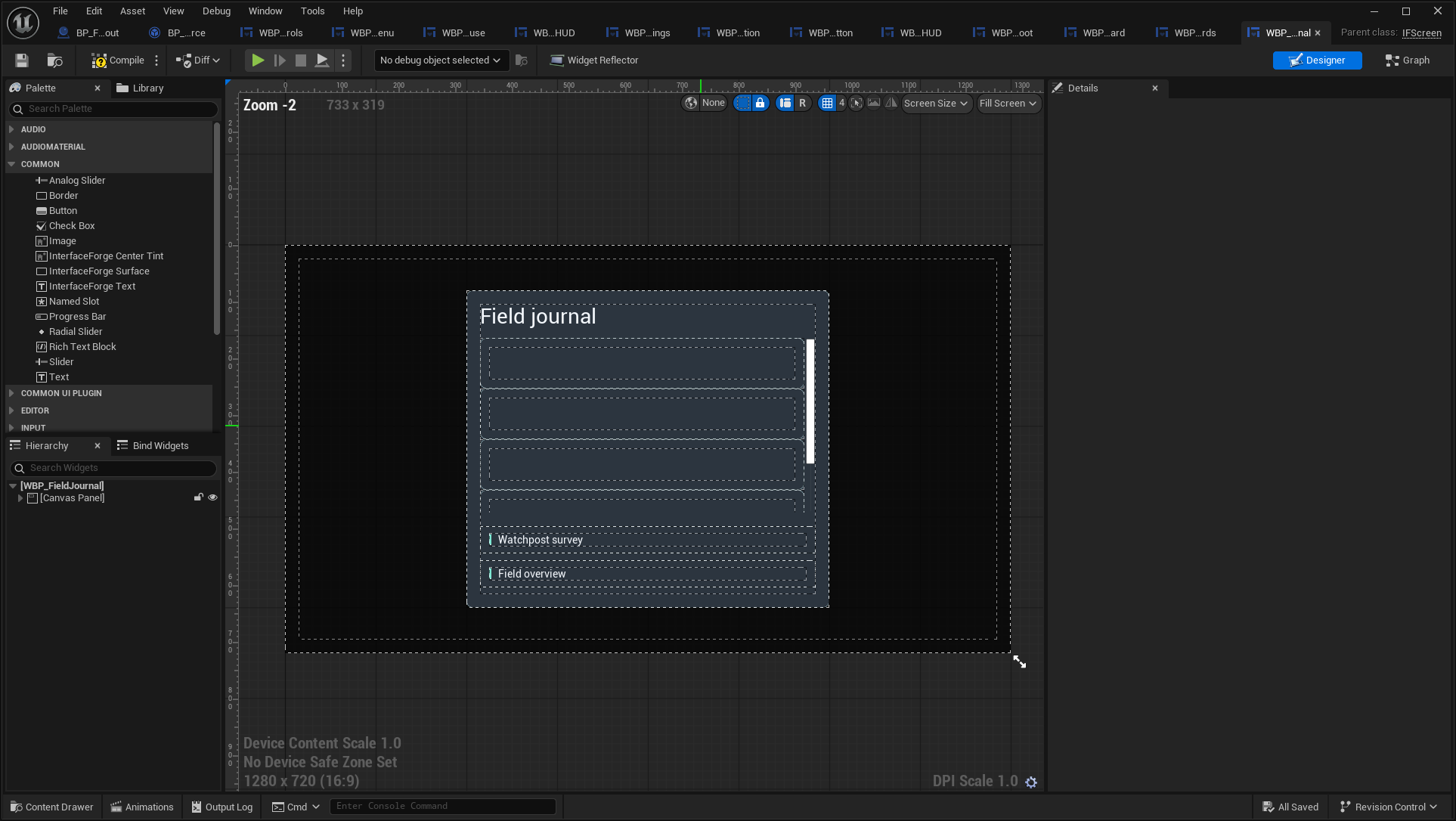
Open full-size image — Actual asset editor; design-time values can differ from runtime bindings.
WBP_ForgeActionButton
/Game/UI/Blueprint/WBP_ForgeActionButton.WBP_ForgeActionButton → IFButton · button.
Open full-size image — Isolated saved widget; entries use explicit sample presentation data. Layout previews do not replace the live-window images above.
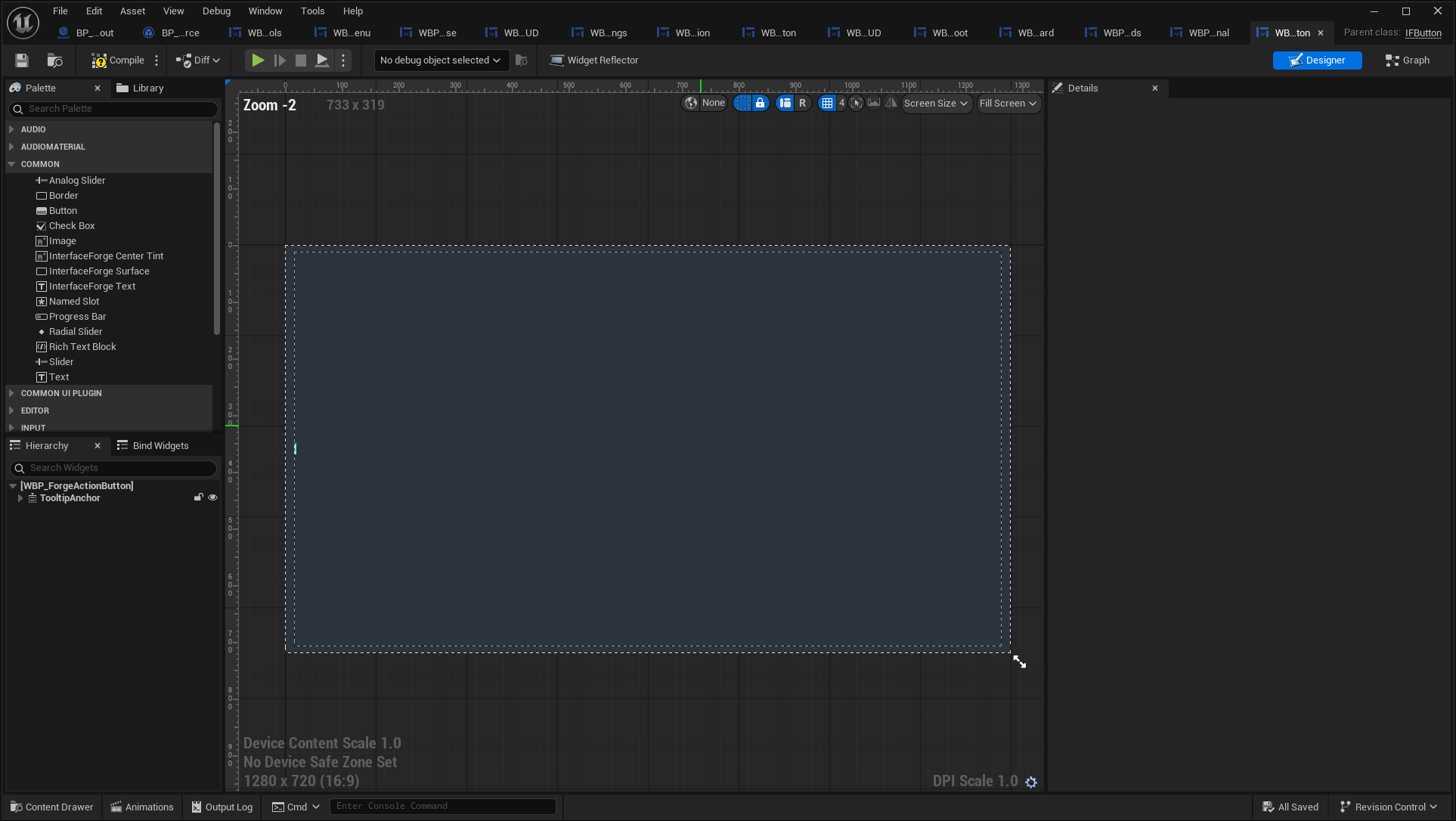
Open full-size image — Actual asset editor; design-time values can differ from runtime bindings.
WBP_ForgeAppliedPrompt
/Game/UI/Blueprint/WBP_ForgeAppliedPrompt.WBP_ForgeAppliedPrompt → IFActionPrompt · widget.

Open full-size image — Isolated saved widget; entries use explicit sample presentation data. Layout previews do not replace the live-window images above.
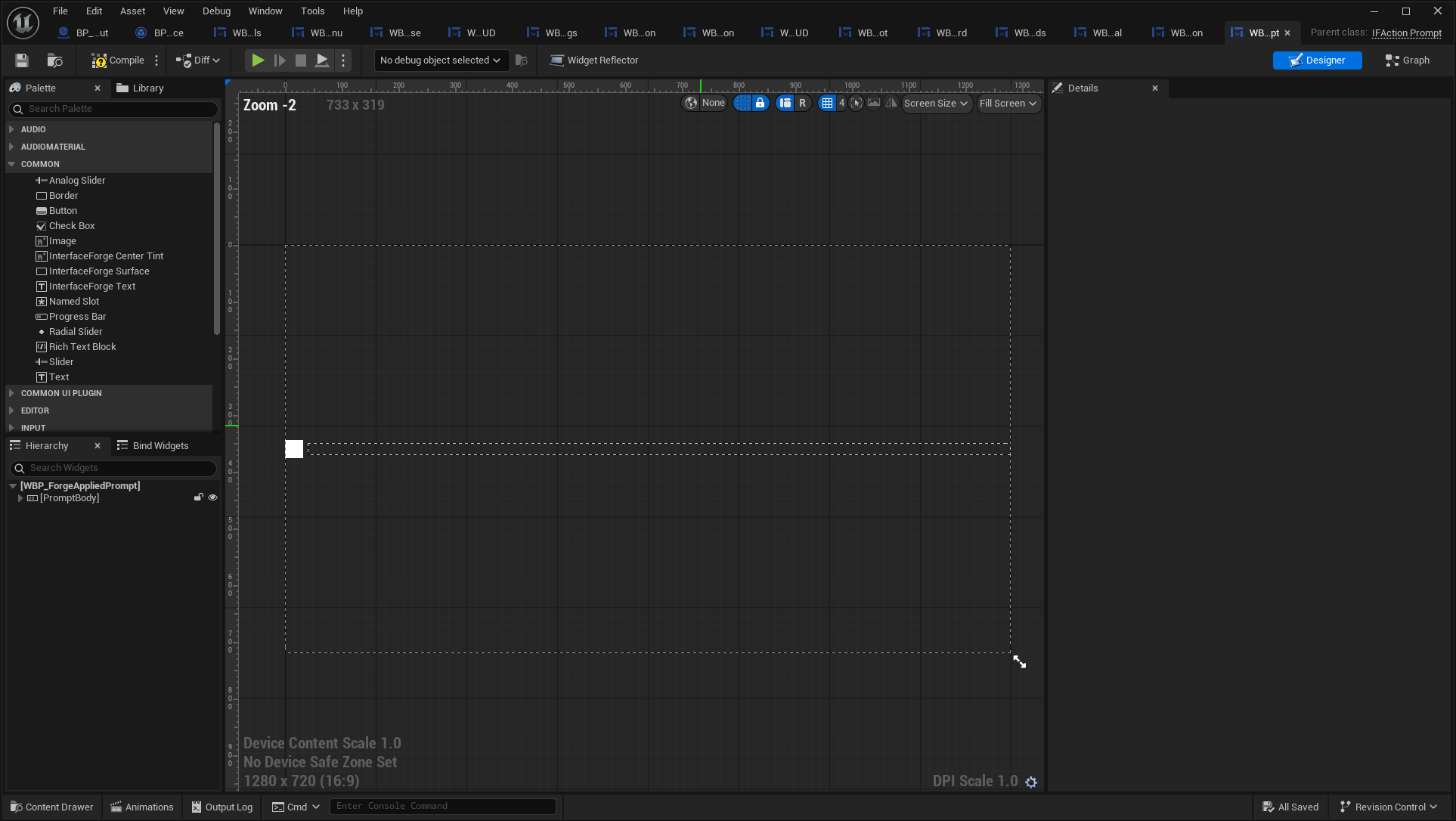
Open full-size image — Actual asset editor; design-time values can differ from runtime bindings.
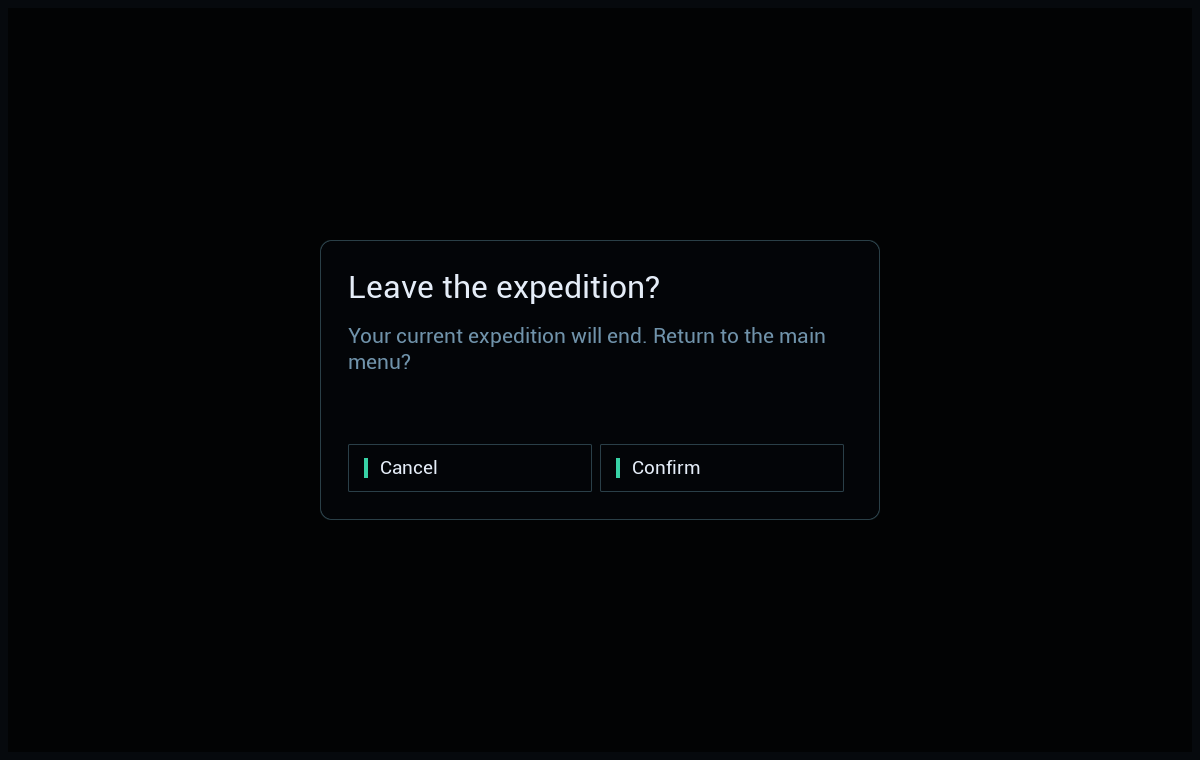
WBP_ForgeConfirmation
/Game/UI/Blueprint/WBP_ForgeConfirmation.WBP_ForgeConfirmation → IFDialog · widget.
Open full-size image — Live composed interface.
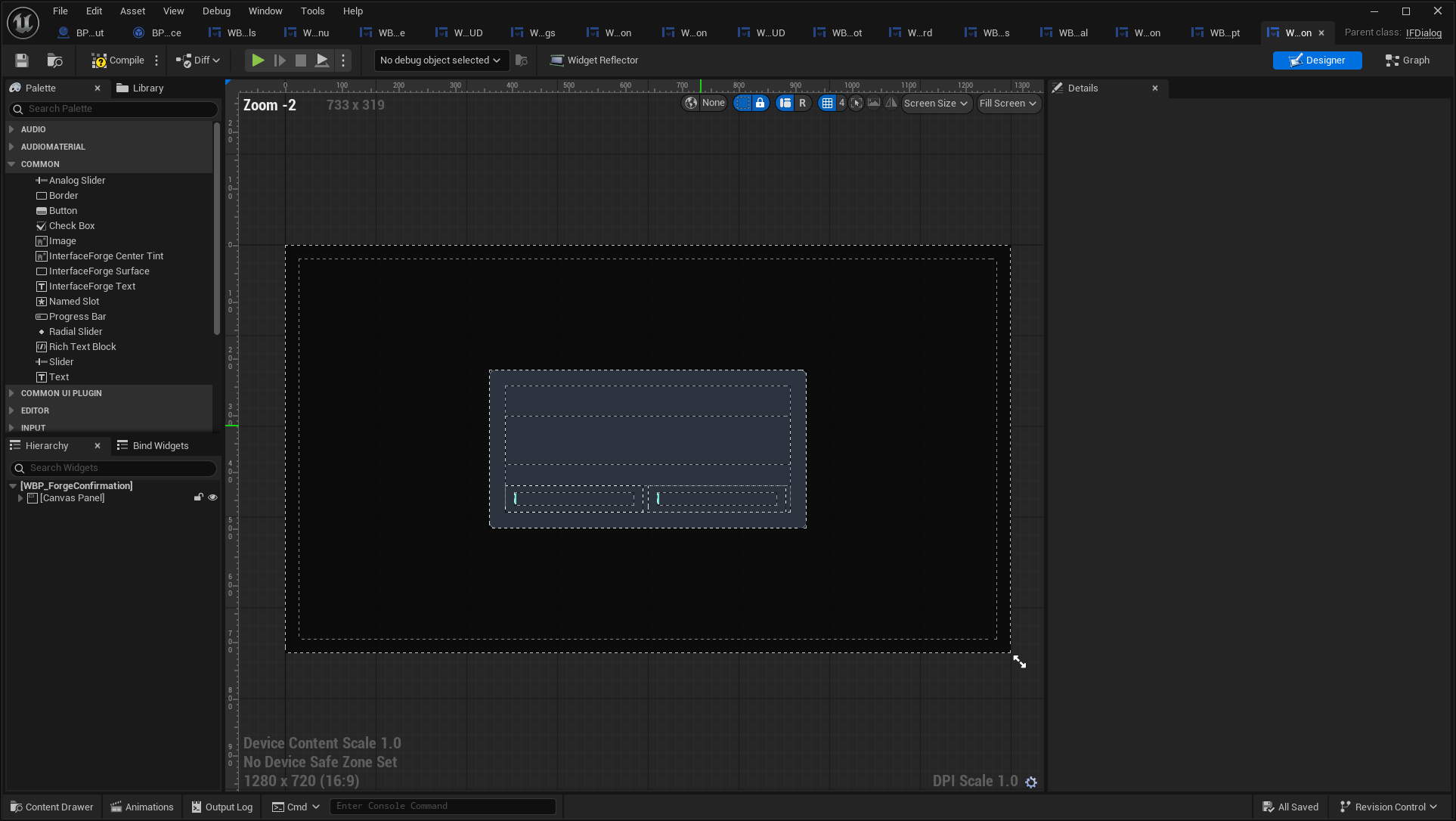
Open full-size image — Actual asset editor; design-time values can differ from runtime bindings.
WBP_ForgeContextHint
/Game/UI/Blueprint/WBP_ForgeContextHint.WBP_ForgeContextHint → IFEntryWidget · entry.
Open full-size image — Isolated saved widget; entries use explicit sample presentation data. Layout previews do not replace the live-window images above.
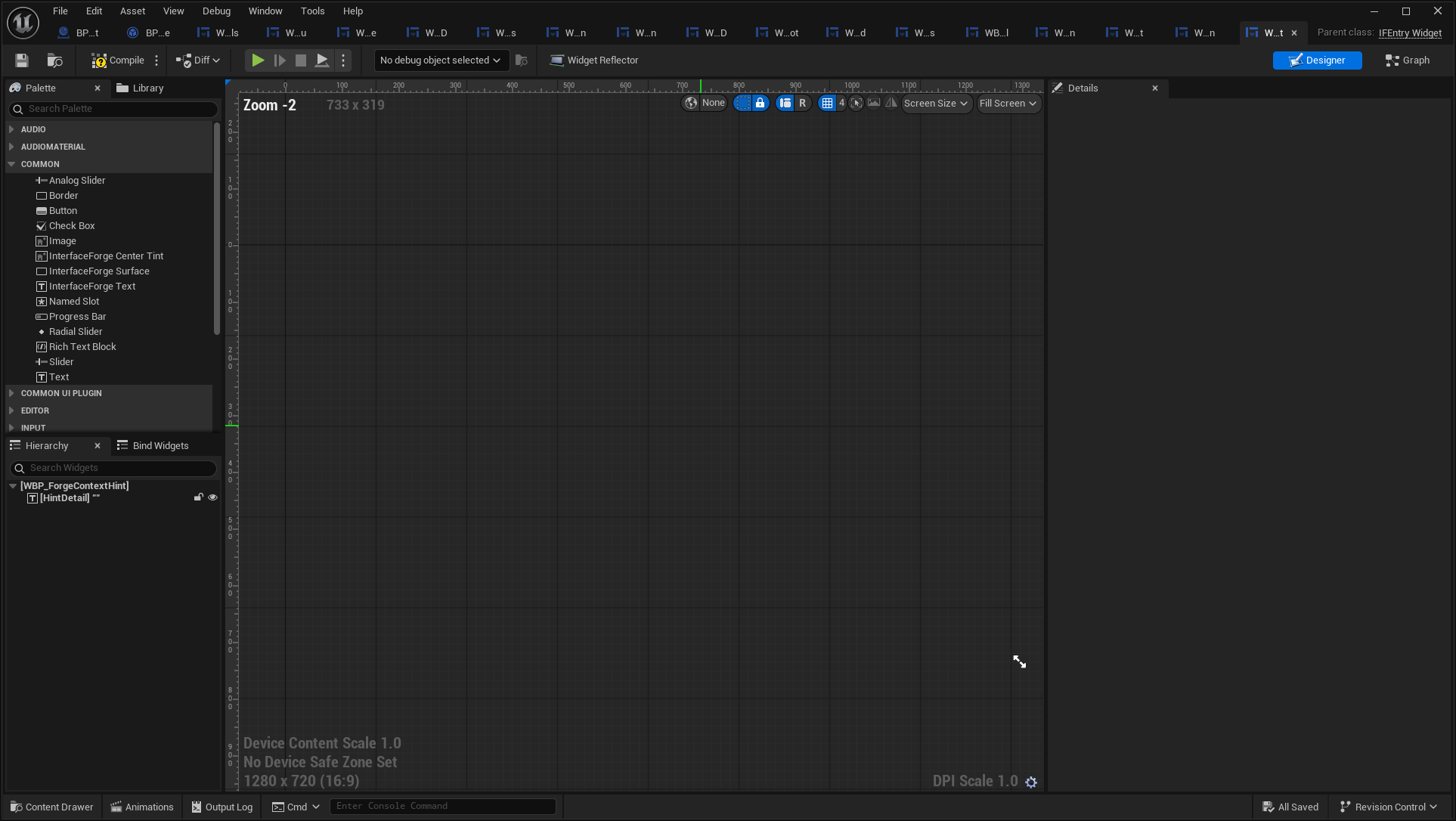
Open full-size image — Actual asset editor; design-time values can differ from runtime bindings.
WBP_ForgeFlowRoot
/Game/UI/Blueprint/WBP_ForgeFlowRoot.WBP_ForgeFlowRoot → IFRootLayout · root. Developer-created Designer root registering HUD/Menu/Modal and notification layers.
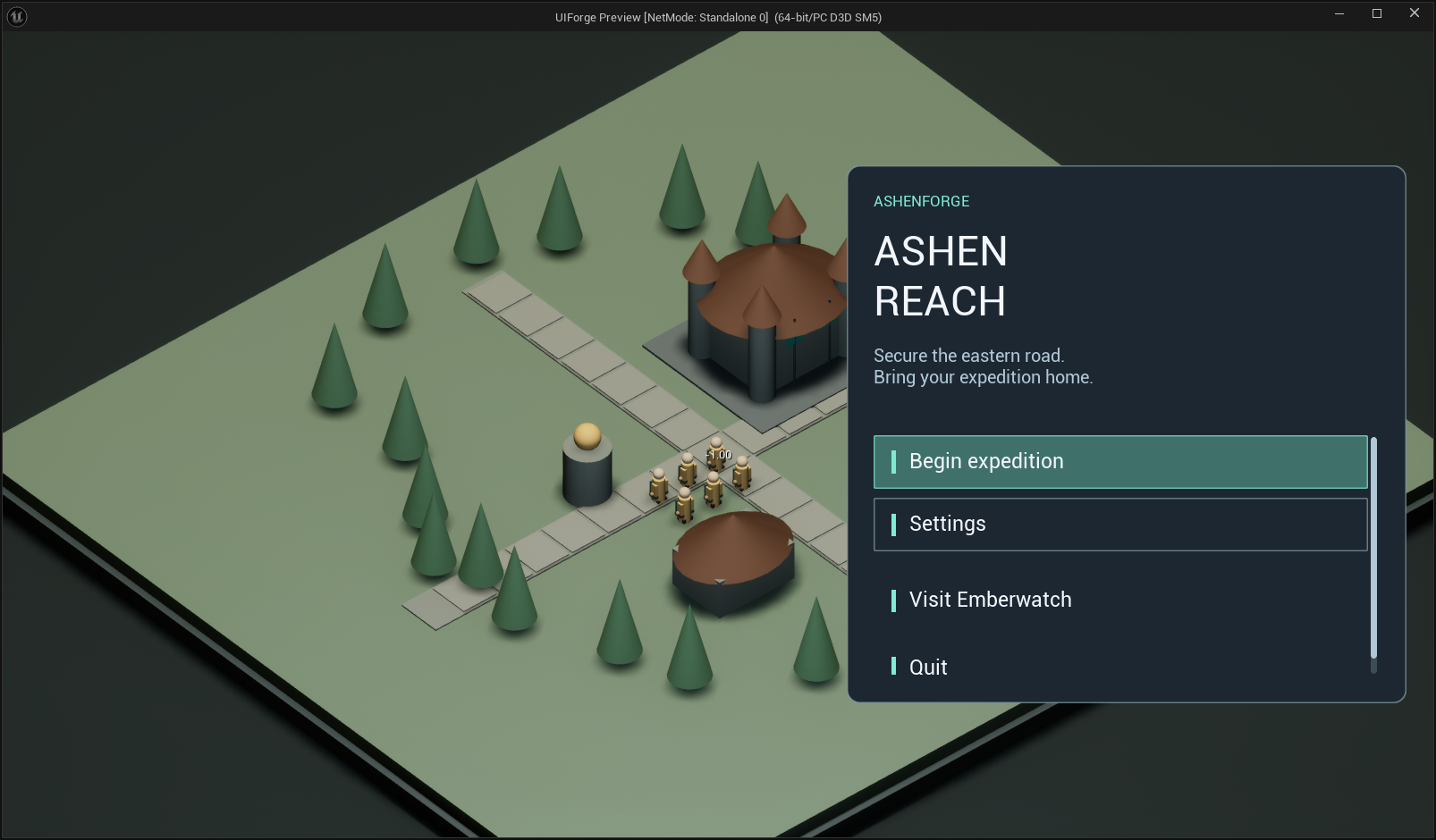
Open full-size image — Live composed interface.
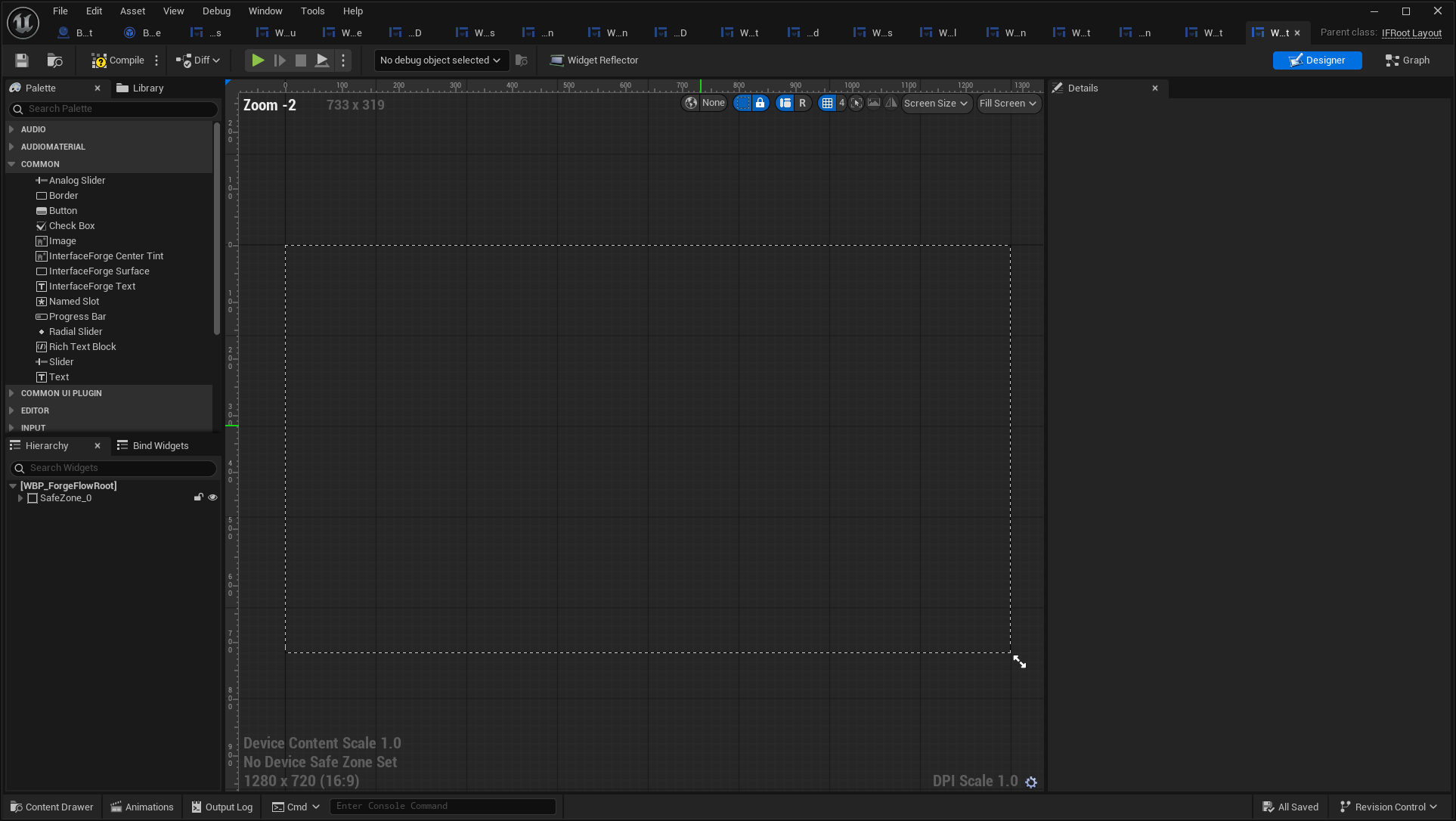
Open full-size image — Actual asset editor; design-time values can differ from runtime bindings.
WBP_ForgeLoading
/Game/UI/Blueprint/WBP_ForgeLoading.WBP_ForgeLoading → IFLoadingScreen · widget.
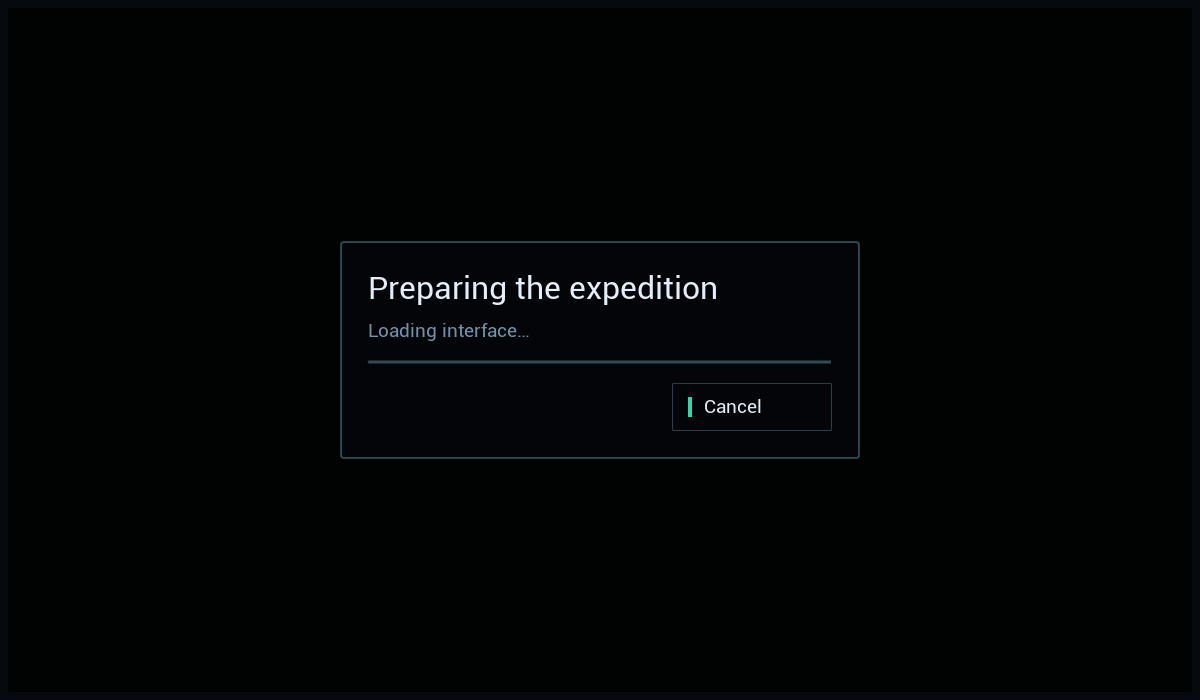
Open full-size image — Isolated saved widget; entries use explicit sample presentation data. Layout previews do not replace the live-window images above.
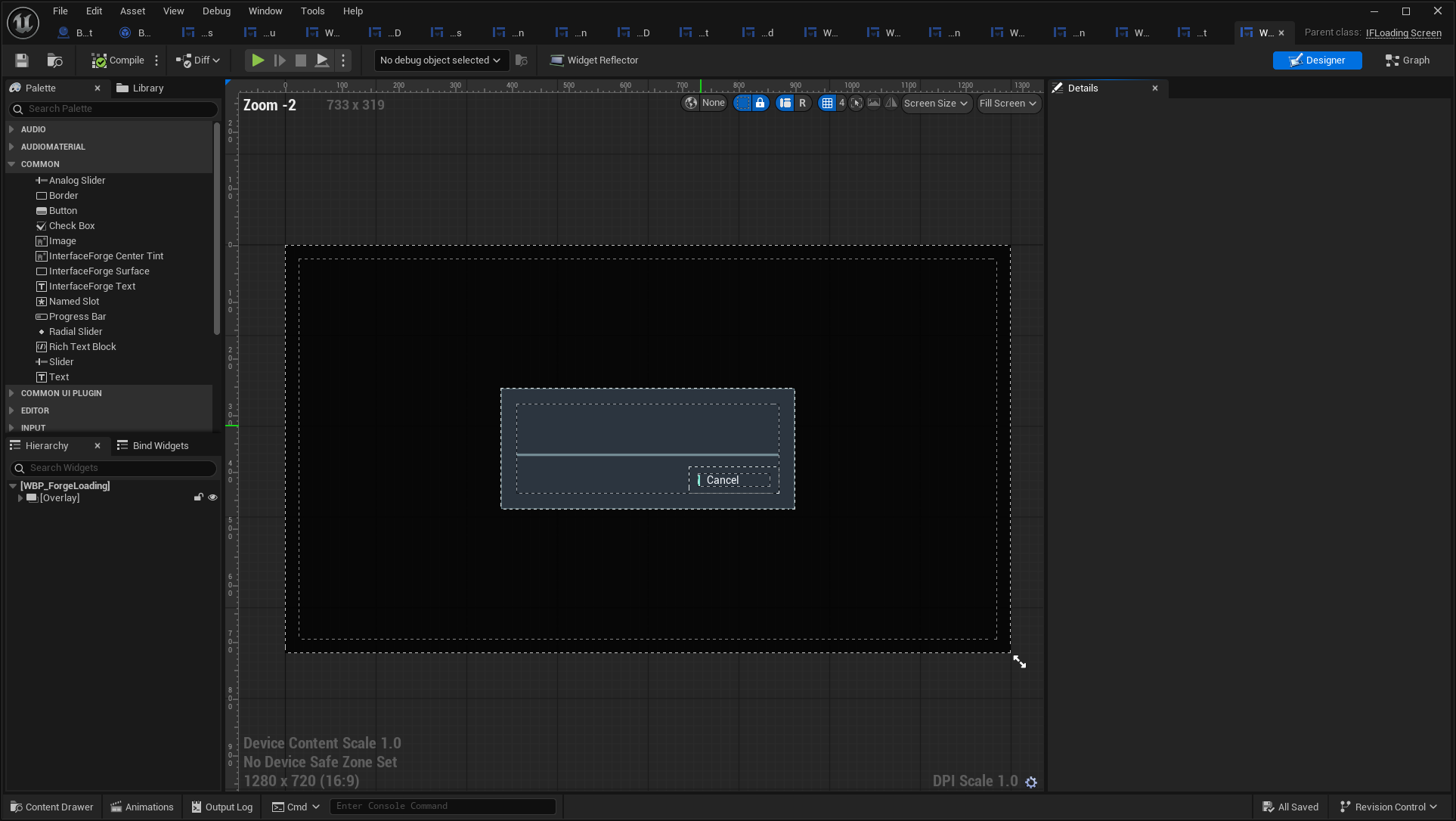
Open full-size image — Actual asset editor; design-time values can differ from runtime bindings.
WBP_ForgeNotification
/Game/UI/Blueprint/WBP_ForgeNotification.WBP_ForgeNotification → IFEntryWidget · entry.

Open full-size image — Isolated saved widget; entries use explicit sample presentation data. Layout previews do not replace the live-window images above.
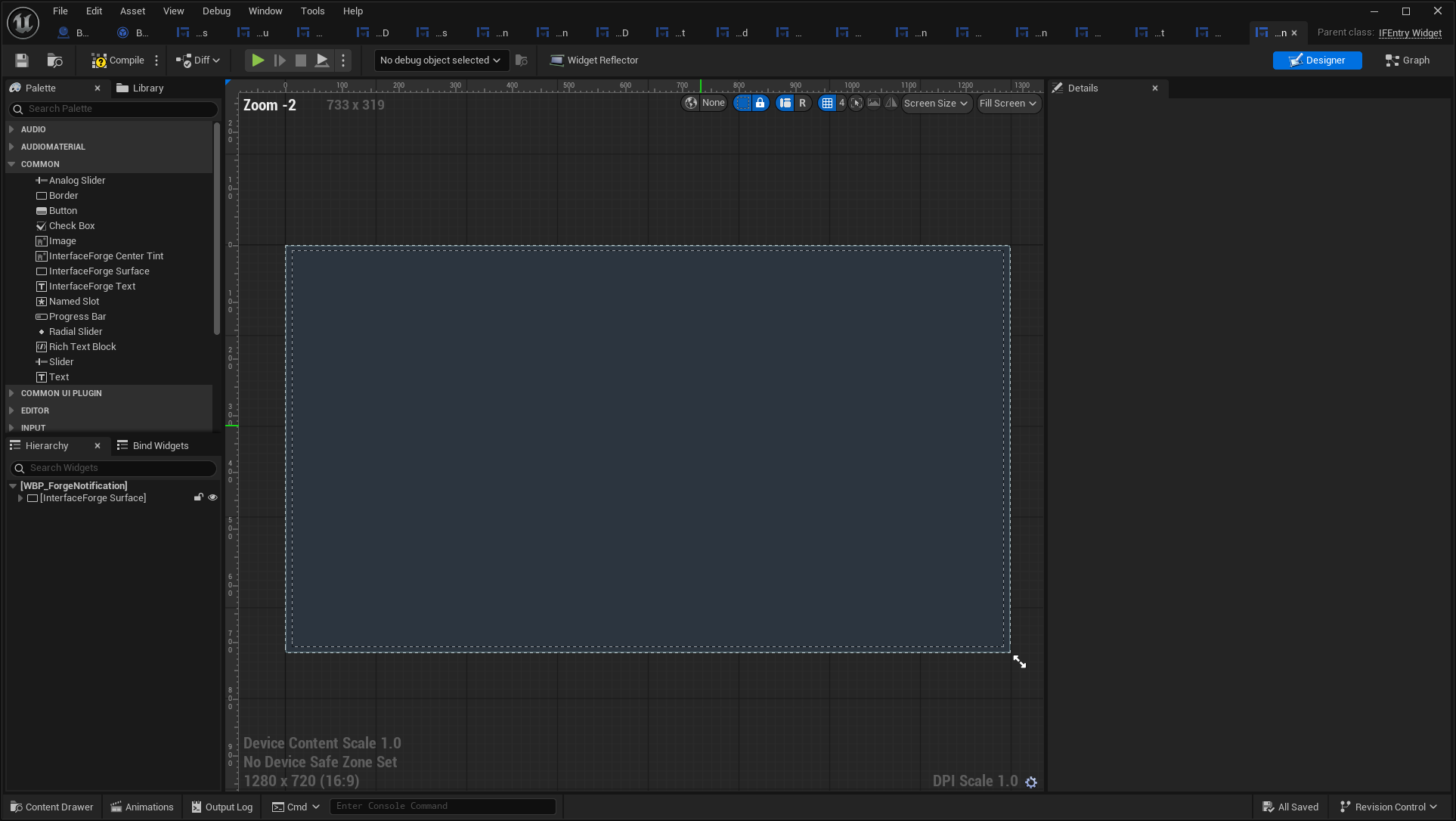
Open full-size image — Actual asset editor; design-time values can differ from runtime bindings.
WBP_ForgeRoot
/Game/UI/Blueprint/WBP_ForgeRoot.WBP_ForgeRoot → IFRootLayout · root. Native root defaults with a Blueprint-configured theme/entry class.
Open full-size image — Live composed interface.
Open full-size image — Actual asset editor; design-time values can differ from runtime bindings.
WBP_ForgeTooltip
/Game/UI/Blueprint/WBP_ForgeTooltip.WBP_ForgeTooltip → IFEntryWidget · entry.
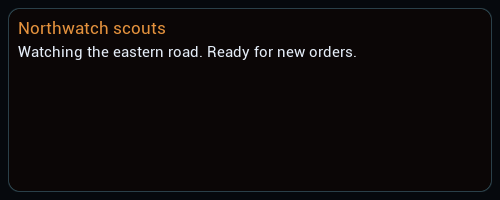
Open full-size image — Isolated saved widget; entries use explicit sample presentation data. Layout previews do not replace the live-window images above.
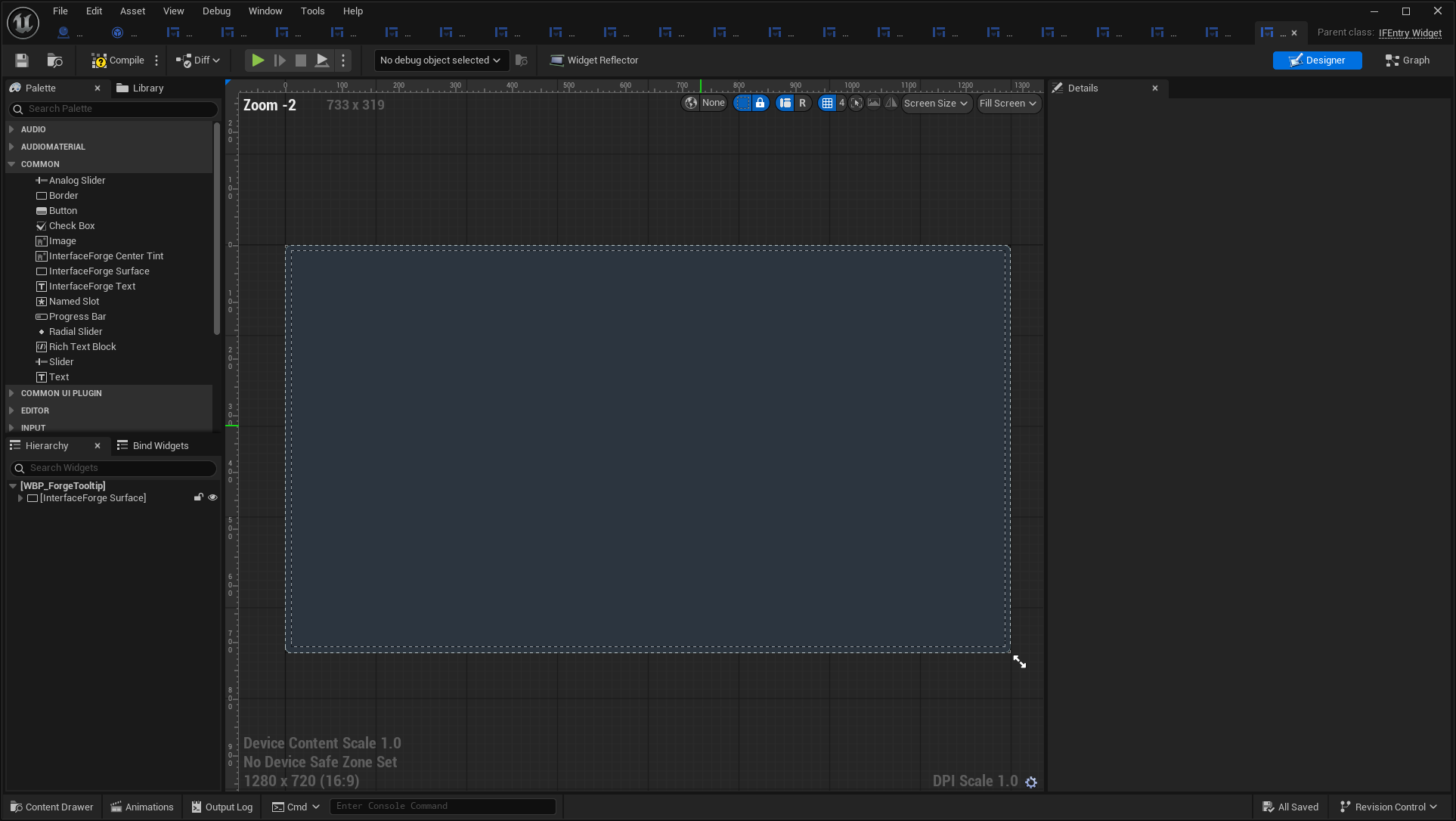
Open full-size image — Actual asset editor; design-time values can differ from runtime bindings.
WBP_ForgeWorldStatus
/Game/UI/Blueprint/WBP_ForgeWorldStatus.WBP_ForgeWorldStatus → IFEntryWidget · entry.
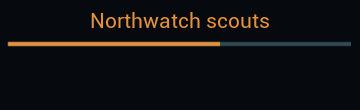
Open full-size image — Isolated saved widget; entries use explicit sample presentation data. Layout previews do not replace the live-window images above.
Open full-size image — Actual asset editor; design-time values can differ from runtime bindings.
WBP_HUDReadout
/Game/UI/Blueprint/WBP_HUDReadout.WBP_HUDReadout → IFEntryWidget · entry.

Open full-size image — Isolated saved widget; entries use explicit sample presentation data. Layout previews do not replace the live-window images above.
Open full-size image — Actual asset editor; design-time values can differ from runtime bindings.
WBP_JournalEntry
/Game/UI/Blueprint/WBP_JournalEntry.WBP_JournalEntry → IFEntryWidget · entry.

Open full-size image — Isolated saved widget; entries use explicit sample presentation data. Layout previews do not replace the live-window images above.
Open full-size image — Actual asset editor; design-time values can differ from runtime bindings.
WBP_OutpostCommand
/Game/UI/Blueprint/WBP_OutpostCommand.WBP_OutpostCommand → IFEntryWidget · entry.
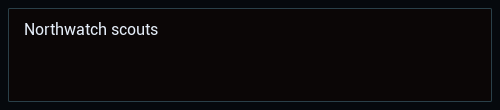
Open full-size image — Isolated saved widget; entries use explicit sample presentation data. Layout previews do not replace the live-window images above.
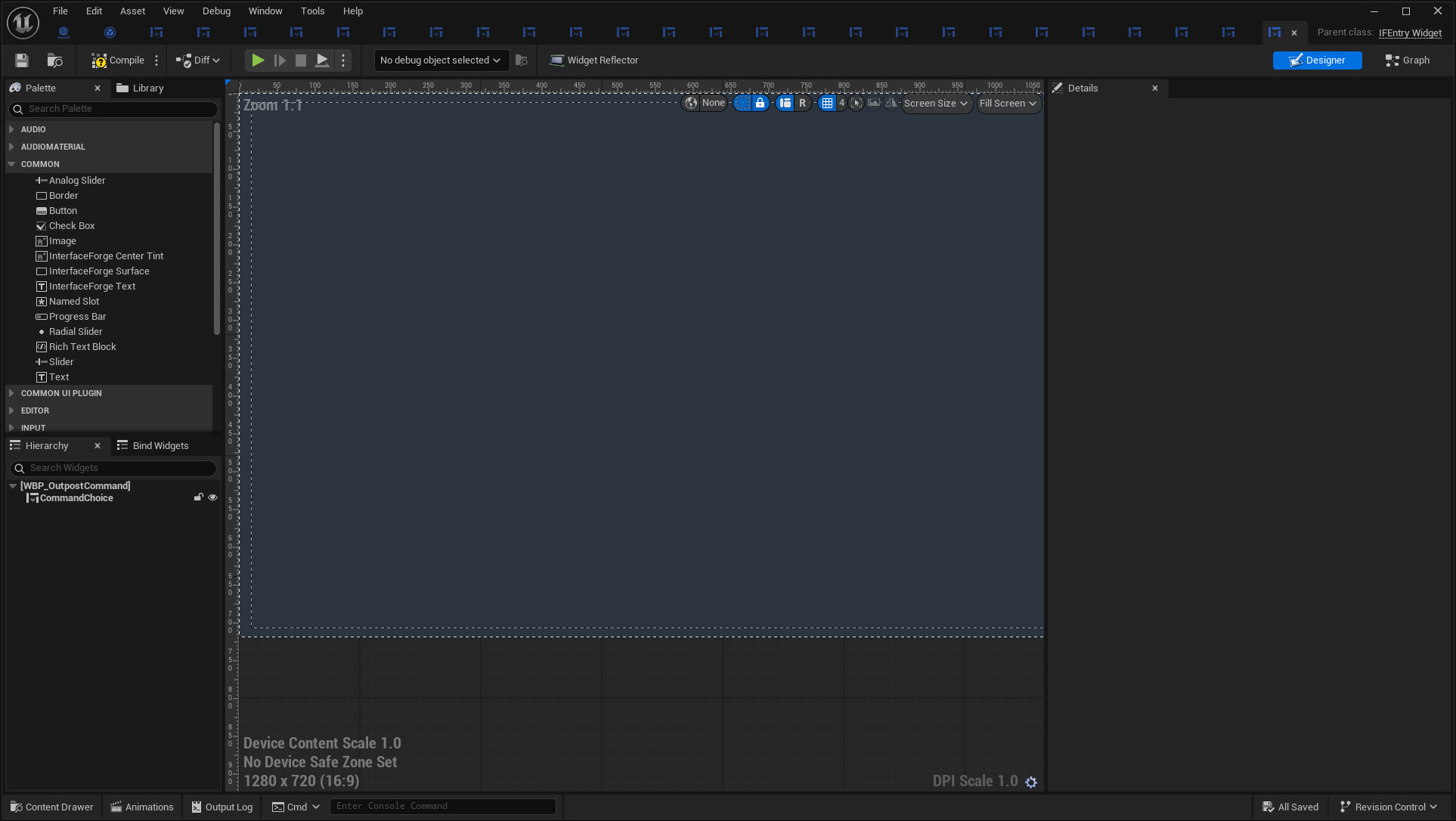
Open full-size image — Actual asset editor; design-time values can differ from runtime bindings.
WBP_OutpostCommandButton
/Game/UI/Blueprint/WBP_OutpostCommandButton.WBP_OutpostCommandButton → IFButton · button.

Open full-size image — Isolated saved widget; entries use explicit sample presentation data. Layout previews do not replace the live-window images above.
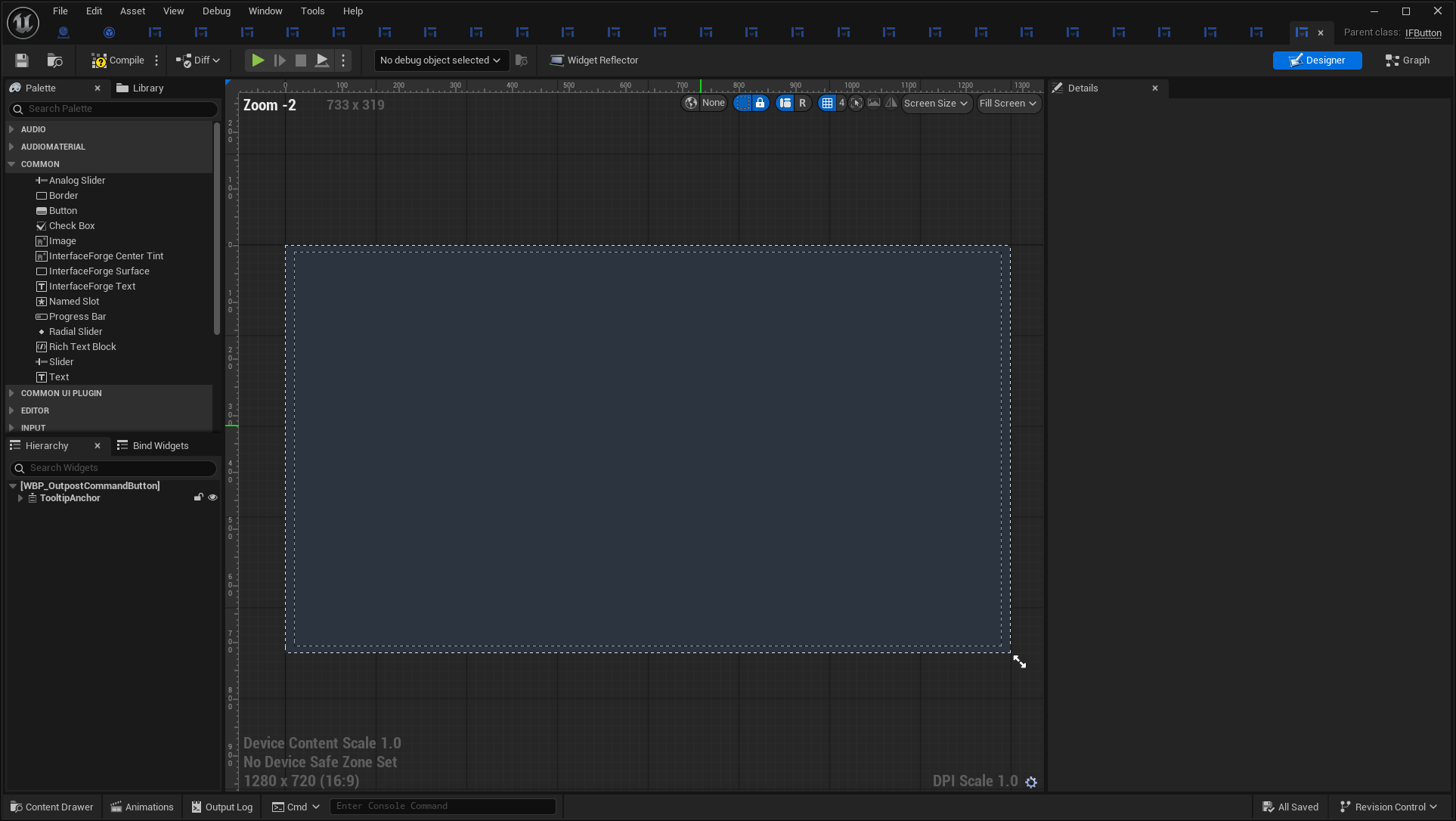
Open full-size image — Actual asset editor; design-time values can differ from runtime bindings.
WBP_ProductionReadout
/Game/UI/Blueprint/WBP_ProductionReadout.WBP_ProductionReadout → IFEntryWidget · entry.
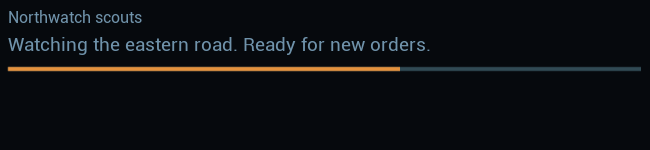
Open full-size image — Isolated saved widget; entries use explicit sample presentation data. Layout previews do not replace the live-window images above.
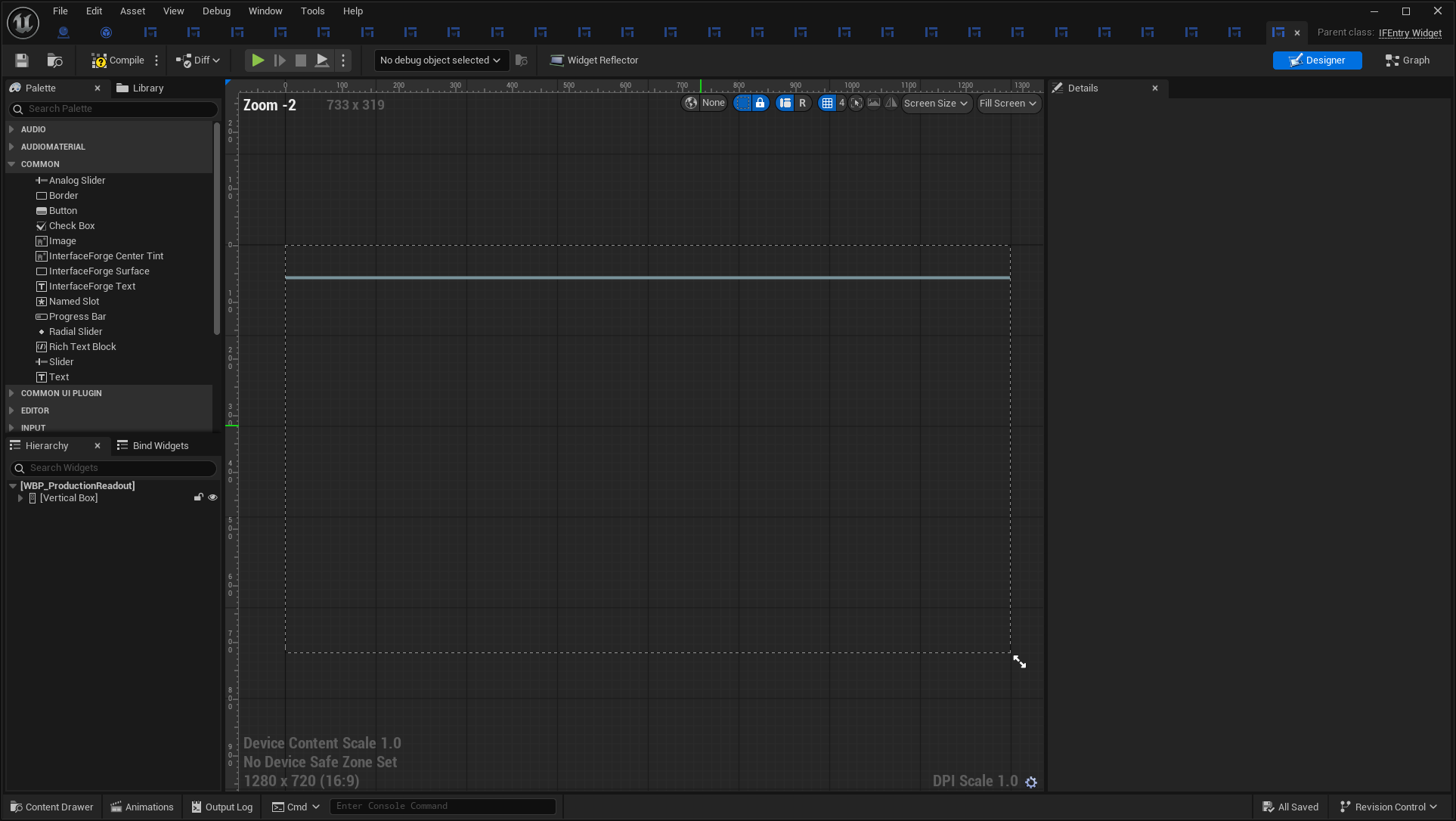
Open full-size image — Actual asset editor; design-time values can differ from runtime bindings.
WBP_WatchpostEntry
/Game/UI/Blueprint/WBP_WatchpostEntry.WBP_WatchpostEntry → IFEntryWidget · entry.
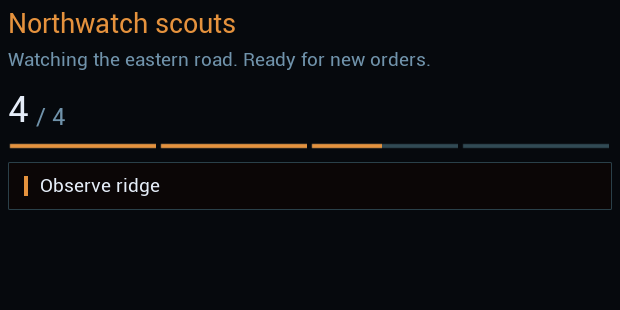
Open full-size image — Isolated saved widget; entries use explicit sample presentation data. Layout previews do not replace the live-window images above.
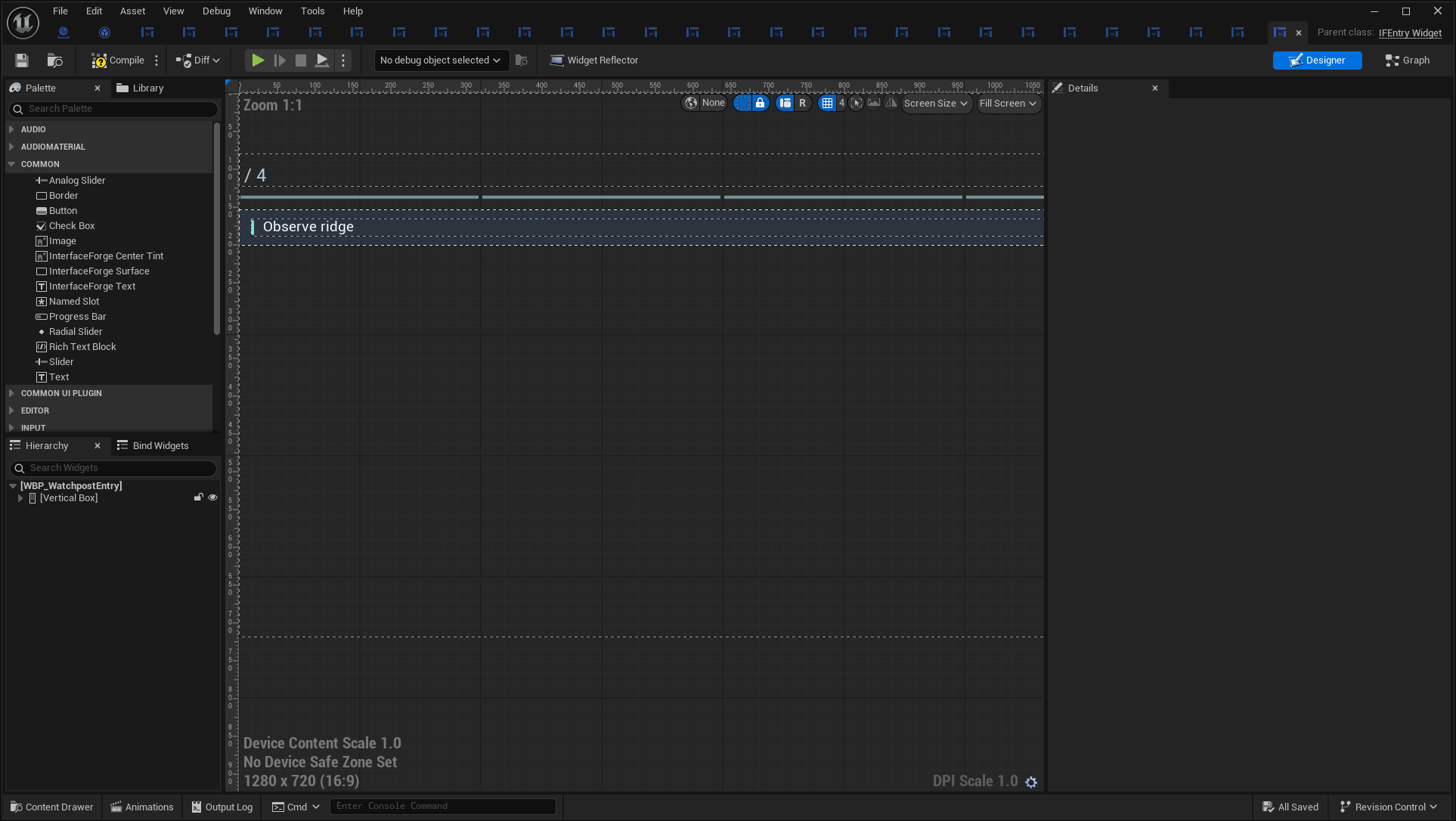
Open full-size image — Actual asset editor; design-time values can differ from runtime bindings.
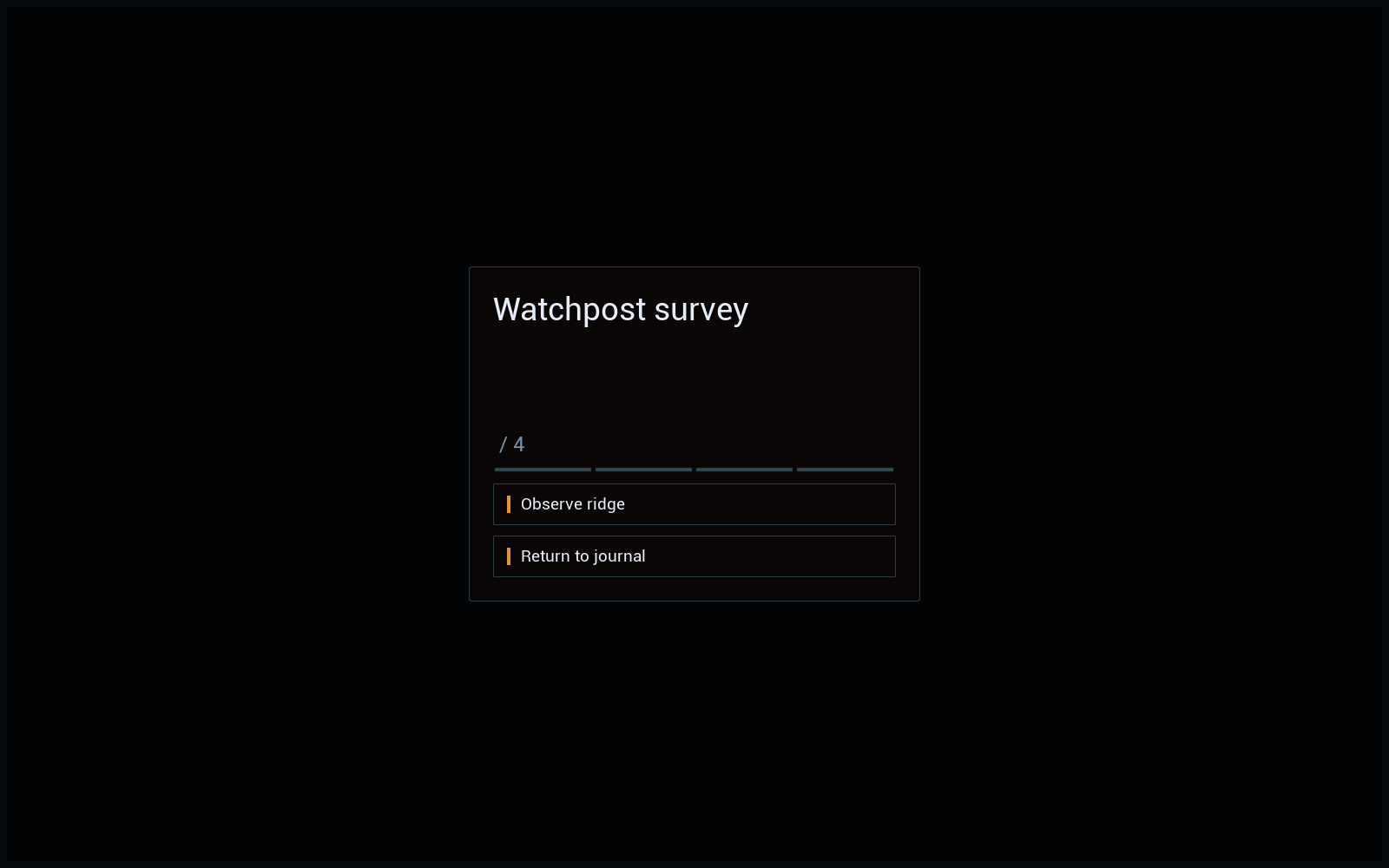
WBP_WatchpostSurvey
/Game/UI/Blueprint/WBP_WatchpostSurvey.WBP_WatchpostSurvey → IFScreen · screen.
Open full-size image — Live composed interface.
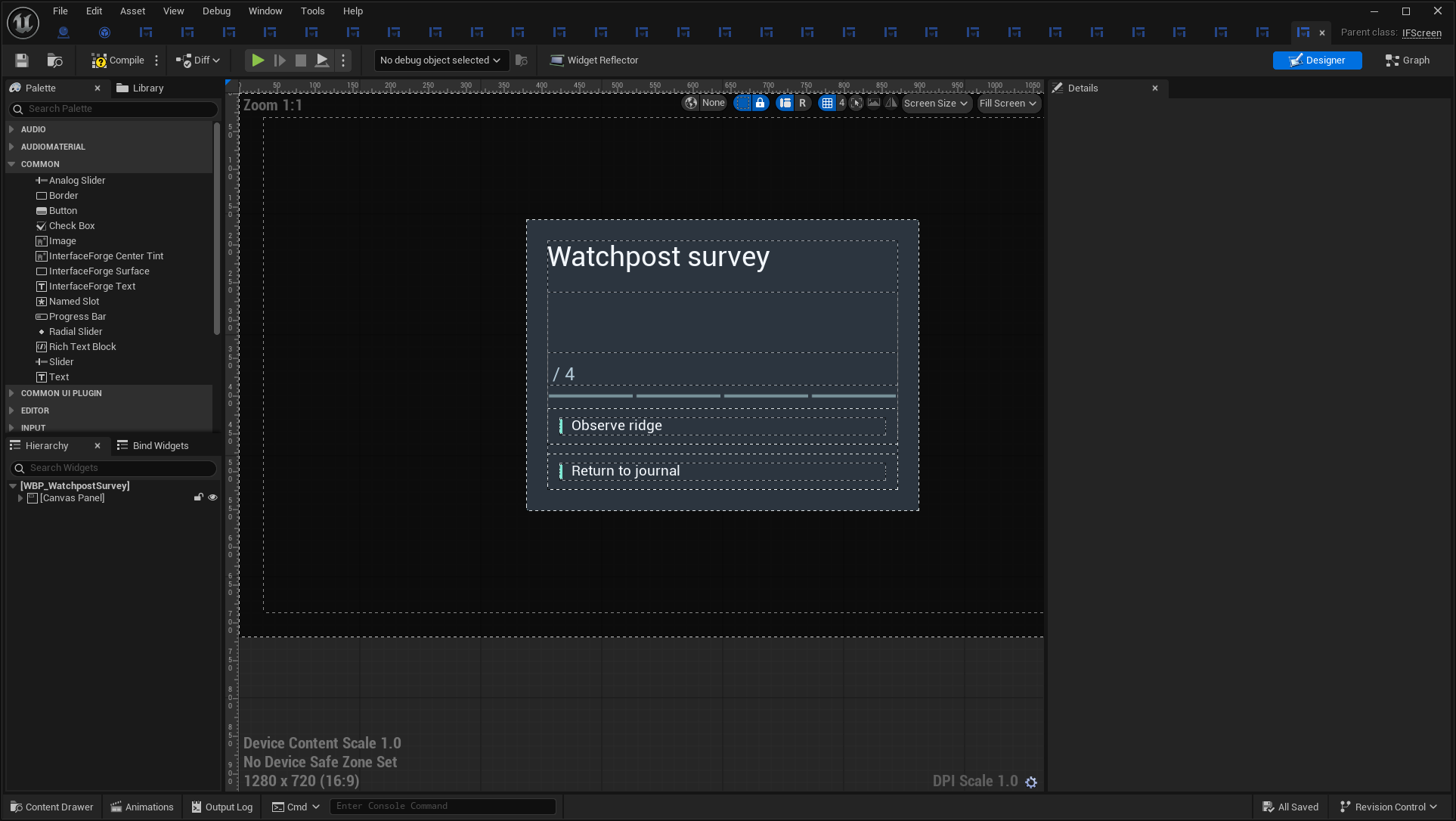
Open full-size image — Actual asset editor; design-time values can differ from runtime bindings.
WBP_Watchpost
/Game/UI/WBP_Watchpost.WBP_Watchpost → IFScreen · screen. Original optional example UI, with explicit preview data in UE5.8.3; no MassForge backend run.
Open full-size image — Live composed interface.
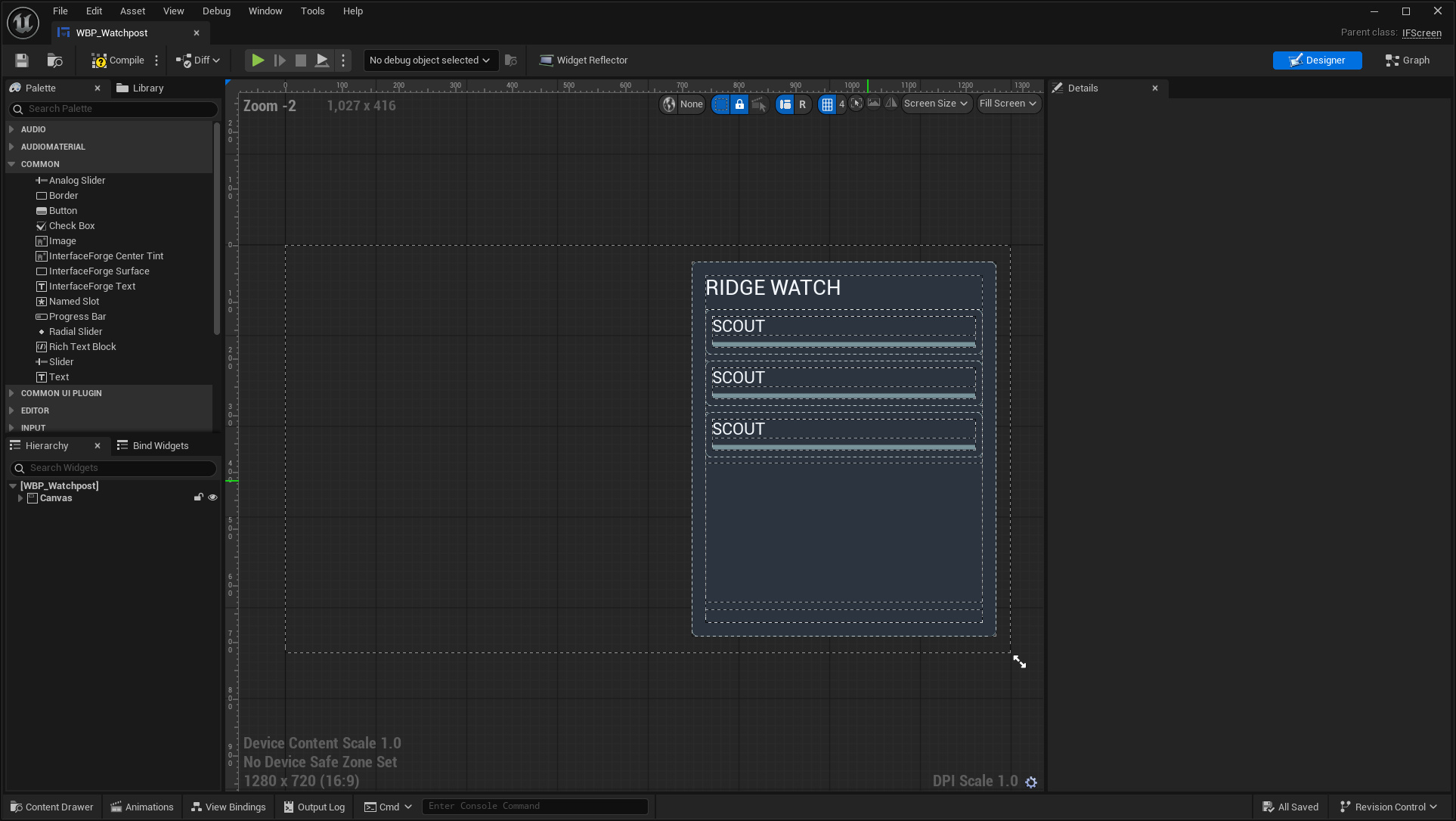
Open full-size image — Actual asset editor; design-time values can differ from runtime bindings.
WBP_WatchpostReadout
/Game/UI/WBP_WatchpostReadout.WBP_WatchpostReadout → IFEntryWidget · entry.
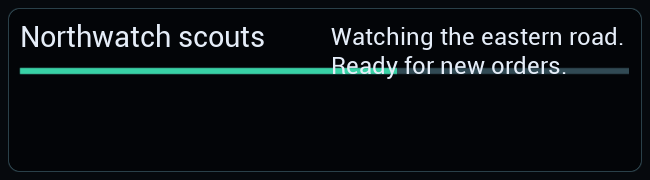
Open full-size image — Isolated saved widget; entries use explicit sample presentation data. Layout previews do not replace the live-window images above.
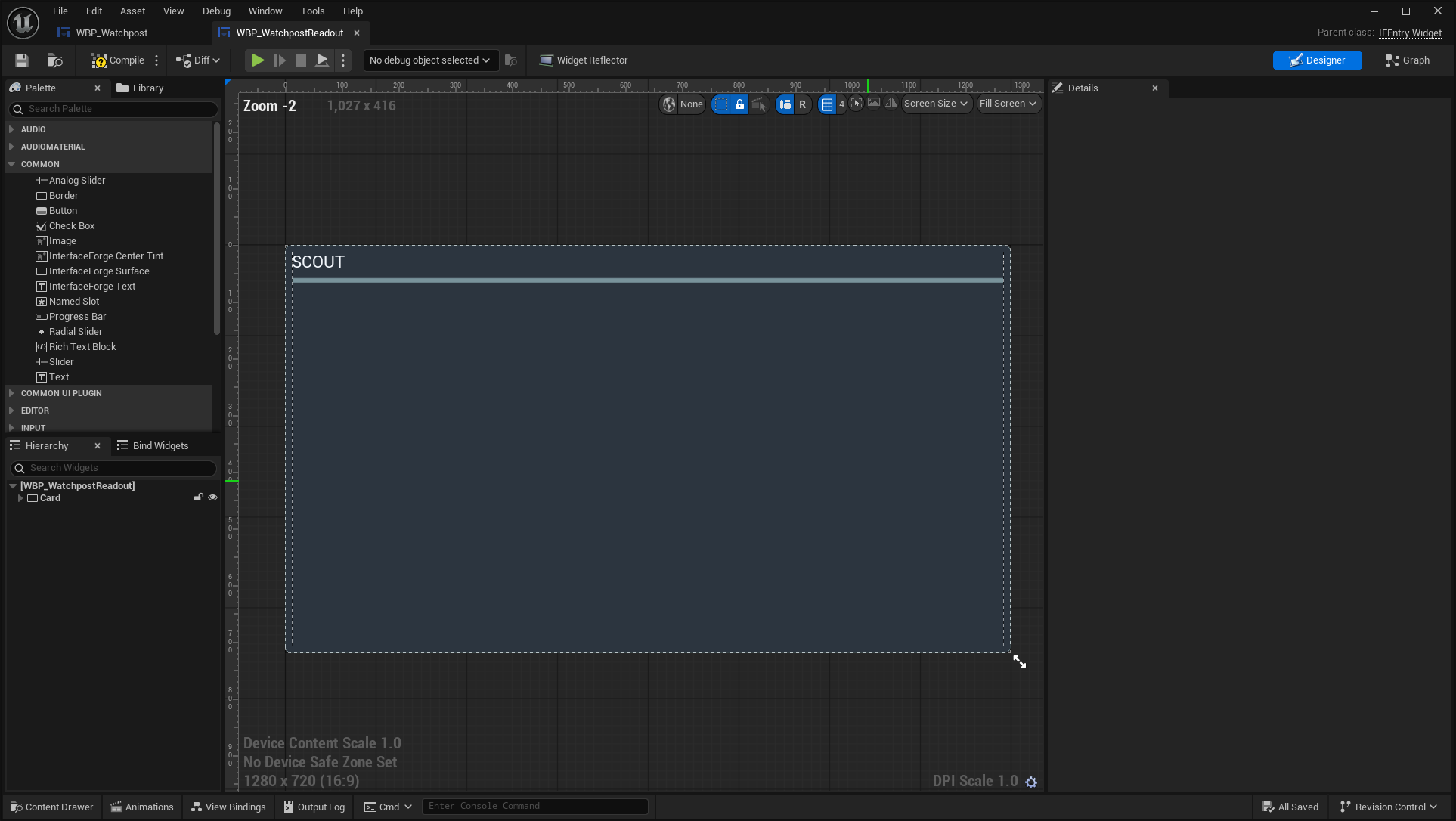
Open full-size image — Actual asset editor; design-time values can differ from runtime bindings.
Blueprint graph wiring
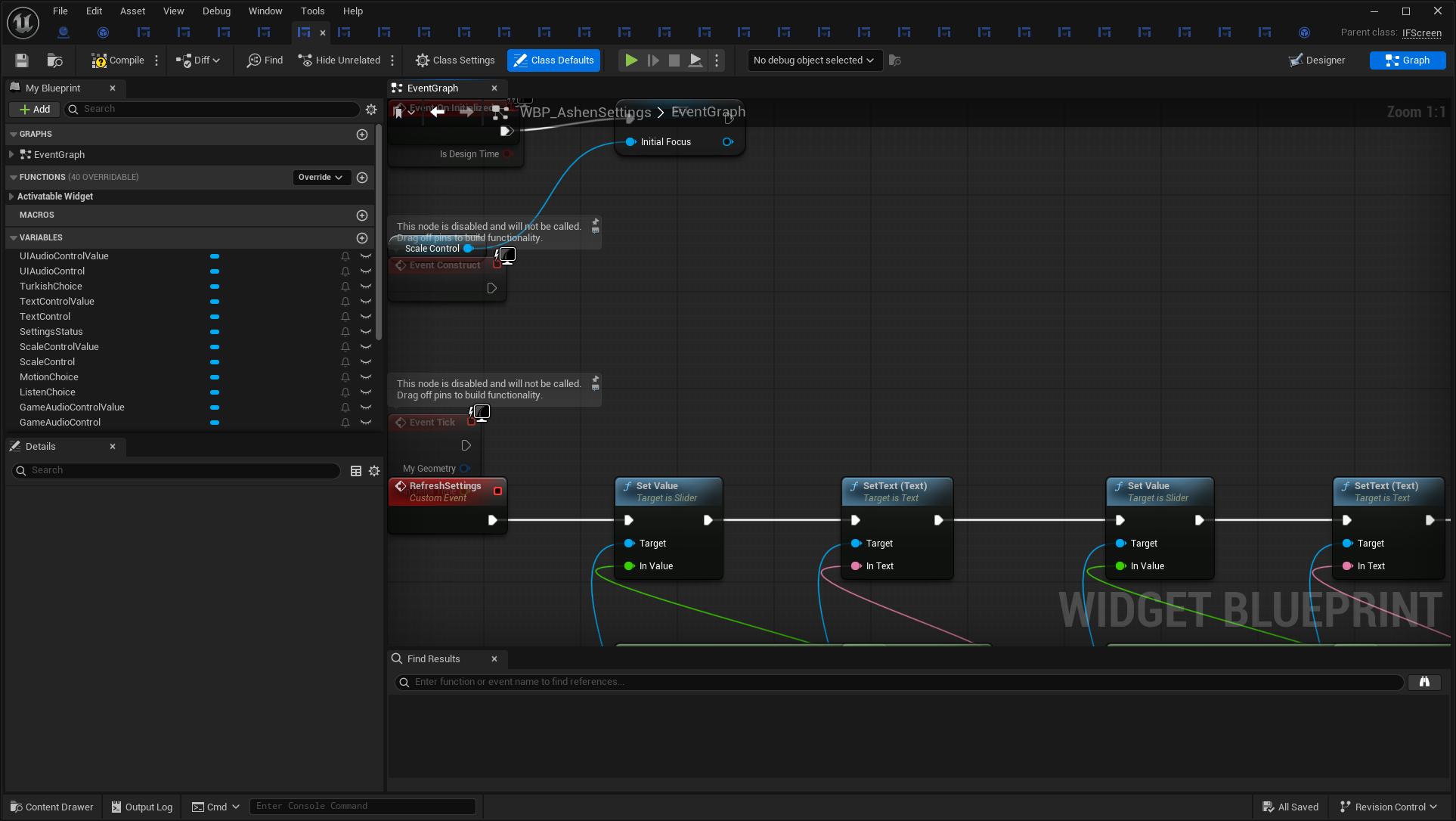
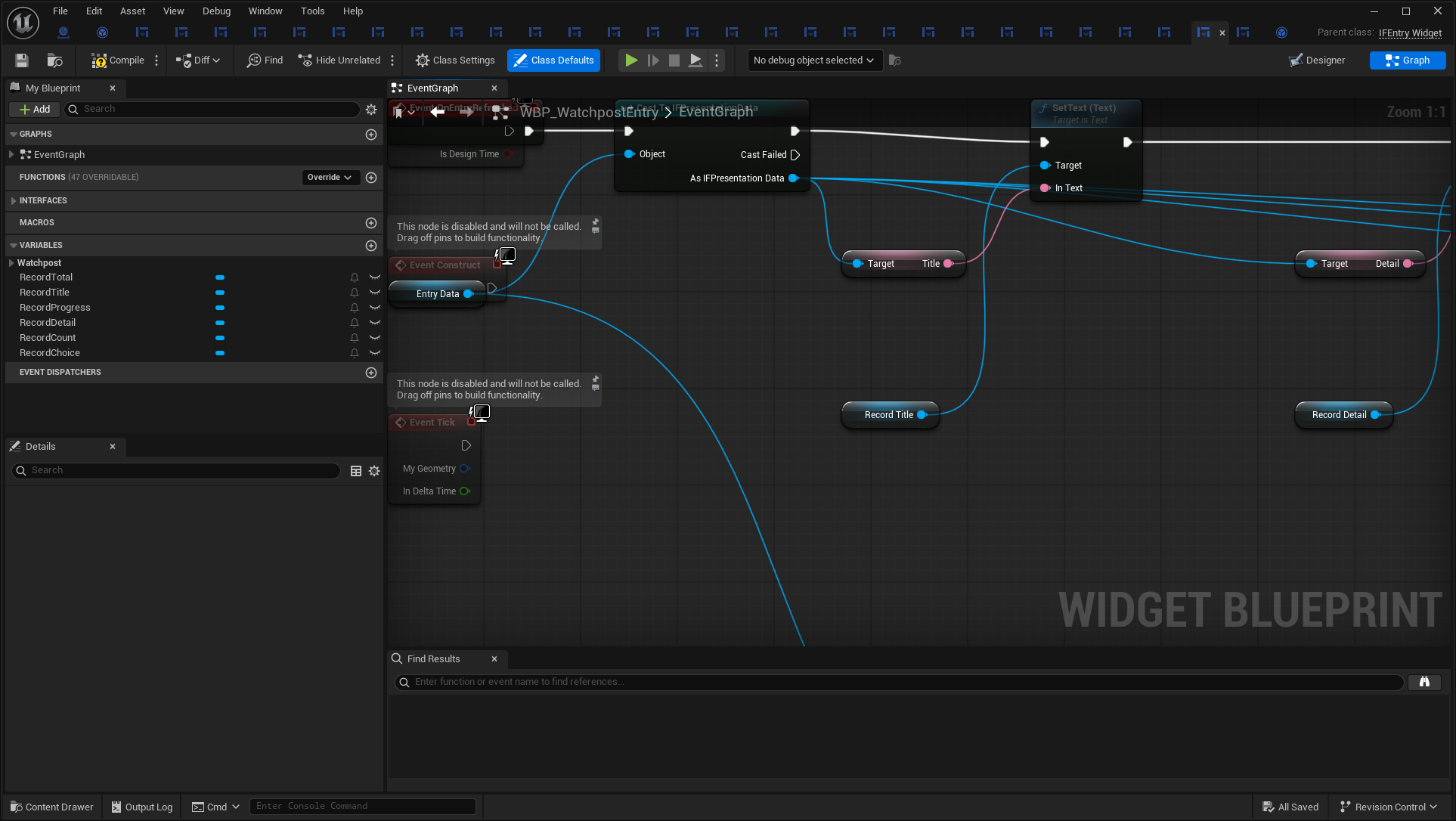
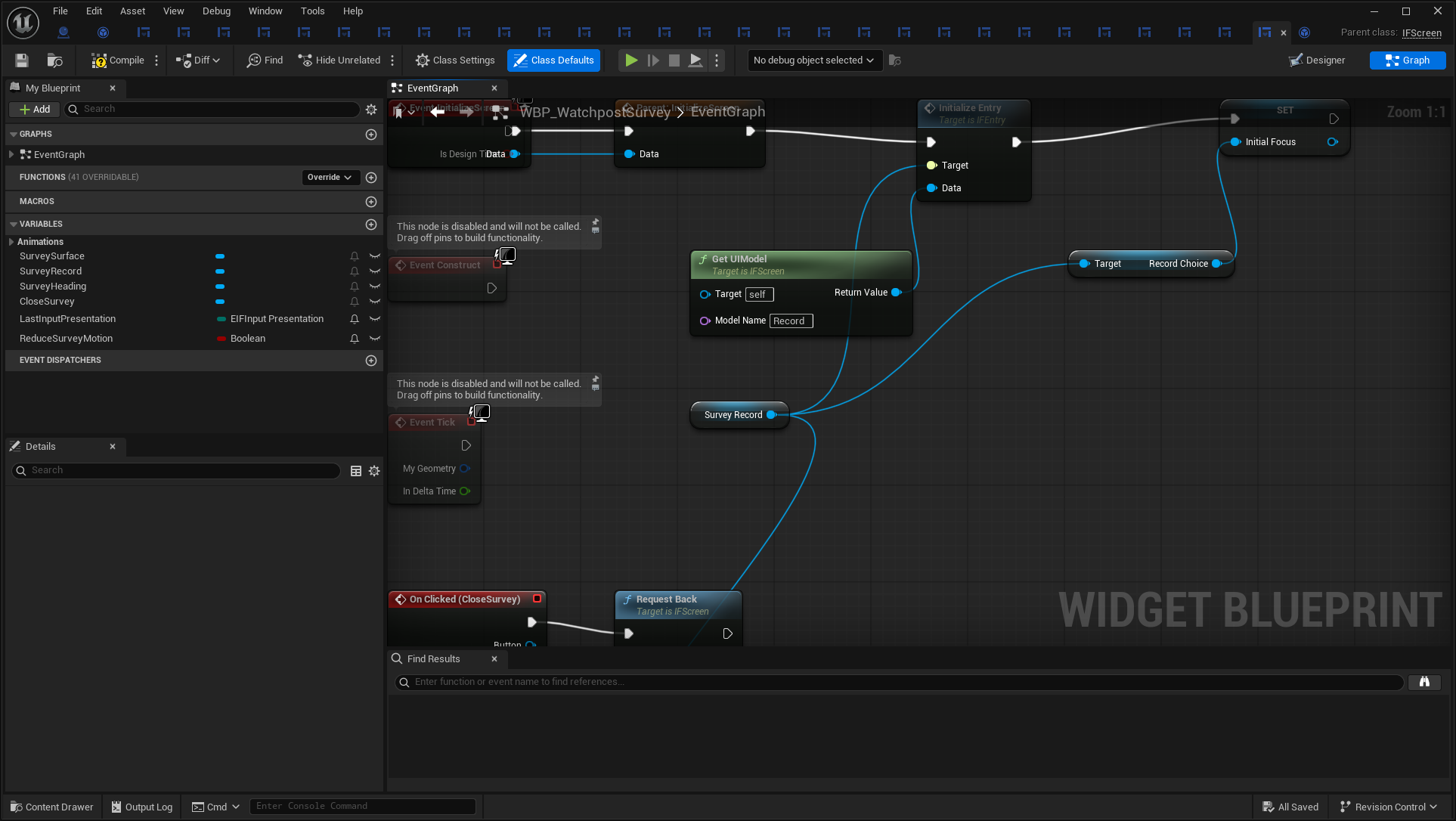
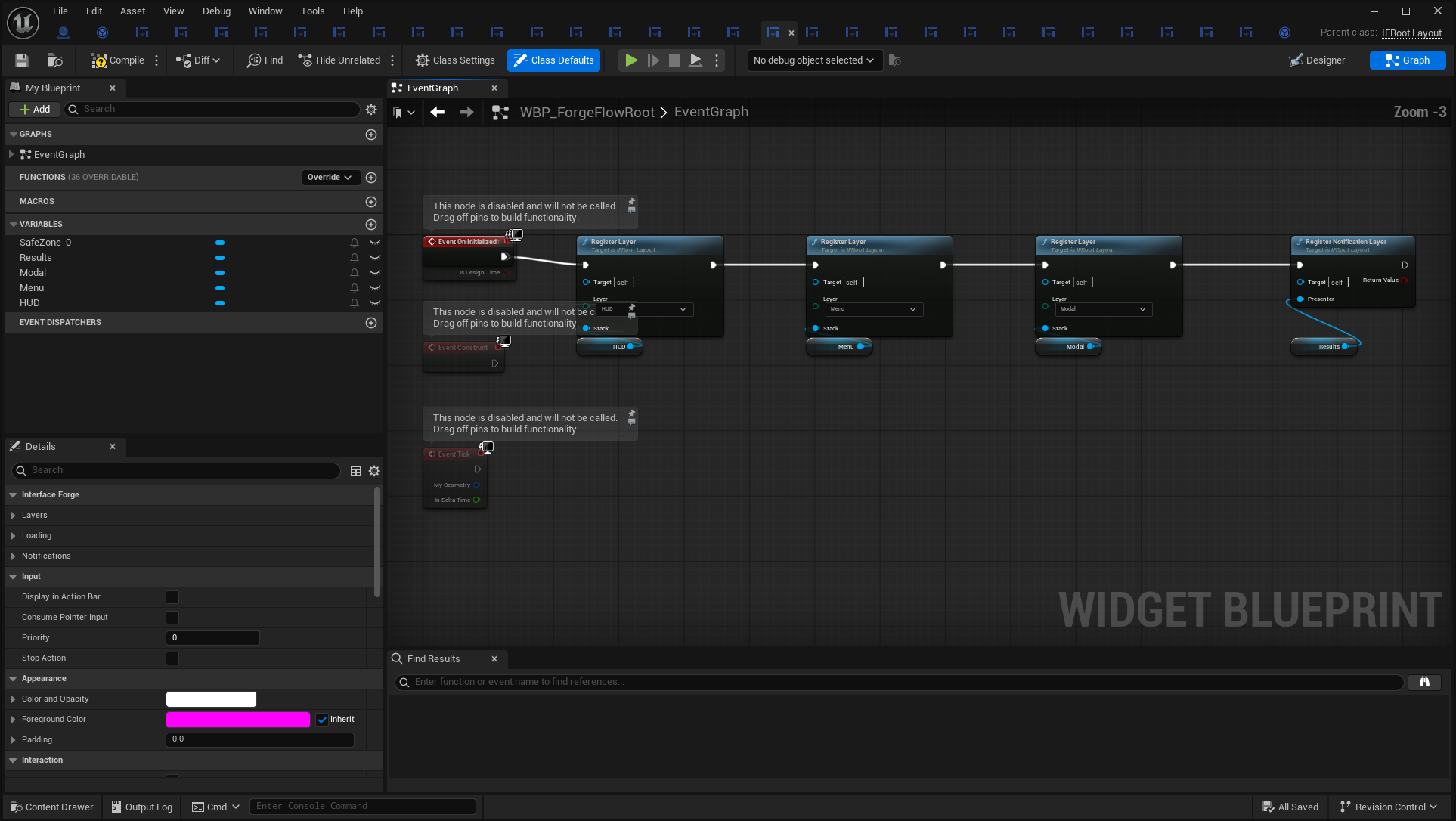
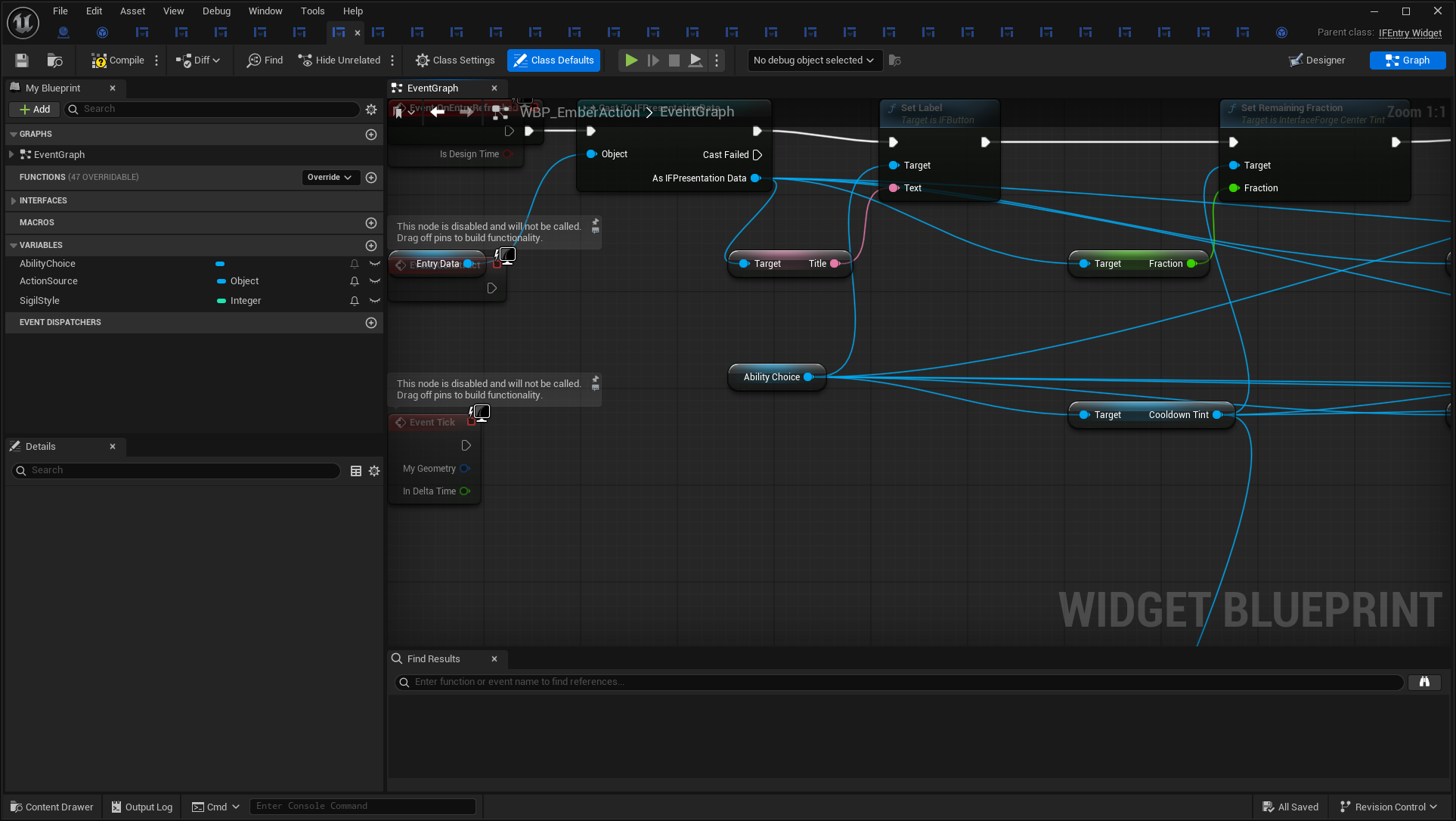
Whole-graph overviews show structure. Detail images show readable node names and connections. The first document and JSON index retain every node, pin/default and wire endpoint, including graphs too large to fit one screenshot.
WBP_AshenSettings — overview
WBP_WatchpostEntry — overview
WBP_WatchpostSurvey — overview
WBP_ForgeFlowRoot — overview
WBP_EmberAction — overview
WBP_AshenSettings — detail
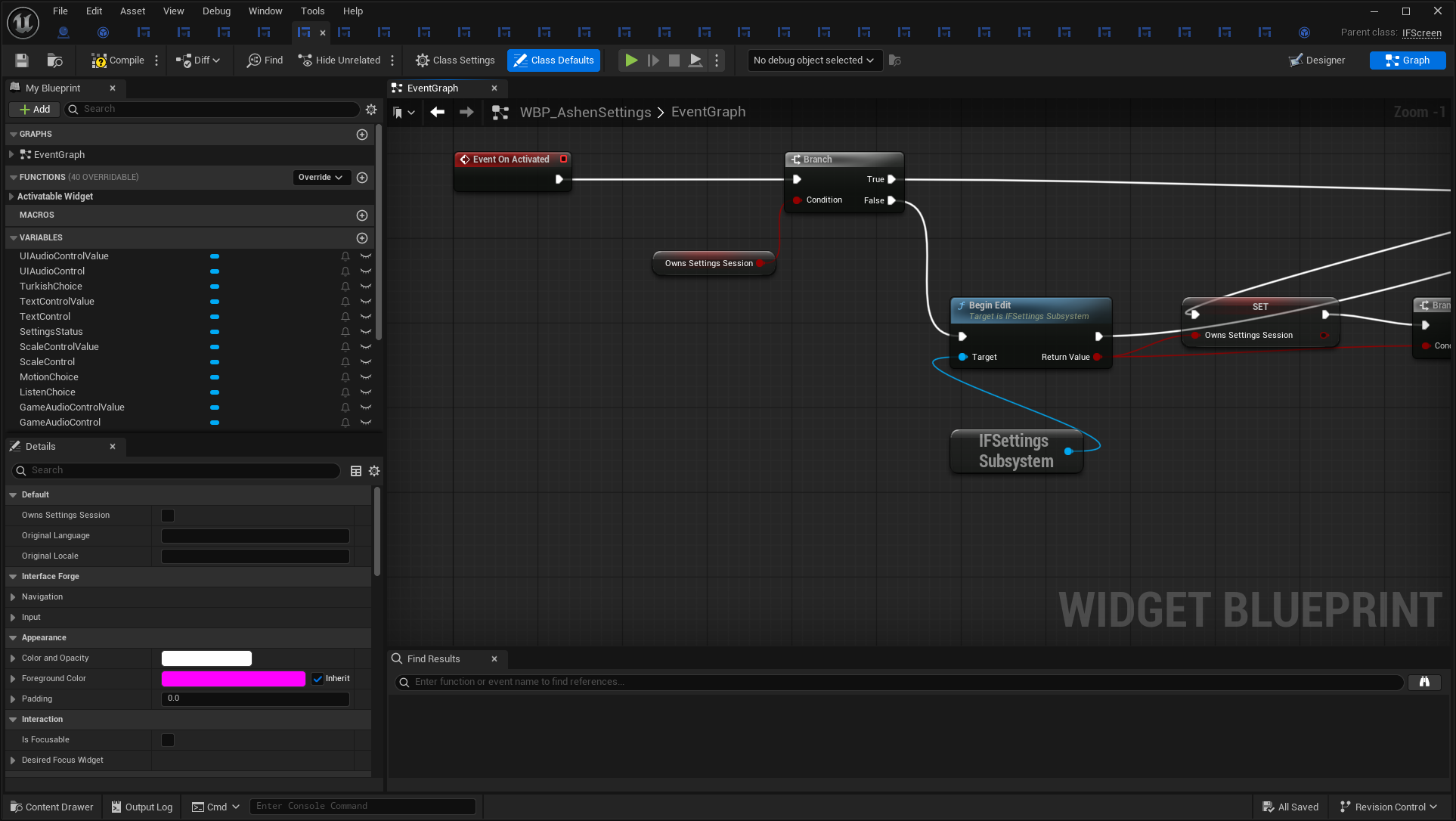
Open full-size image — Event On Activated
WBP_WatchpostEntry — detail
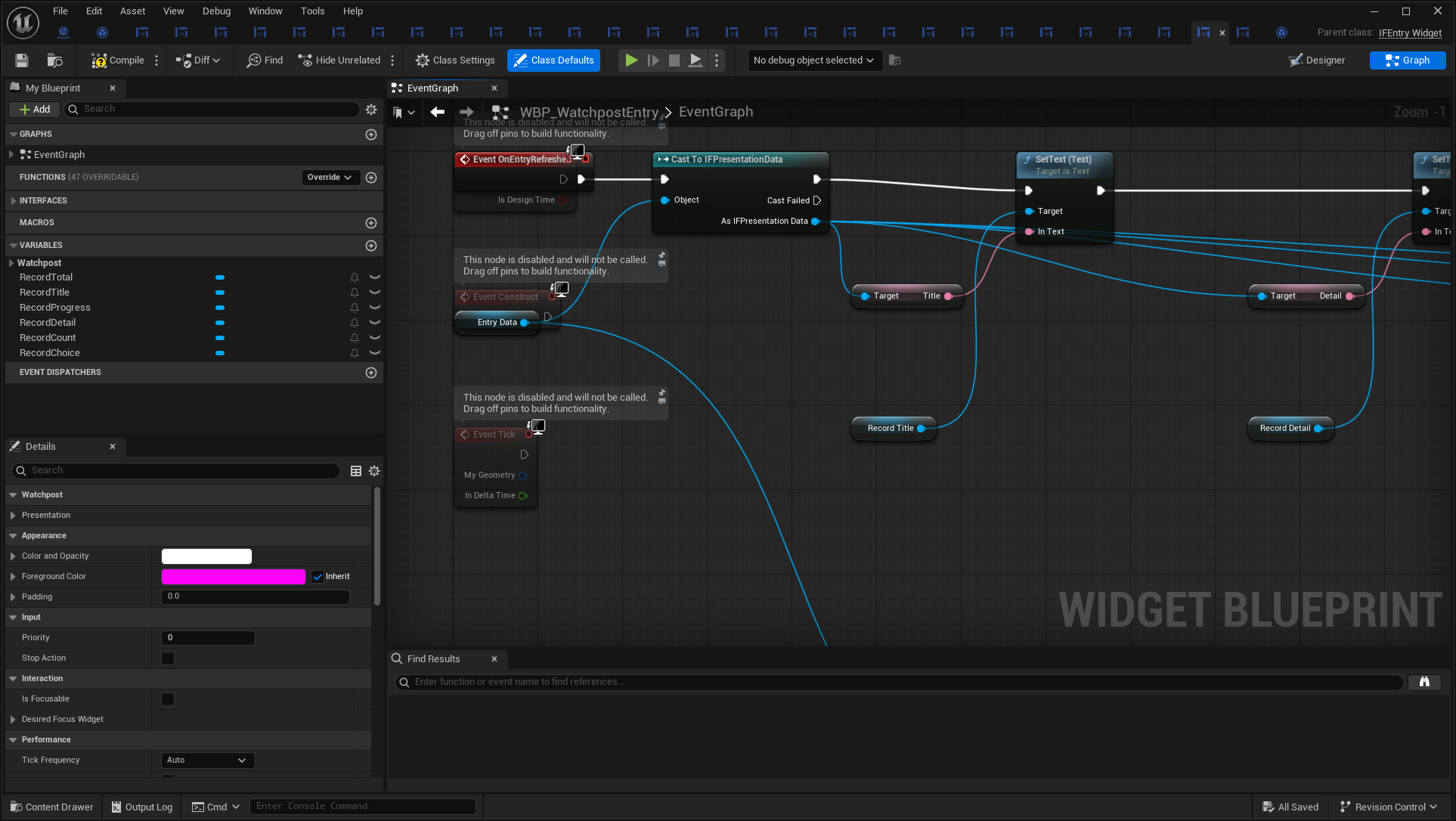
Open full-size image — Event OnEntryRefreshed
WBP_WatchpostSurvey — detail
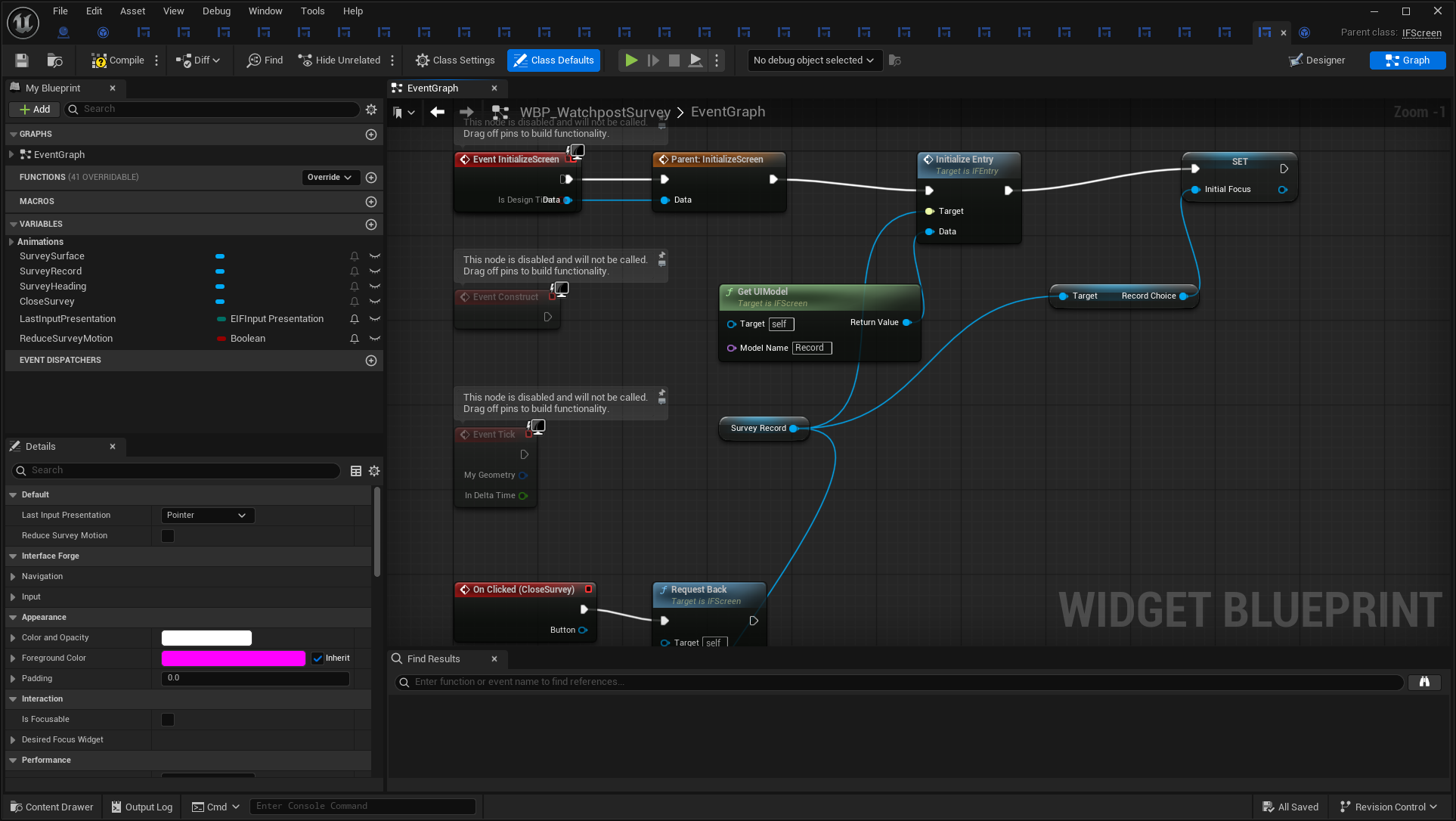
Open full-size image — Event InitializeScreen
WBP_ForgeFlowRoot — detail
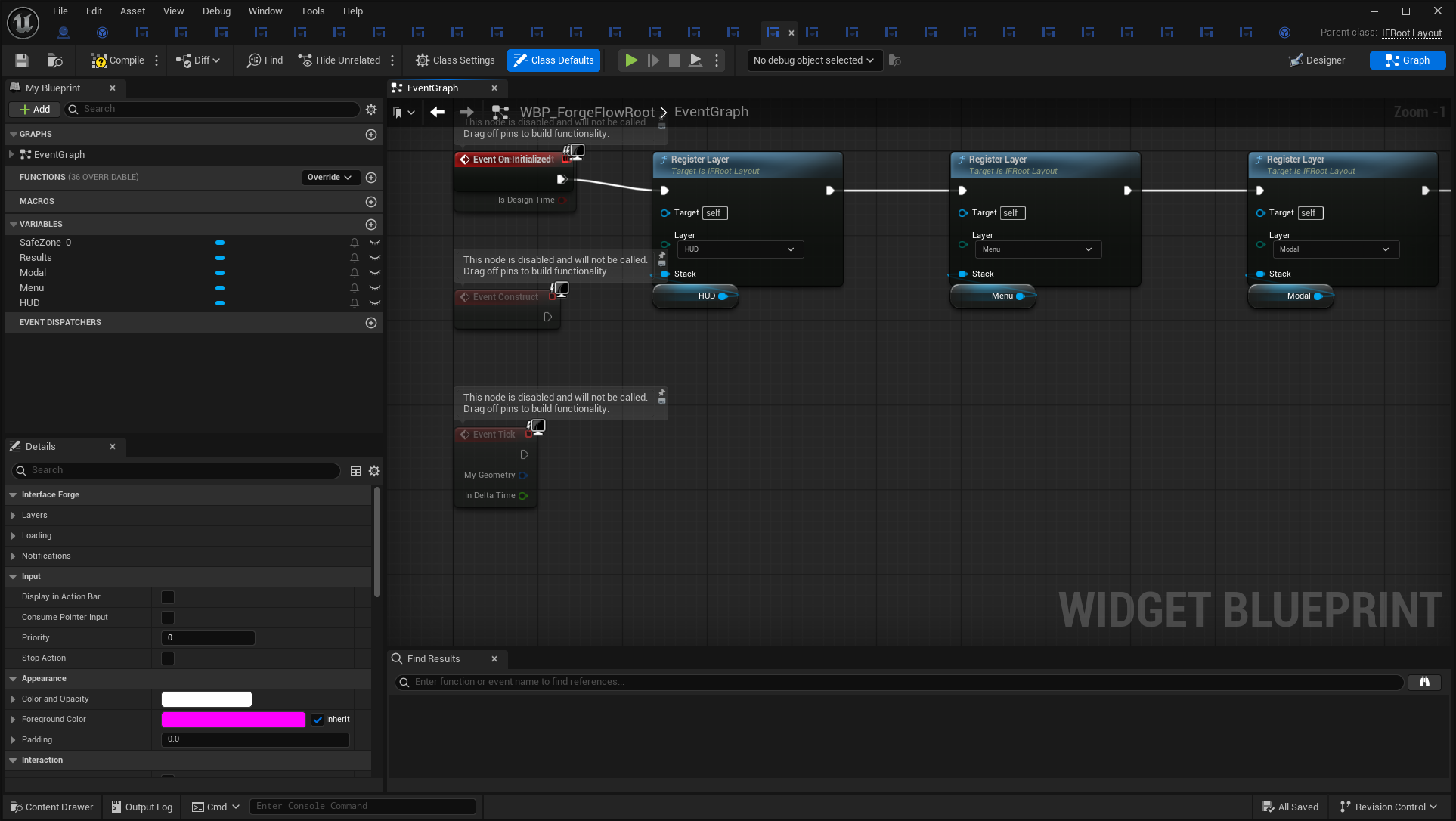
Open full-size image — Event On Initialized
WBP_EmberAction — detail
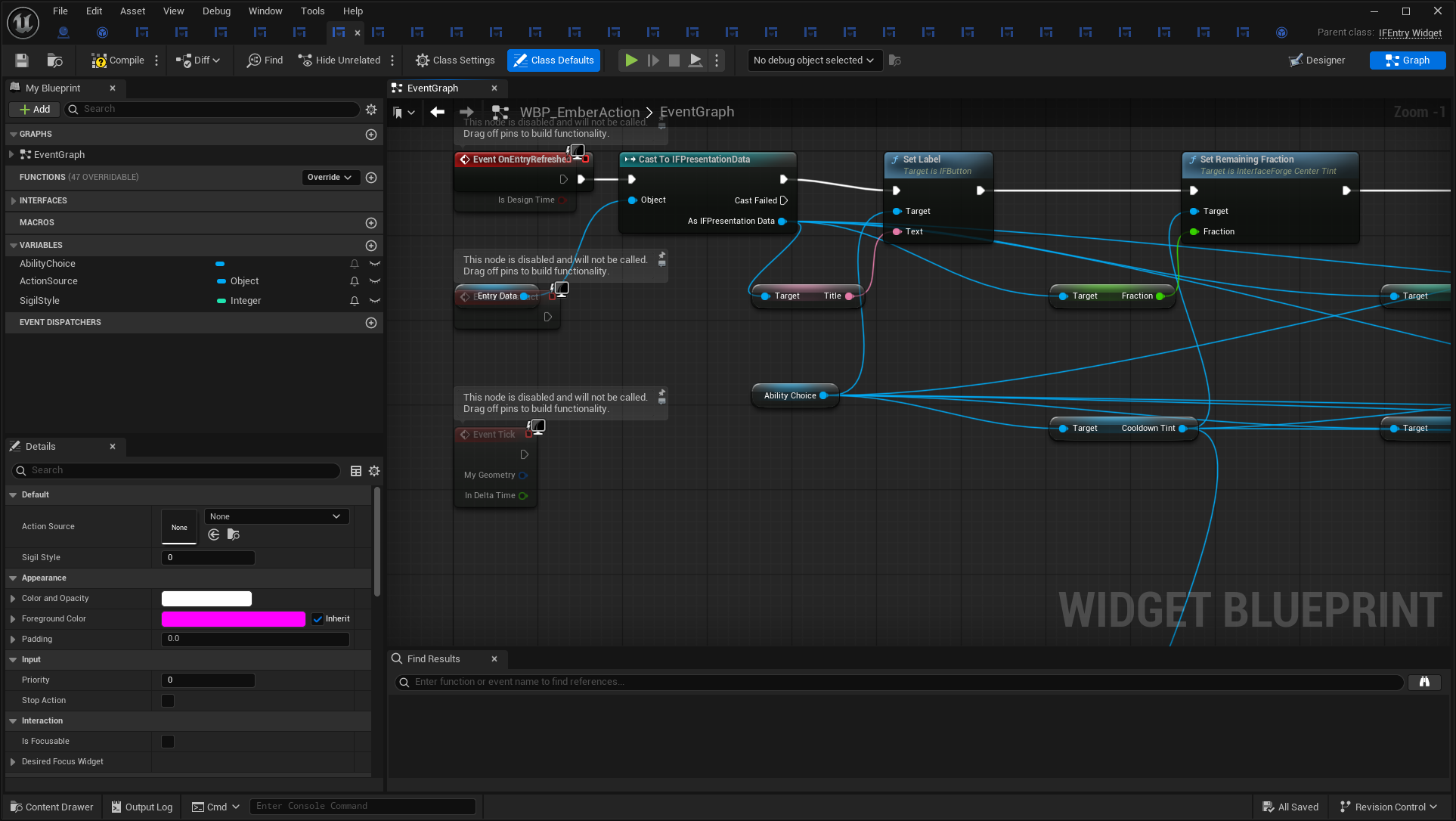
Open full-size image — Event OnEntryRefreshed
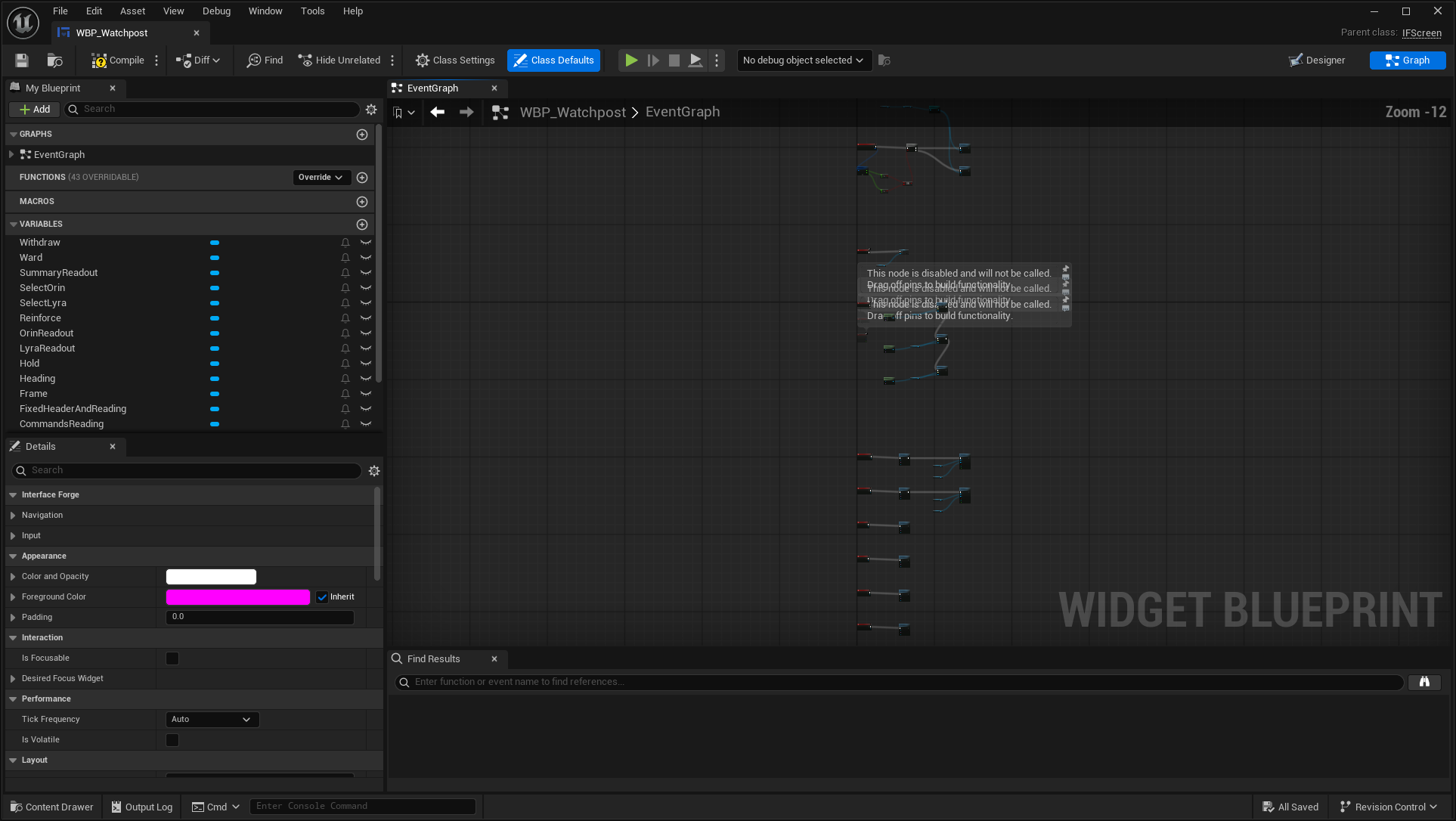
WBP_Watchpost — overview
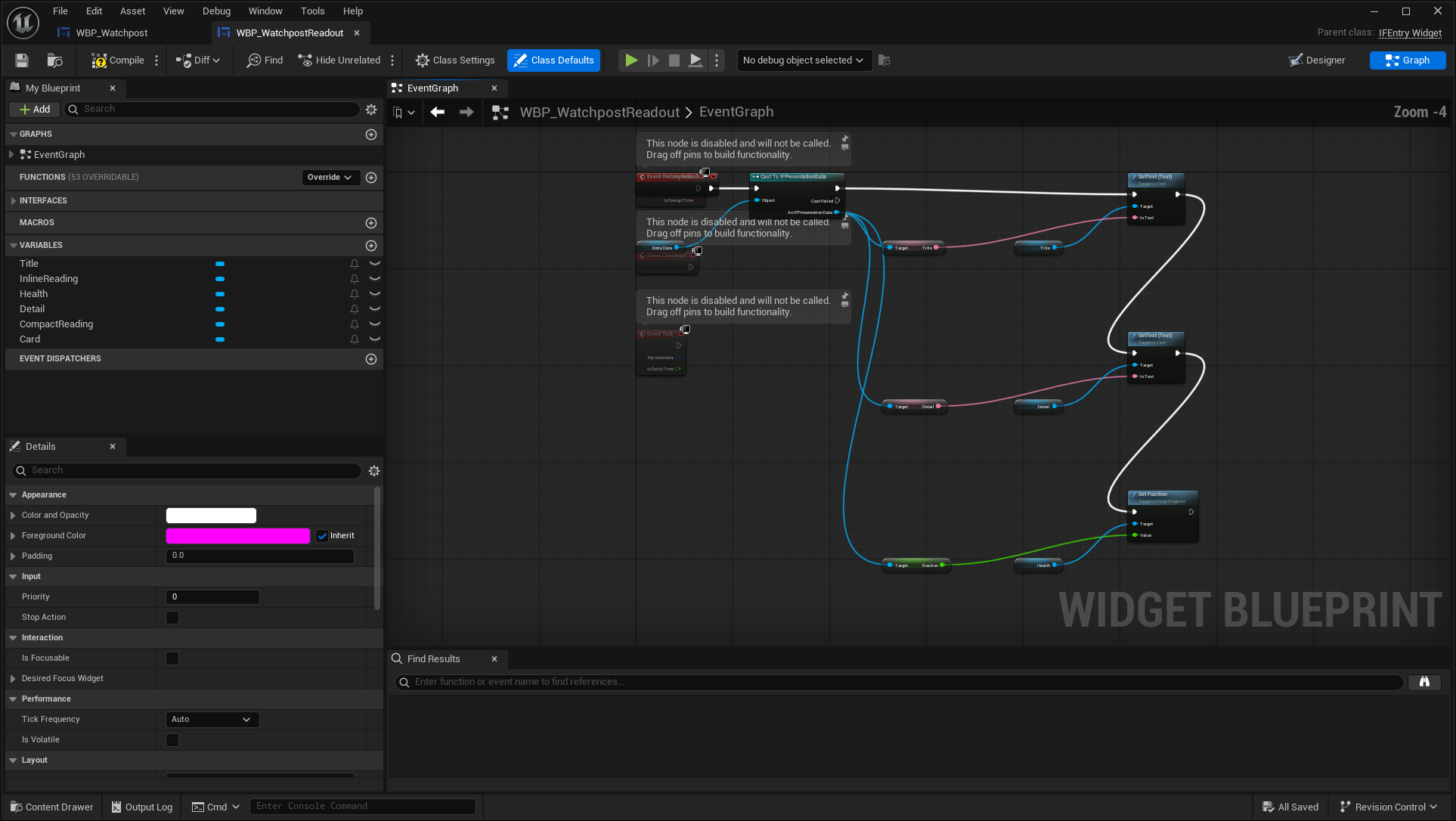
WBP_WatchpostReadout — overview
Non-widget Blueprint assets
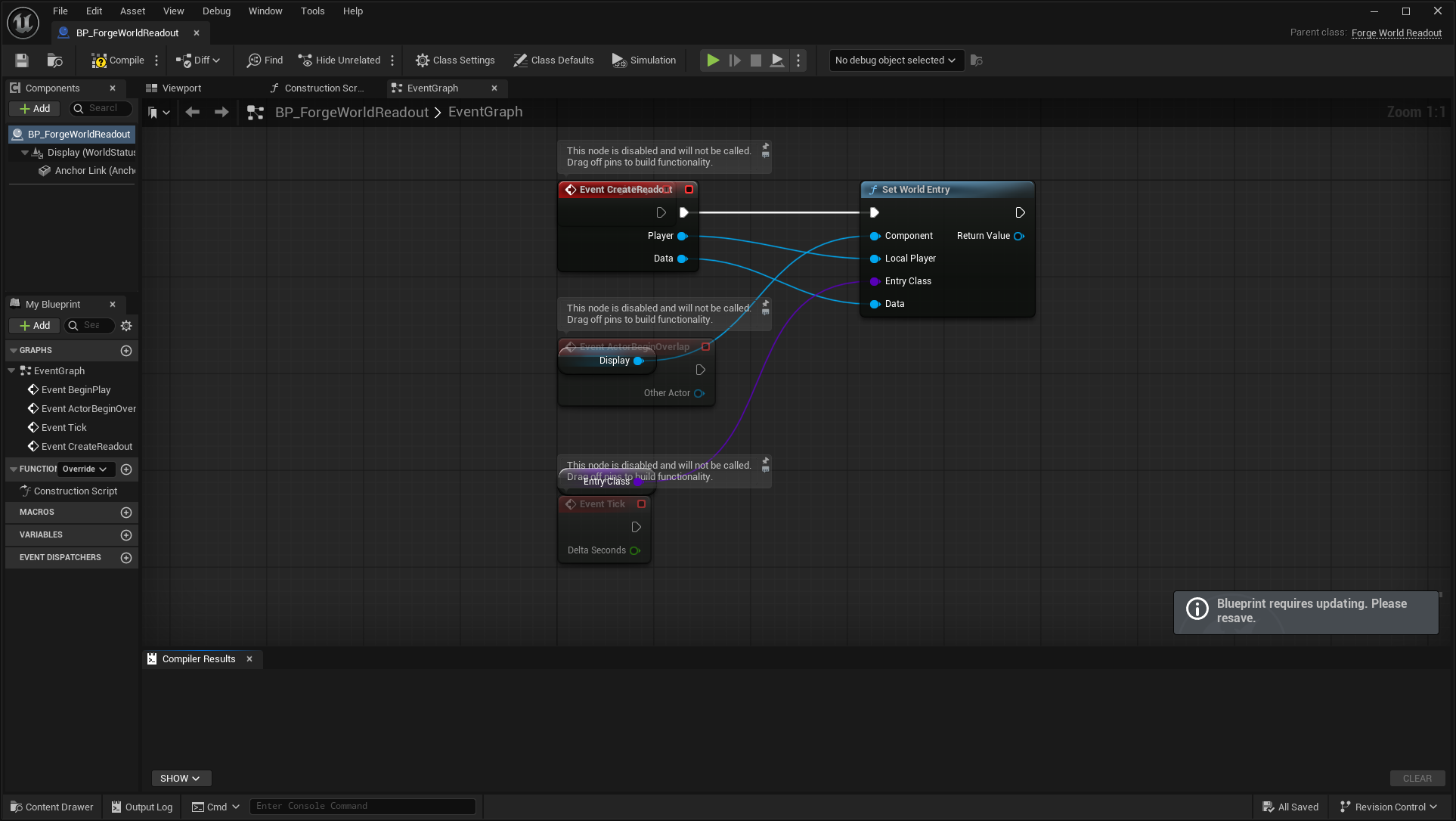
These objects are not standalone UI windows. Their editor images show the actor/provider/controller configuration used by the interfaces.
BP_ForgeWorldReadout
Parent: /Script/ForgeExamples.ForgeWorldReadout.
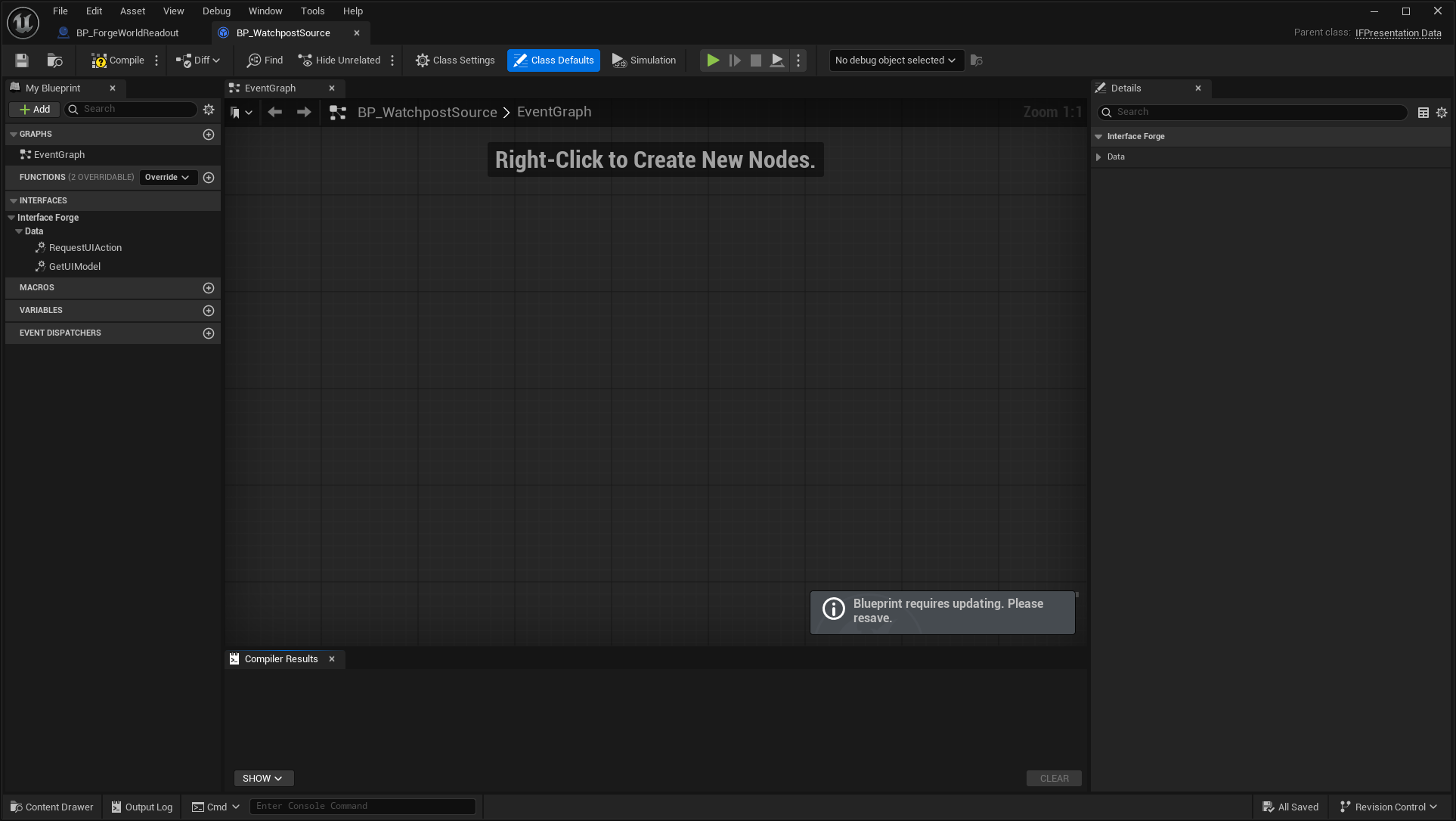
BP_WatchpostSource
Parent: /Script/InterfaceForge.IFPresentationData.
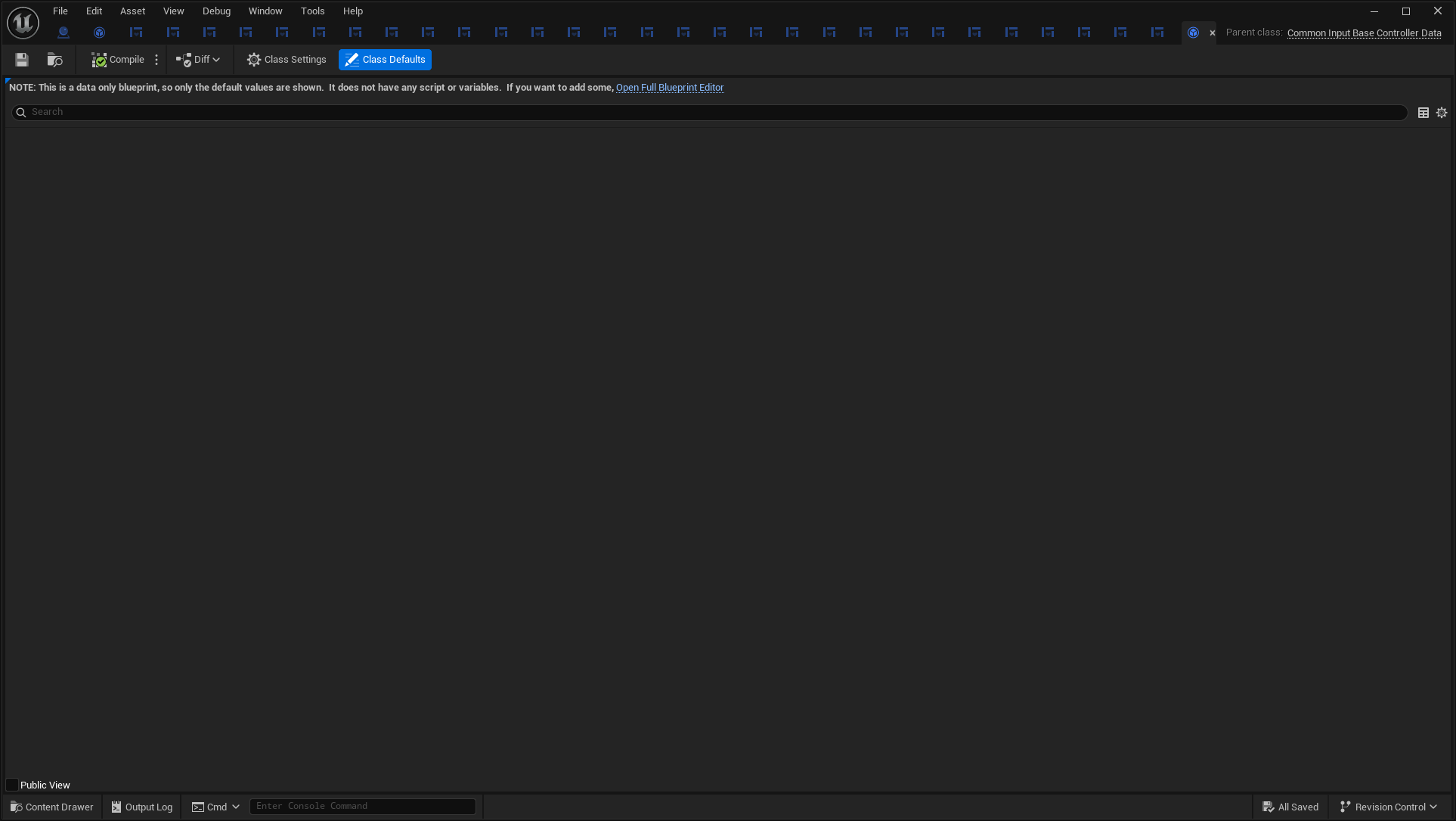
BP_IFGenericController
Parent: /Script/CommonInput.CommonInputBaseControllerData.
Native widgets and fallback bodies
Native fallbacks are included so the catalog does not hide code-created UI. Isolated dialogs/loading widgets receive typed public payloads. Surface/scroll examples contain explicit sample text to make otherwise empty containers visible.
IFButton
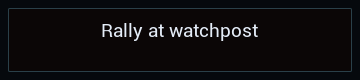
Open full-size image — Native visual body, independent of the Designer Blueprint replacement.
IFTooltipCard
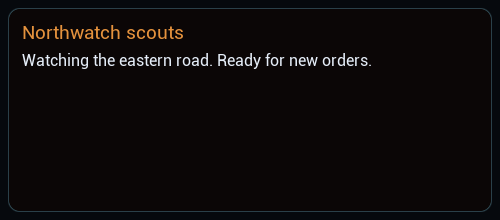
Open full-size image — Native visual body, independent of the Designer Blueprint replacement.
IFText

Open full-size image — Native visual body, independent of the Designer Blueprint replacement.
IFProgressWidget
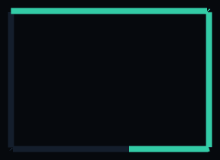
Open full-size image — Native visual body, independent of the Designer Blueprint replacement.
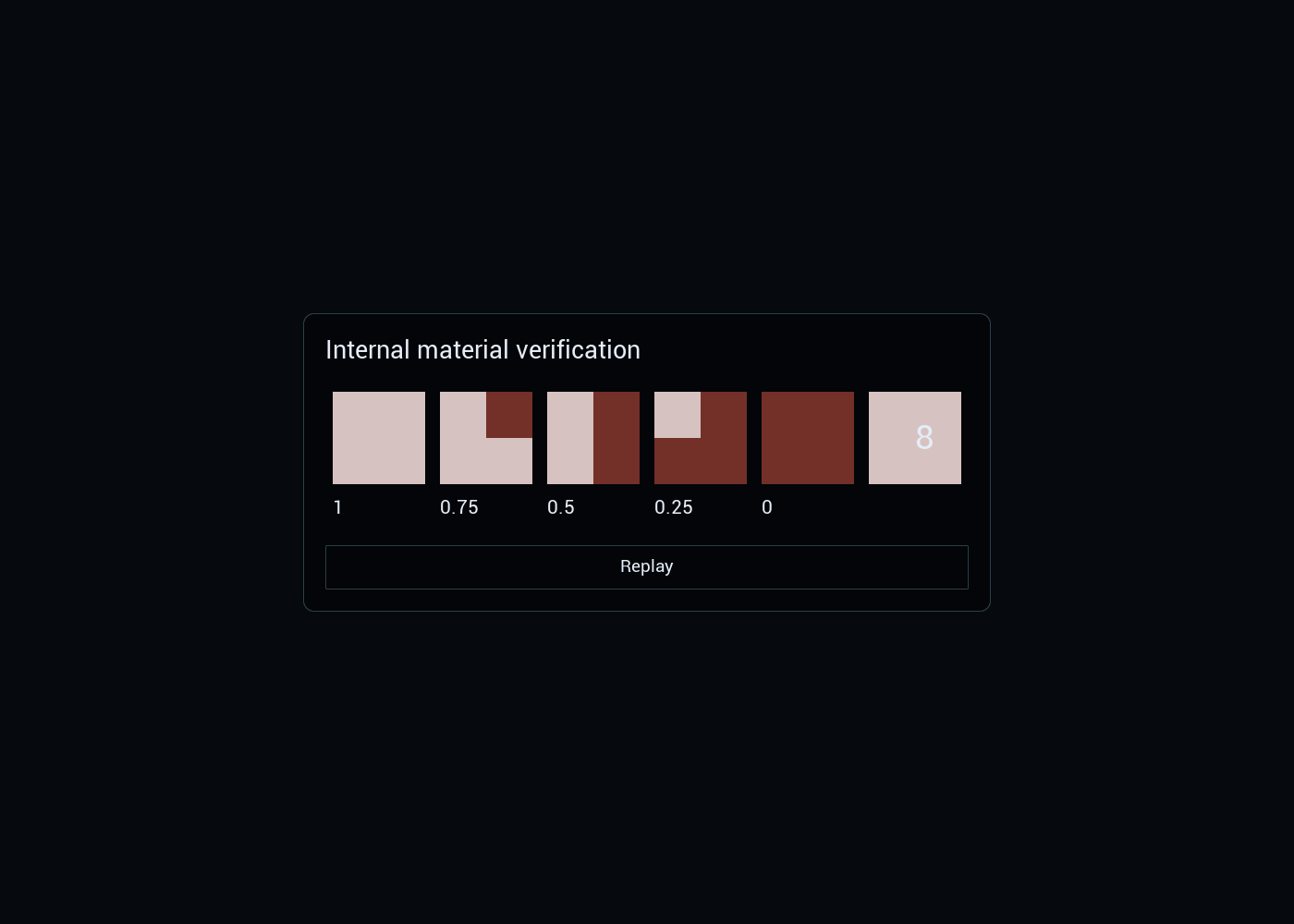
IFCenterTint

Open full-size image — Native visual body, independent of the Designer Blueprint replacement.
IFDialog
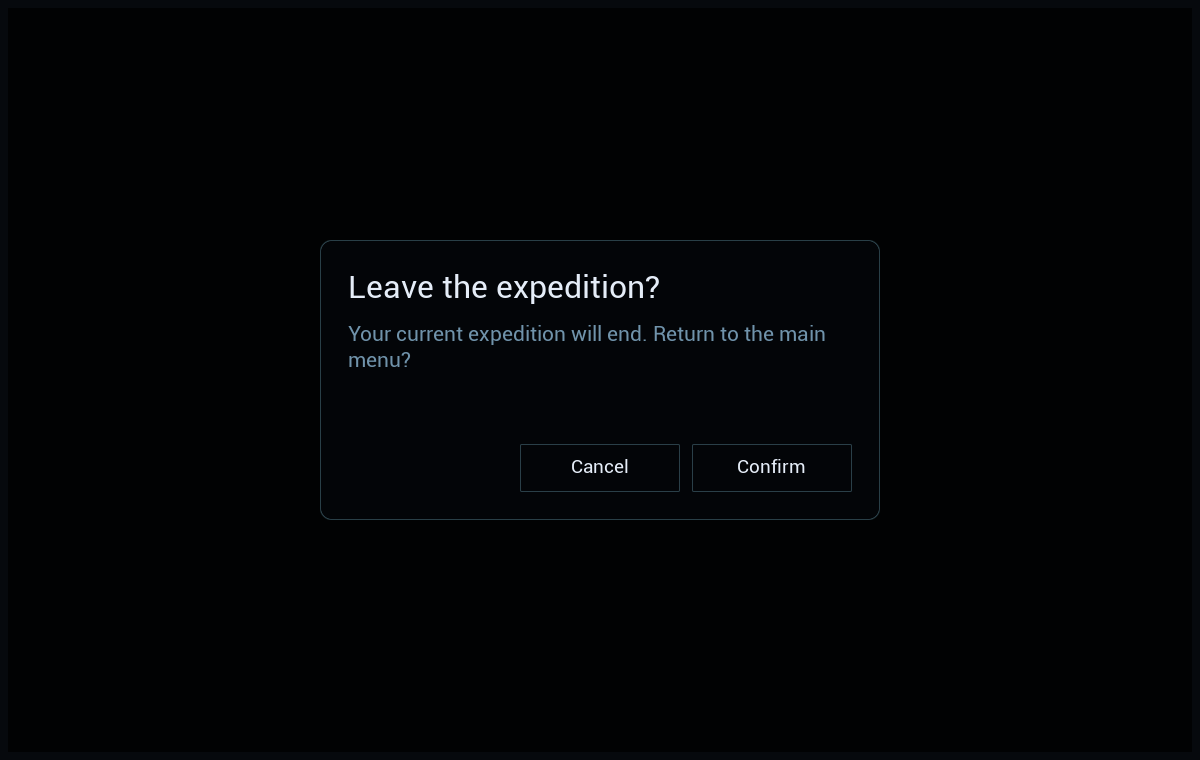
Open full-size image — Typed public presentation/dialog/loading payload; no gameplay backend is implied.
IFLoadingScreen
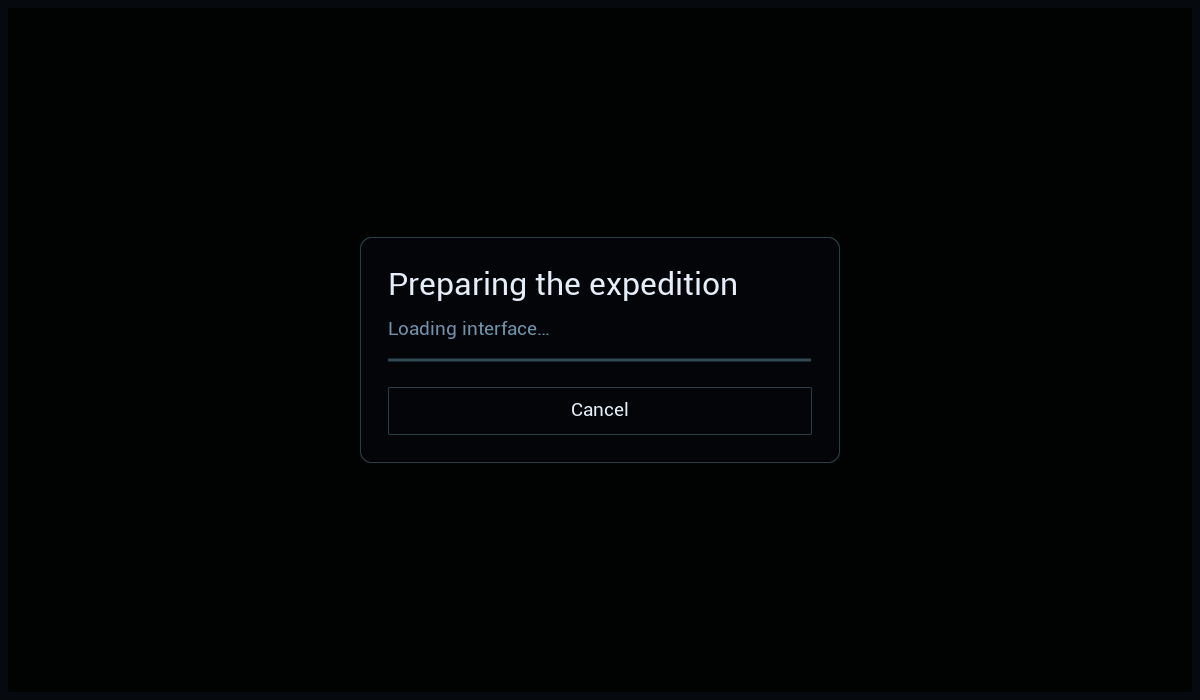
Open full-size image — Typed public presentation/dialog/loading payload; no gameplay backend is implied.
IFActionPrompt
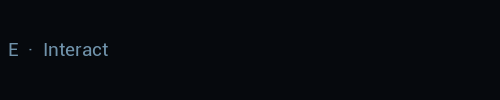
Open full-size image — Typed public presentation/dialog/loading payload; no gameplay backend is implied.
IFKeySelector
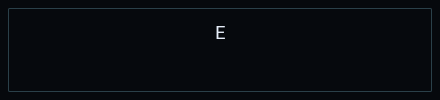
Open full-size image — Typed public presentation/dialog/loading payload; no gameplay backend is implied.
IFSurface

Open full-size image — Typed public presentation/dialog/loading payload; no gameplay backend is implied.
IFScrollBox
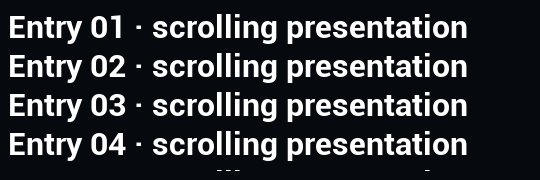
Open full-size image — Typed public presentation/dialog/loading payload; no gameplay backend is implied.
IFNotificationLayer
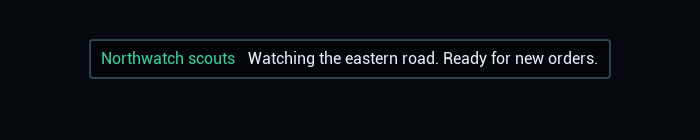
Open full-size image — Typed public presentation/dialog/loading payload; no gameplay backend is implied.
Containers and contracts
| Type | Visual representation |
|---|---|
| IFRootLayout | Root compositions above; owns screen layers rather than a standalone panel. |
| IFScreen | Base activatable contract; concrete screen images are above. |
| IFEntryWidget / IFEntry | Abstract entry lifecycle; each concrete entry is pictured above. |
| IFTooltipAnchor | Popup/focus routing container; its visible card is pictured as IFTooltipCard and WBP_ForgeTooltip. |
Progress and cooldown material variants
Linear; fraction 0.62

Open full-size image — /Script/InterfaceForge.IFProgressWidget
Radial; fraction 0.62

Open full-size image — /Script/InterfaceForge.IFProgressWidget
SquarePerimeter; fraction 0.62

Open full-size image — /Script/InterfaceForge.IFProgressWidget
Segmented; fraction 0.62

Open full-size image — /Script/InterfaceForge.IFProgressWidget
Charges; fraction 0.62

Open full-size image — /Script/InterfaceForge.IFProgressWidget
Remaining fraction 0

Open full-size image — /Script/InterfaceForge.IFCenterTint
Remaining fraction 0.25
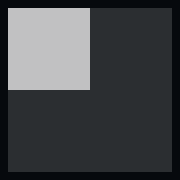
Open full-size image — /Script/InterfaceForge.IFCenterTint
Remaining fraction 0.5

Open full-size image — /Script/InterfaceForge.IFCenterTint
Remaining fraction 0.75

Open full-size image — /Script/InterfaceForge.IFCenterTint
Remaining fraction 1

Open full-size image — /Script/InterfaceForge.IFCenterTint
Native example fallbacks and legacy prototypes
These code-created interfaces still exist in source. They are separate from the saved Blueprint menus/HUDs used by the active examples. The workshop/tint panels are old prototype/QA surfaces, not additional finished genres.
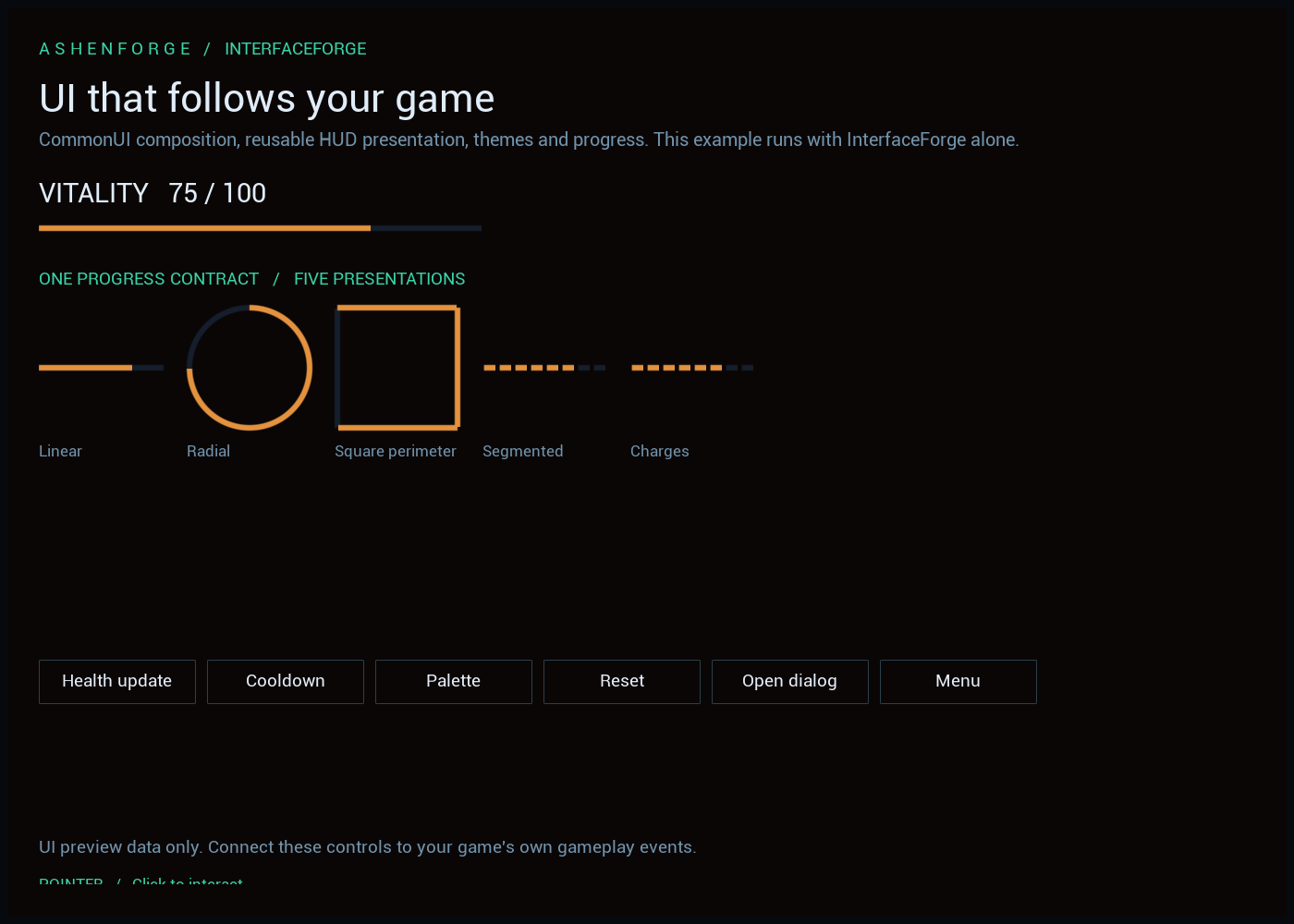
ForgeWorkshopWidget
ForgeMenuScreen
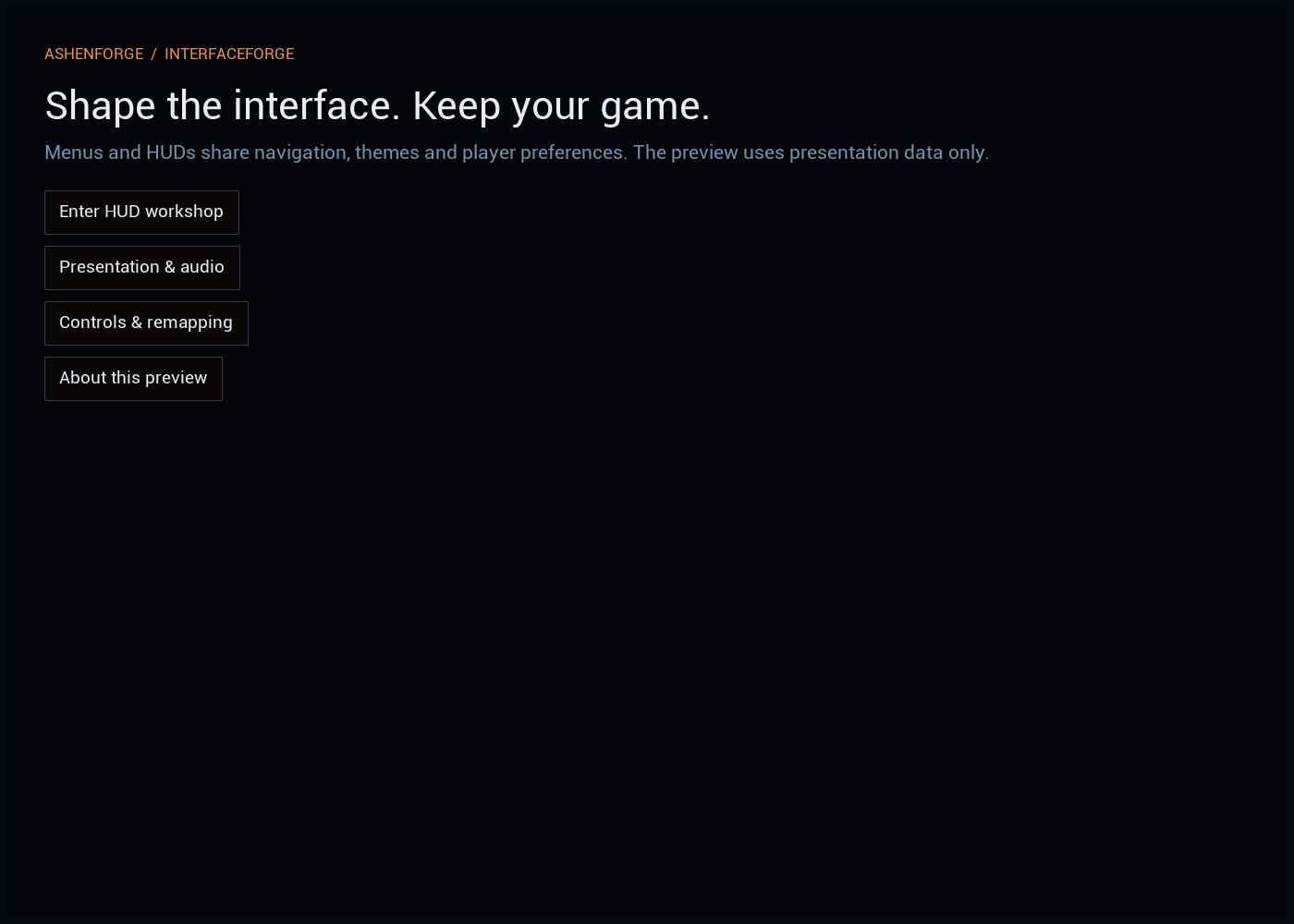
ForgeMainScreen
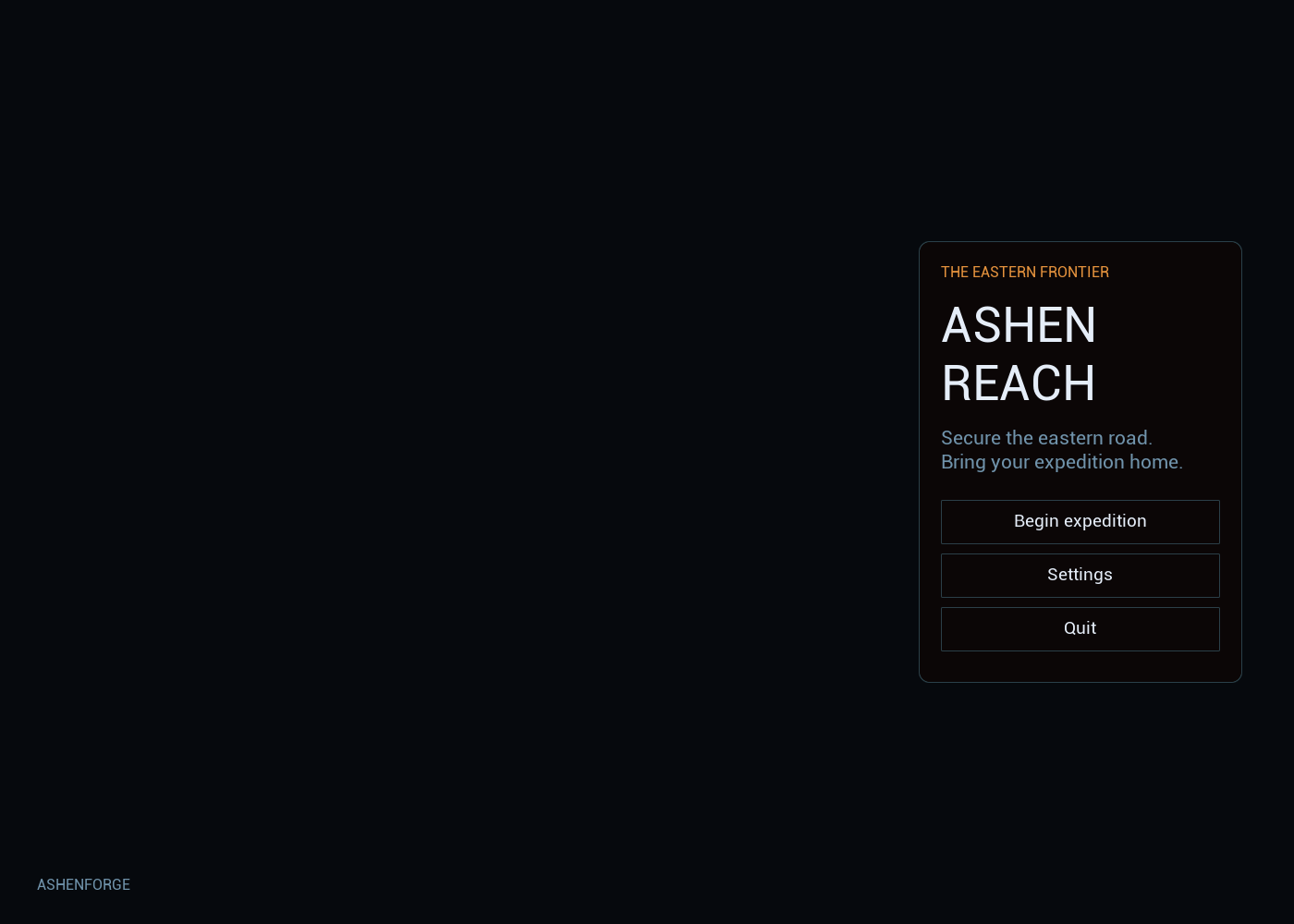
ForgePauseScreen
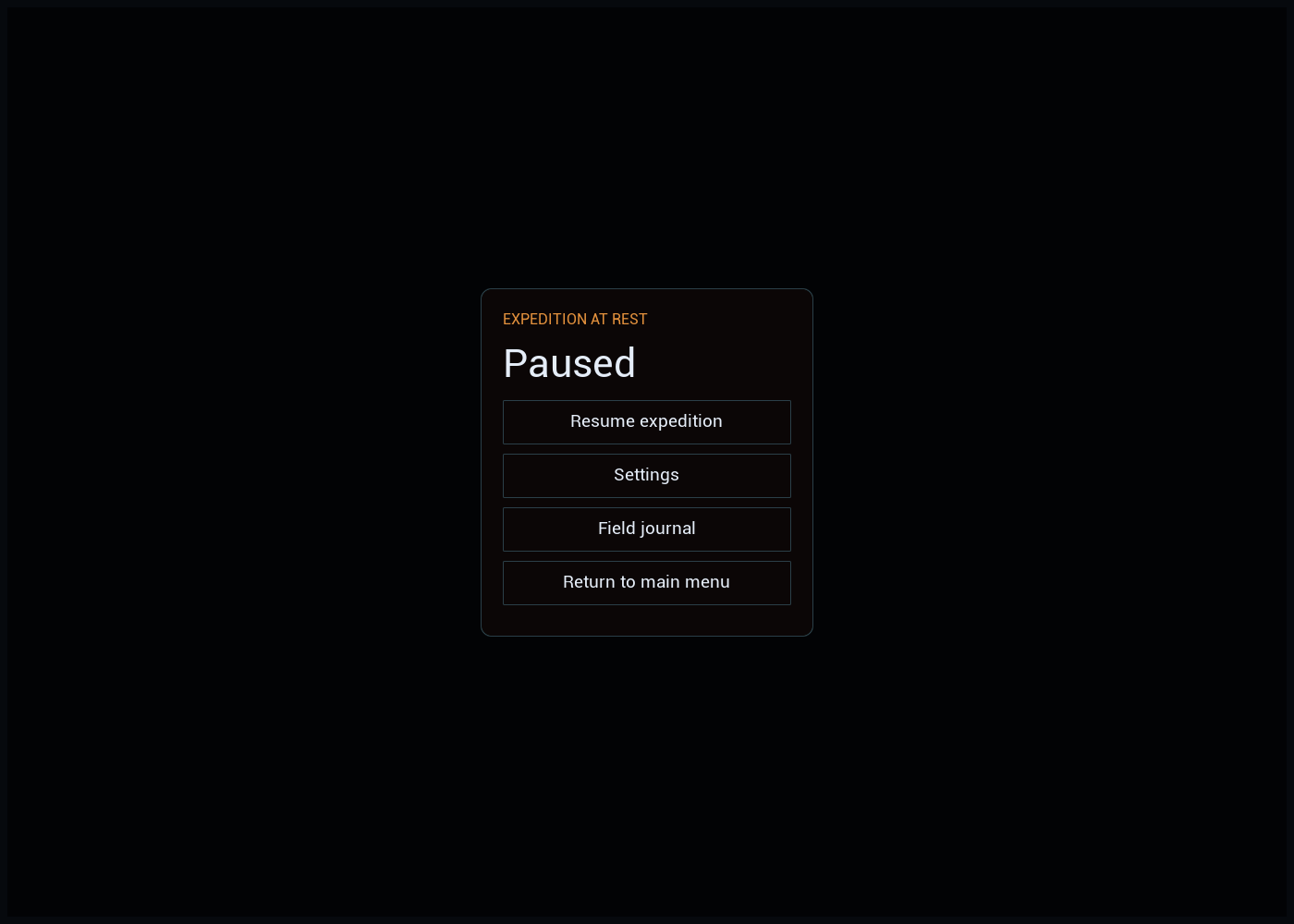
ForgeSettingsScreen
ForgeControlsScreen
ForgeFieldHUD
ForgeTintReview
Coverage checklist
| Saved Widget Blueprint | Parent | Render | Designer |
|---|---|---|---|
| WBP_AshenControls | IFScreen | Image | Image |
| WBP_AshenMainMenu | IFScreen | Image | Image |
| WBP_AshenPause | IFScreen | Image | Image |
| WBP_AshenRTSHUD | IFScreen | Image | Image |
| WBP_AshenSettings | IFScreen | Image | Image |
| WBP_EmberAction | IFEntryWidget | Image | Image |
| WBP_EmberActionButton | IFButton | Image | Image |
| WBP_EmberRPGHUD | IFScreen | Image | Image |
| WBP_EmberRoot | IFRootLayout | Image | Image |
| WBP_FieldCard | IFEntryWidget | Image | Image |
| WBP_FieldCards | IFScreen | Image | Image |
| WBP_FieldJournal | IFScreen | Image | Image |
| WBP_ForgeActionButton | IFButton | Image | Image |
| WBP_ForgeAppliedPrompt | IFActionPrompt | Image | Image |
| WBP_ForgeConfirmation | IFDialog | Image | Image |
| WBP_ForgeContextHint | IFEntryWidget | Image | Image |
| WBP_ForgeFlowRoot | IFRootLayout | Image | Image |
| WBP_ForgeLoading | IFLoadingScreen | Image | Image |
| WBP_ForgeNotification | IFEntryWidget | Image | Image |
| WBP_ForgeRoot | IFRootLayout | Image | Image |
| WBP_ForgeTooltip | IFEntryWidget | Image | Image |
| WBP_ForgeWorldStatus | IFEntryWidget | Image | Image |
| WBP_HUDReadout | IFEntryWidget | Image | Image |
| WBP_JournalEntry | IFEntryWidget | Image | Image |
| WBP_OutpostCommand | IFEntryWidget | Image | Image |
| WBP_OutpostCommandButton | IFButton | Image | Image |
| WBP_ProductionReadout | IFEntryWidget | Image | Image |
| WBP_WatchpostEntry | IFEntryWidget | Image | Image |
| WBP_WatchpostSurvey | IFScreen | Image | Image |
| WBP_Watchpost | IFScreen | Image | Image |
| WBP_WatchpostReadout | IFEntryWidget | Image | Image |
Additional complete-widget renders
Standalone screen renders below omit the 3D background and may have no activation-bound model. Prefer the live windows above to judge actual composition and content. They are retained so every captured widget image remains accessible.
| Image | Context |
|---|---|
| Widget-WBP_AshenControls.png | Isolated widget/editor capture; see primary gallery for populated live composition. |
| Widget-WBP_AshenMainMenu.png | Isolated widget/editor capture; see primary gallery for populated live composition. |
| Widget-WBP_AshenPause.png | Isolated widget/editor capture; see primary gallery for populated live composition. |
| Widget-WBP_AshenRTSHUD.png | Isolated widget/editor capture; see primary gallery for populated live composition. |
| Widget-WBP_AshenSettings.png | Isolated widget/editor capture; see primary gallery for populated live composition. |
| Widget-WBP_EmberRPGHUD.png | Isolated widget/editor capture; see primary gallery for populated live composition. |
| Widget-WBP_FieldCards.png | Isolated widget/editor capture; see primary gallery for populated live composition. |
| Widget-WBP_FieldJournal.png | Isolated widget/editor capture; see primary gallery for populated live composition. |
| Widget-WBP_ForgeConfirmation.png | Isolated widget/editor capture; see primary gallery for populated live composition. |
| Widget-WBP_WatchpostSurvey.png | Isolated widget/editor capture; see primary gallery for populated live composition. |
What these documents do not claim
The redesigned example hub, richer MMO-style HUD, minimap, horror interface and injury/poison/camera feedback requested for the new goal have not been implemented by this documentation task. They are not represented as existing features. Physical controller/touch testing remains unverified. These images are intended to let the current implementation be inspected honestly.