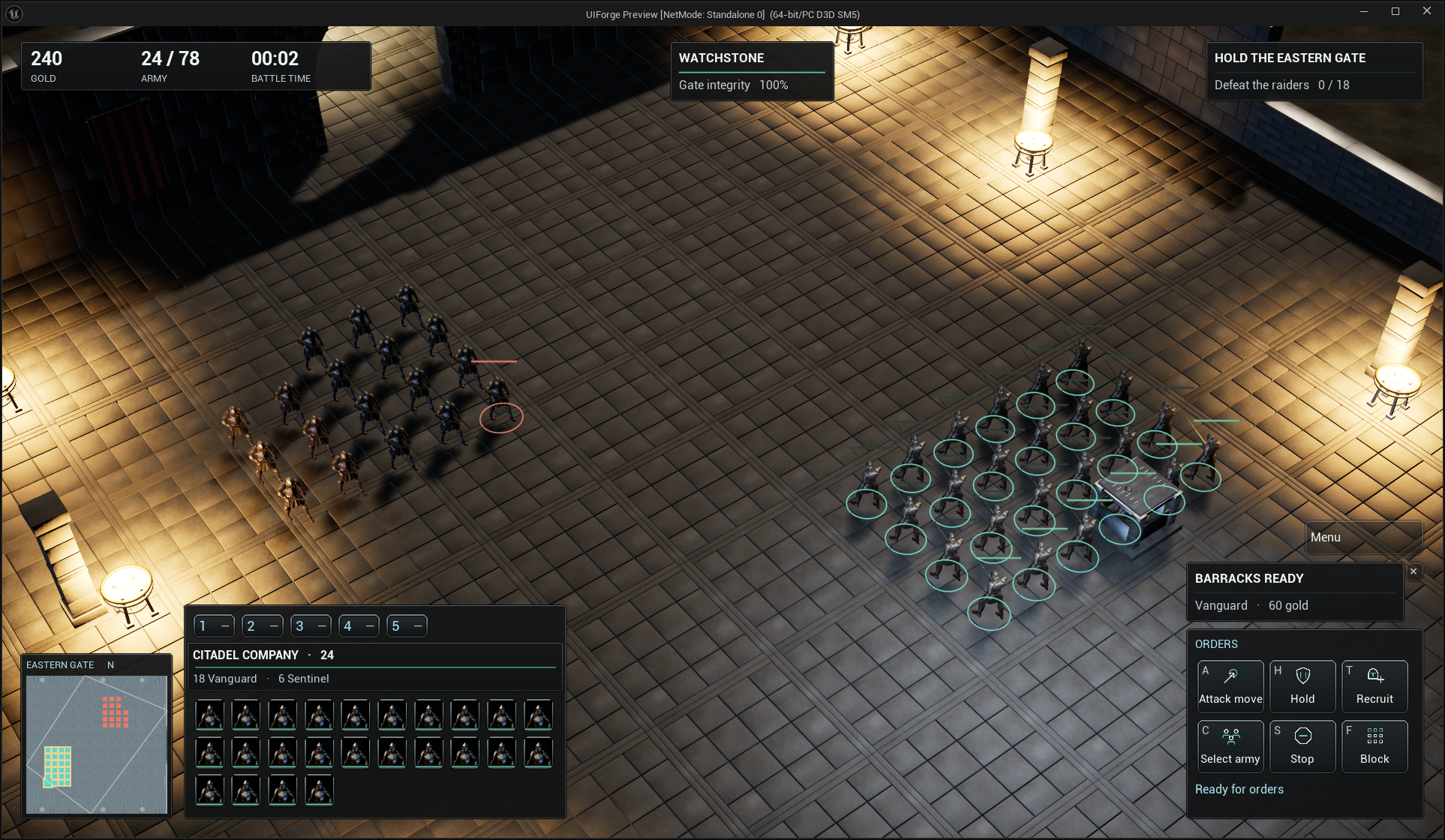
One interface, changing controls
Share navigation, focus, prompts and input presentation across menus, HUDs, dialogs and custom widgets.
Menus, HUD layers, reusable entries, themes and input-aware presentation built on Unreal CommonUI. Keep your gameplay systems and make the interface your own.
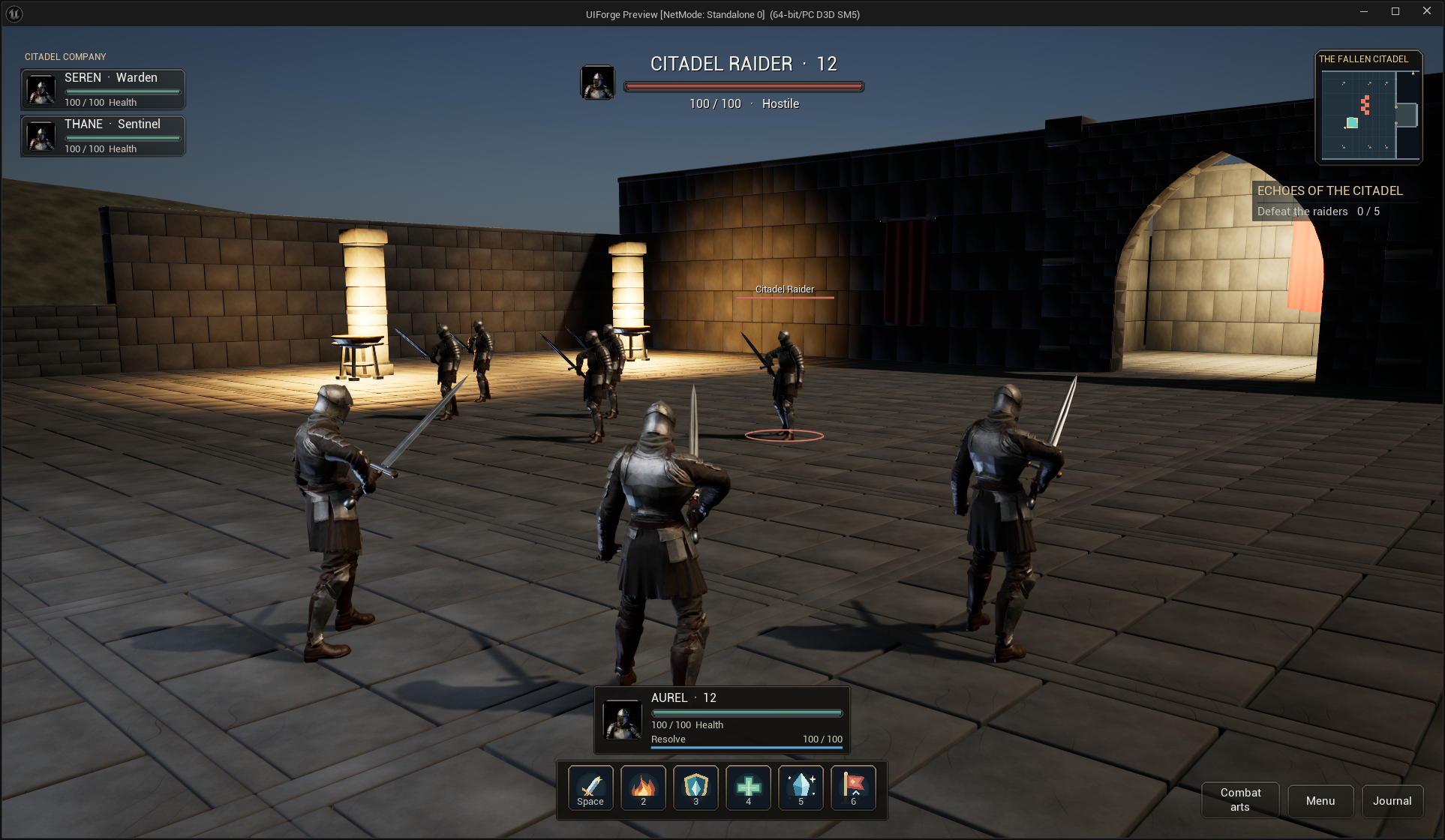
Follow Build your first game interface, Build a tabbed settings menu, and Blueprint customization. Each route shows actual asset locations, Designer selections, fields or graph nodes, the action to take and the expected result. Images enlarge with a click or keyboard Enter.
Open ForgeGateway in the standalone UE5.8.3 project. Choose Emberfall or Ironfront, then use Continue / New Game / Load Game → playable encounter → pause → settings / save / load → main menu. The current gallery contains real Unreal captures of these saved Blueprint interfaces.
The UI is built through public features: CommonUI screen stacks, named HUD layout profiles, reusable entries, commands, themes, input-aware prompts and adapters. Encounter gameplay and local saves belong to the examples. The core has no MassForge or inventory dependency.
Installation and playable routes gives the project paths and setup. Blueprint recipes starts your own interface with Get Local Player Subsystem → Create Root → Push Screen.
Start with product Blueprint authoring: replace a HUD region, a compact frame, an ability button, a layout profile or a theme. The separate Blueprint tutorial demonstrates custom screens, entries and data sources; Emberfall uses its live quest adapter for the playable journal. Themes and animation covers live presentation and UMG timelines. Center-origin tint documents the independently reproduced Sakura cooldown behavior separately from other progress styles.
This is 0.1.0 development documentation, maintained with implementation. The current product rebuild targets UE5.8.3 CL58210709 / Win64. Read current status for completed checks and limitations. Older gallery/three-engine records describe historical revisions and do not certify the rebuilt examples on other engines.
Physical controller testing is deferred by the user. Software input tests do not certify controller hardware, touchscreens or other platforms. Game Master's visual design is exclusive; these examples use original layouts and assets. Inventory mechanics are outside InterfaceForge.
Use named button skins, resource artwork and shared window surfaces, the complete multi-tab settings recipe, and the working ability-browser recipe. Both playable examples use these same public controls. Original editable artwork and independent core themes are included; reference-game and competitor designs are not copied.