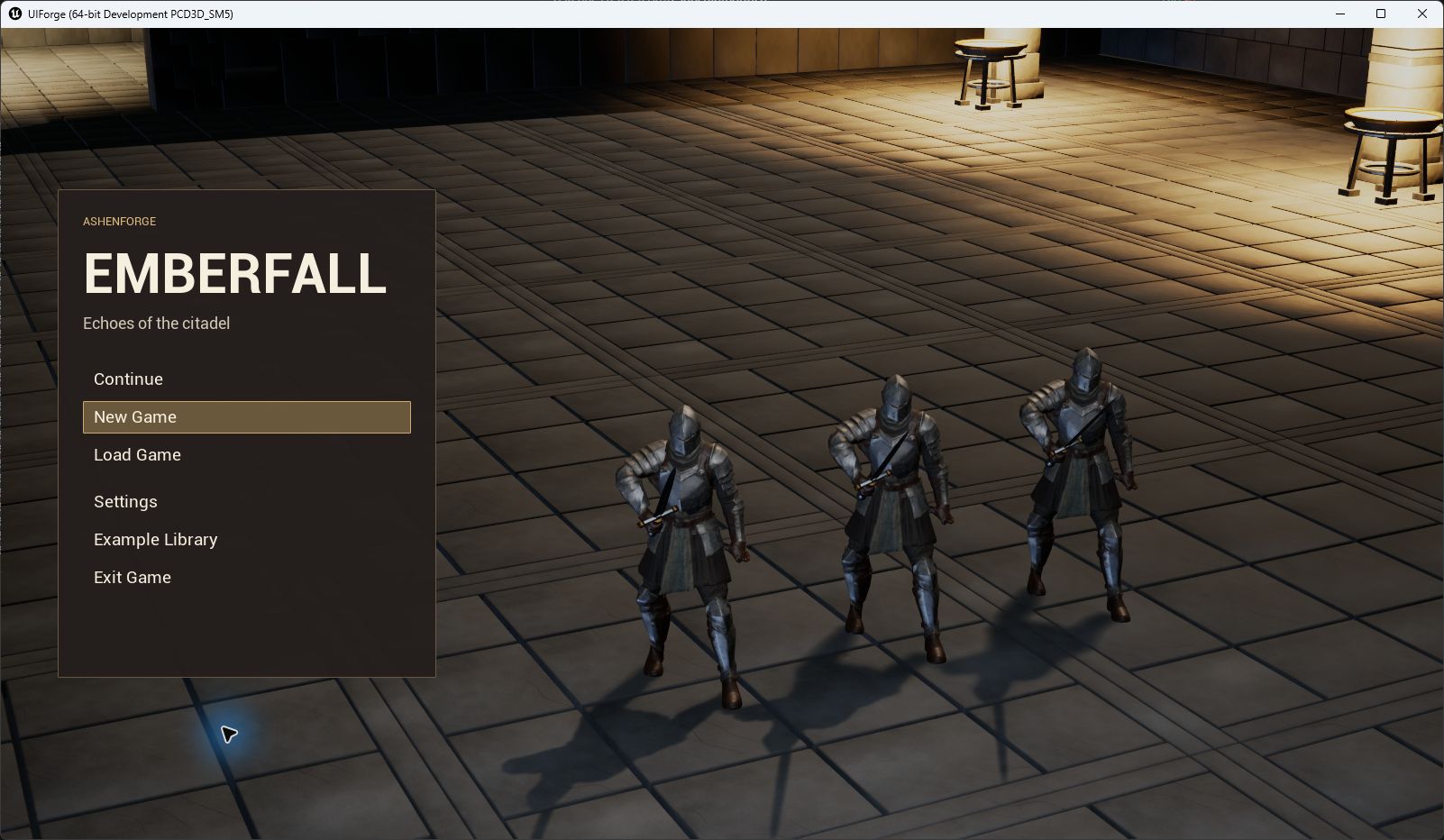
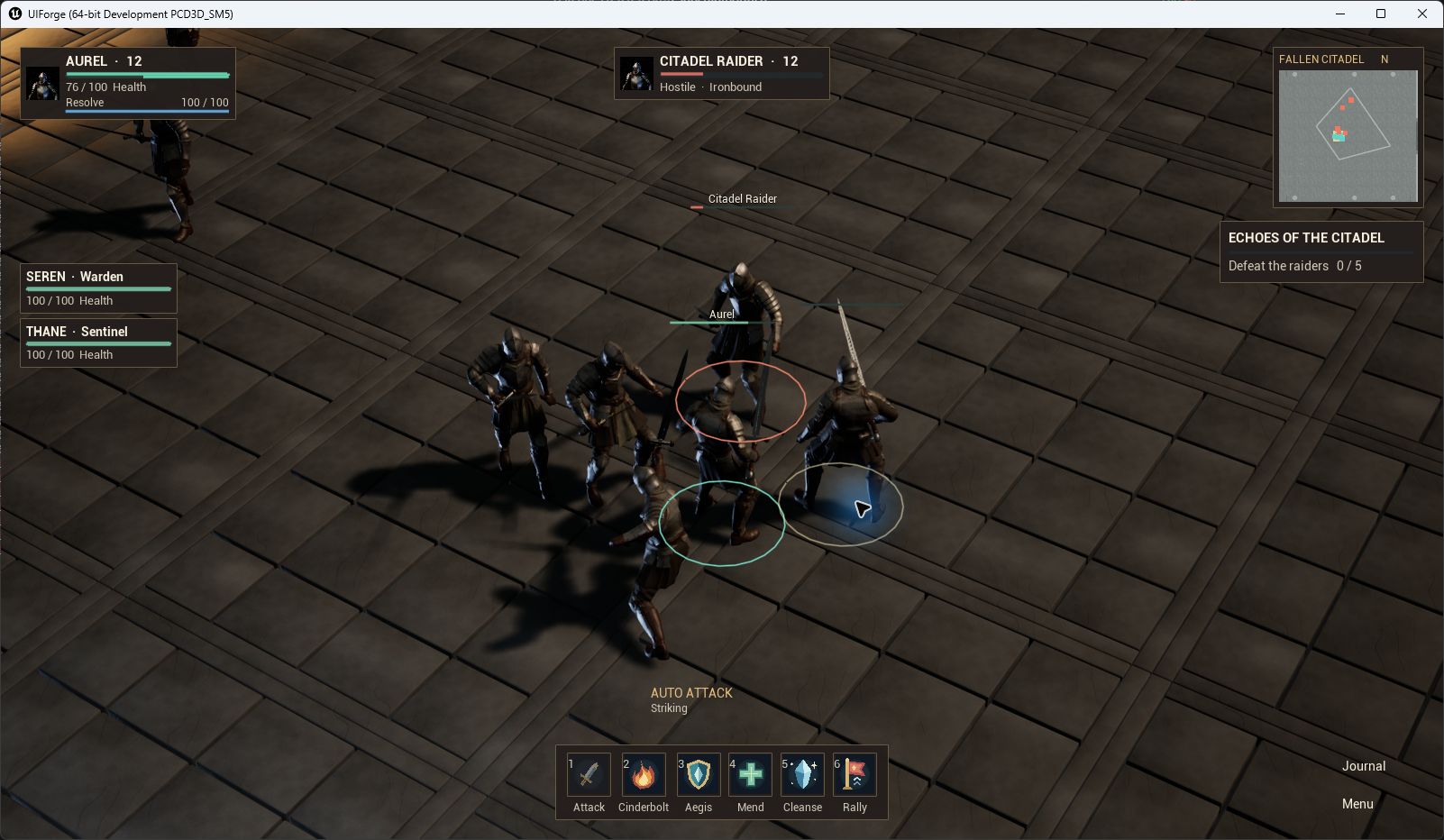
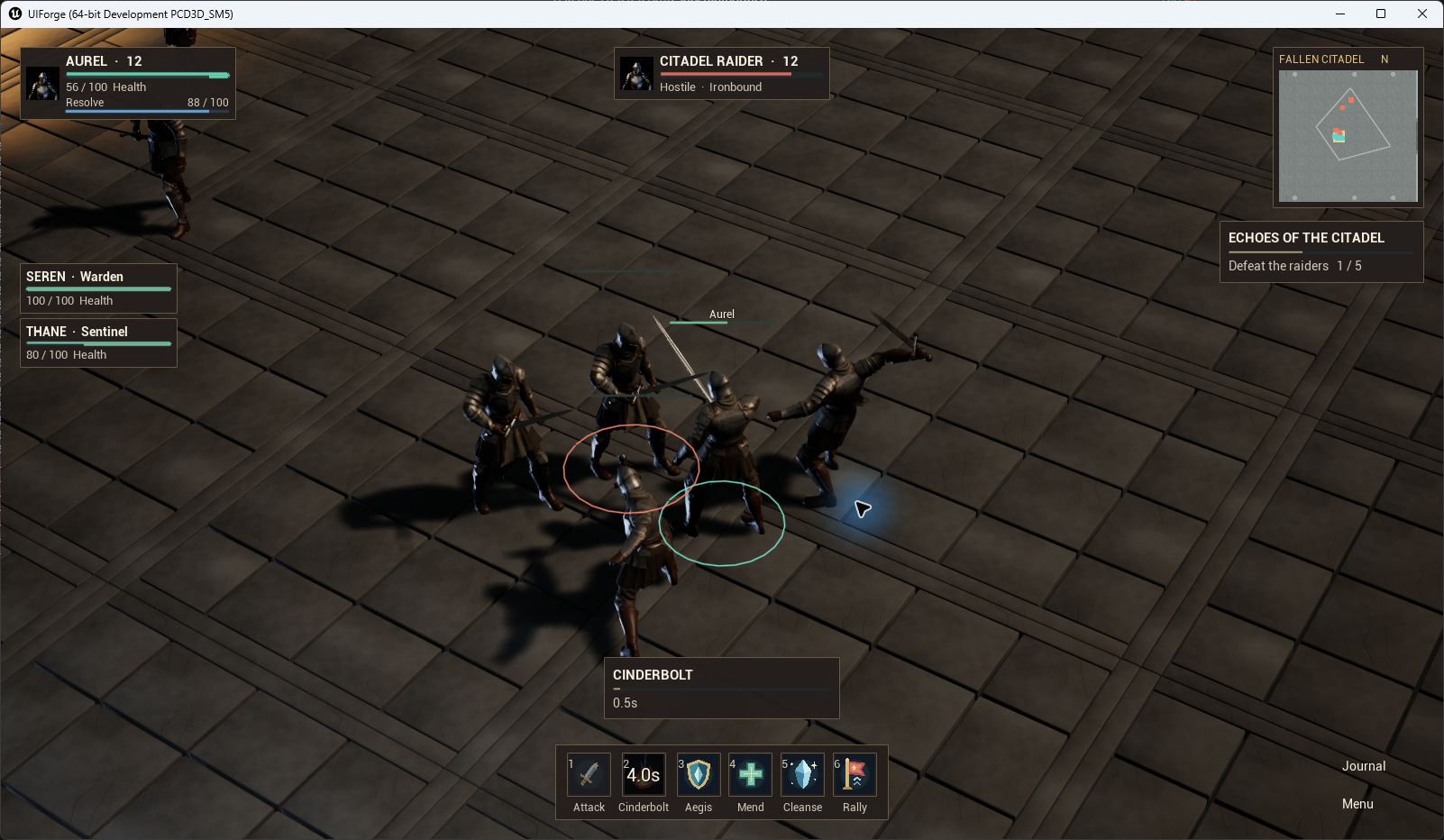
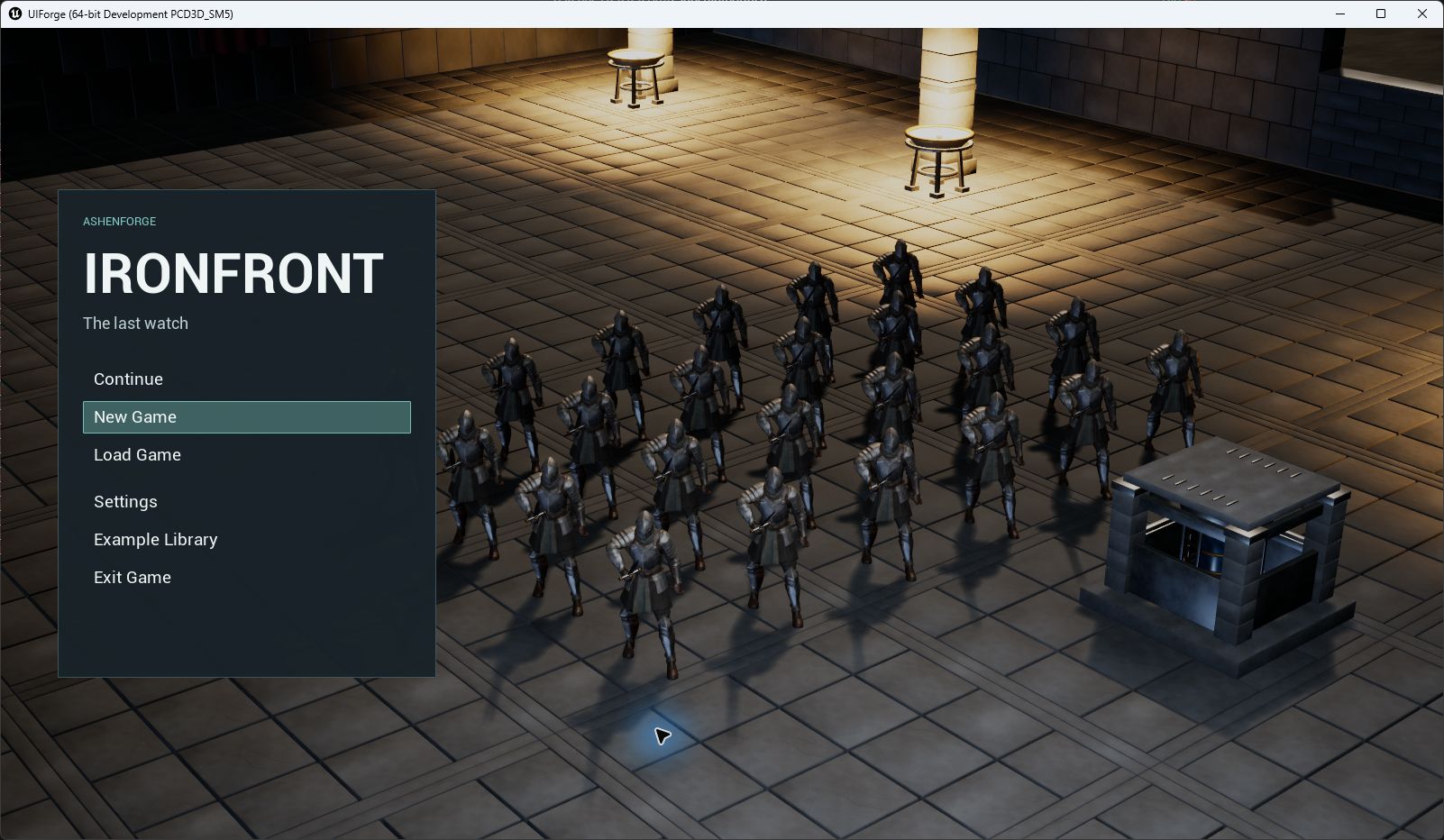
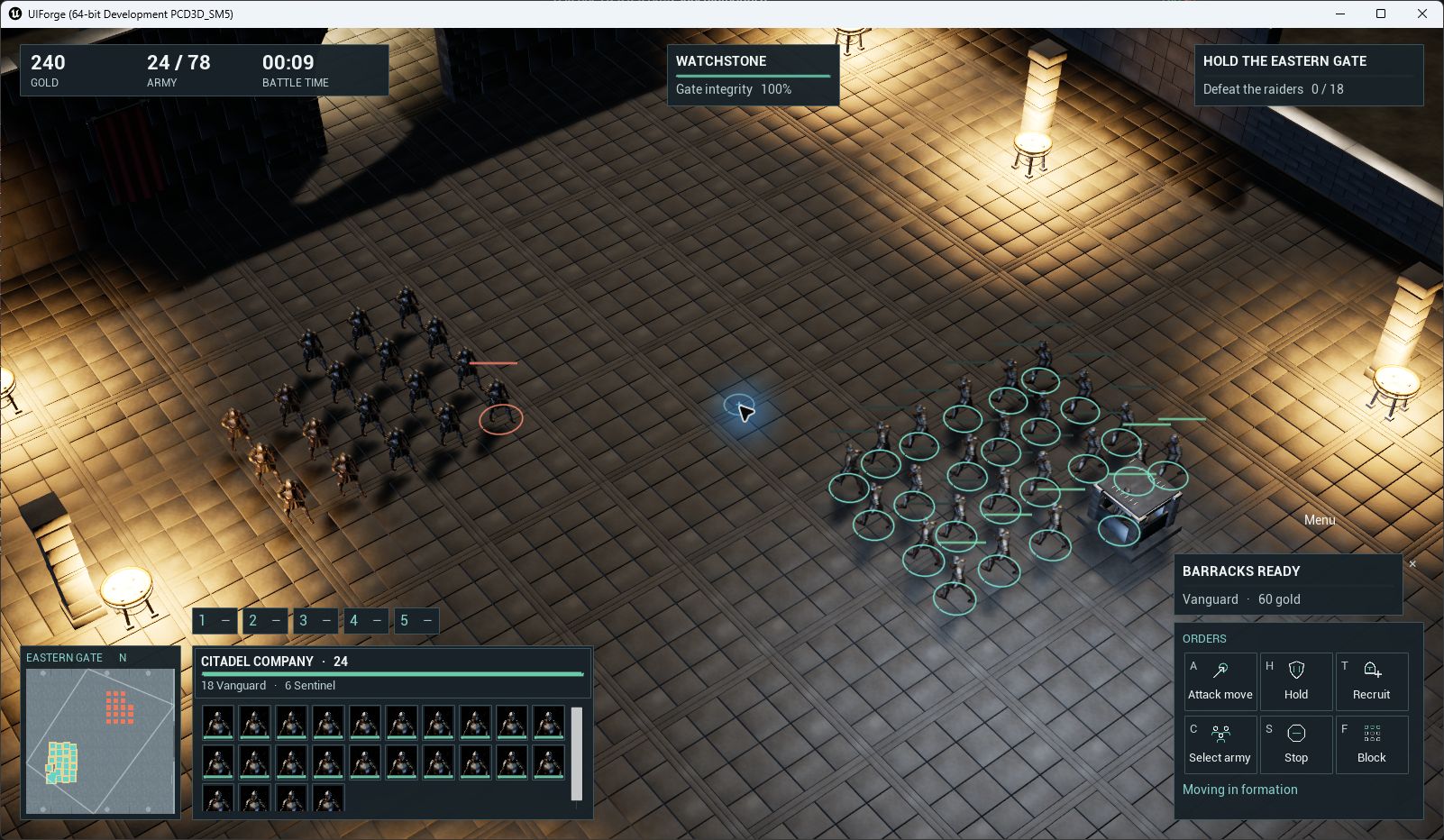
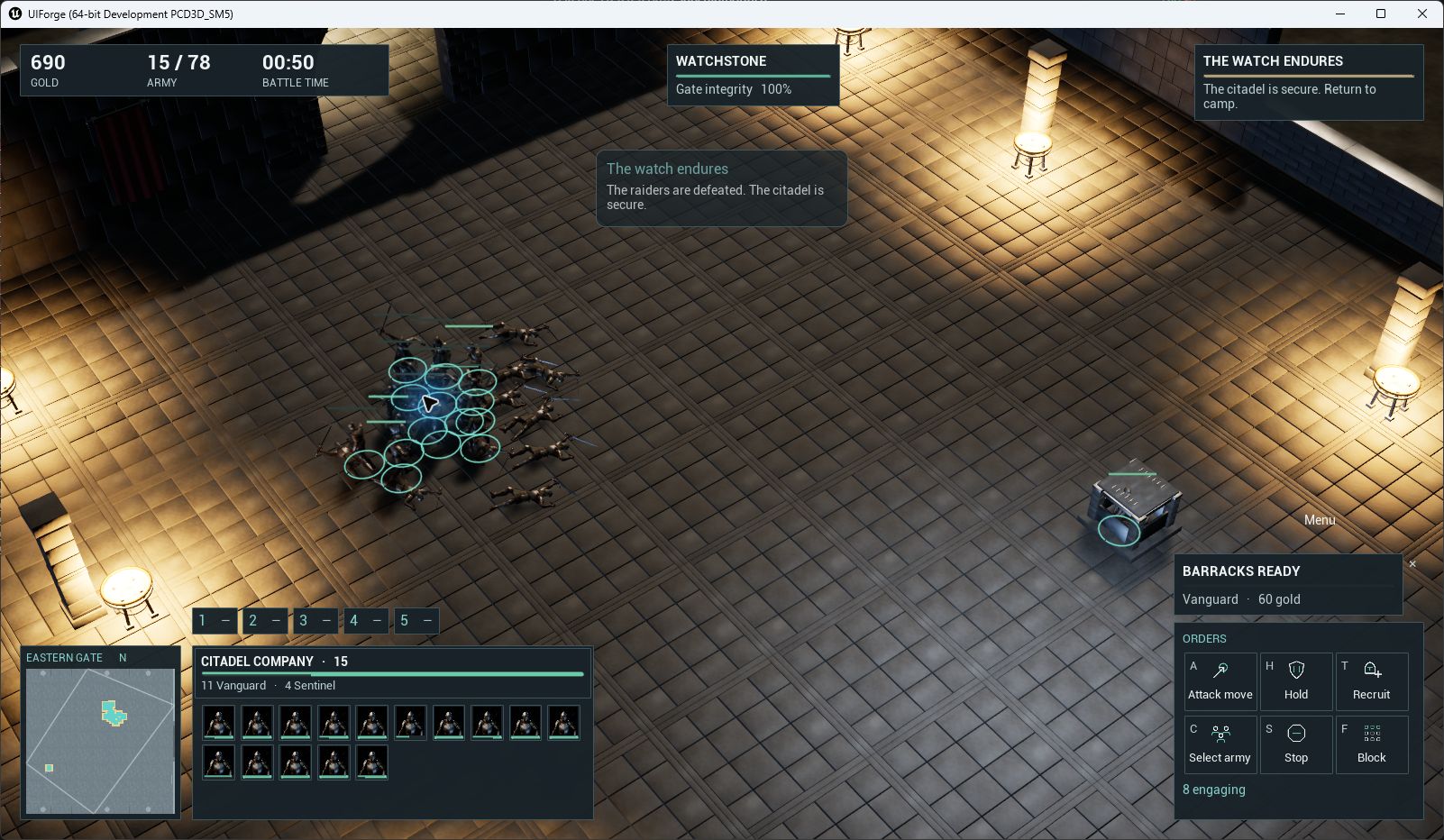
Appearance
Example character animation
The MMO and RTS knights use MassForge's HumanMotion_v022 infantry performances. The animation and encounter code belong to ForgeExamples, the separate demonstration game. InterfaceForge itself has no character, combat or MassForge dependency.
Editable assets
Open Content/ForgeExamples/Animation/HumanMotion22:
- ABP_IFDemoCharacter: ordinary editable Animation Blueprint, parent ForgeDemoAnimInstance.
- BS_IFLocomotion: idle/walk/run Blend Space. Ground Speed is planar displacement in cm/s, including crowd separation. These demonstration actors do not have CharacterMovement velocity.
- A_IF_idle, A_IF_walk, A_IF_run, A_IF_melee_attack, A_IF_cast, A_IF_hit_reaction, A_IF_death: seven locally saved sequences. No source FBX, VAT bank or MassForge runtime is required.
flowchart LR
    Speed[Ground Speed] --> Blend[BS_IFLocomotion]
    Blend --> Slot[Slot: ForgeAction]
    Slot --> Pose[Output Pose]
    Action[Play Action: selected sequence] --> Slot
The Blend Space samples use the source bank's reference speeds: idle0, walk106.74186, run610.7501cm/s. Input smoothing is0.12s. Editing these sample points changes the gait mix; they do not change encounter movement speed. Review foot placement after changing either the mesh or movement speeds.
Replace a performance in Blueprint
- Open ForgeGateway, Emberfall or Ironfront, then select its ForgeDemoWorld actor.
- Under Example / Art, change Character Animation Class, Idle Animation, Move Animation, Attack Animation, Cast Animation, Hit Animation or Death Animation. The saved Animation Blueprint owns the three locomotion samples: edit BS_IFLocomotion to replace those clips.
- Set Melee Contact Time and Spell Release Time to the new performance's actual contact/release seconds. Current values are 0.6333333 and 0.5. Damage is validated at contact, rather than when the button is pressed.
- Set Mesh Forward Yaw for the replacement mesh. The imported knight faces component+Y, so the default is90degrees. Blade Socket Offset is the measured v022 transform on
hand_r; this is fixed presentation, with no equipment rules. - Play the map. Check forward travel, turns, stopping, attack recovery, casting, interruption and death. A new animation with a different skeleton needs a compatible retargeted sequence and Animation Blueprint.
For direct Blueprint presentation, obtain the mesh's Get Anim Instance, cast to Forge Demo Anim Instance, then call Play Action with a sequence. Hold Final Pose keeps a death pose after its final frame. Return To Locomotion blends the action out. The encounter adapter calls these nodes' C++ equivalents; it owns damage, orders and life state separately.
Actions use Unreal's ForgeAction slot in ForgeActions, with0.09s blend-in and0.12s blend-out. Action Blend In and Action Blend Out are editable in the Animation Blueprint Class Defaults. Montages are cached per character/used clip and reused for subsequent actions. Moving or attacking characters retain their committed action when hit. The short hit reaction is shown only when the receiver is idle, avoiding repeated full-body recoil overwriting the strike or sliding the feet. Pause freezes the mesh animation as well as encounter damage. Animation advancement follows the encounter's capped simulation step when an unfocused editor throttles.
These are standard Animation Slots and Animation Montages. Developers may replace the example Animation Blueprint with their own graph; character animation is not a requirement for displaying gameplay through UIForge.
Provenance and limits
The new motions are AshenForge's edited/retargeted Quaternius CC0 Standard Universal Animation Library performances. They are not exclusive original motion capture. The separate example ships the acknowledgement and source hashes in ArtSource/Animation (development source: ContentSource/Animation). Character geometry and ownership are unchanged. Only seven skeletal clips were selected; jumping, falling, stun and MassForge VAT assets were not added to the UI demonstration.
Runtime verification records for this revision are under Workspace/Rebuild583/Animation22 outside the source distribution. Verification includes sampled source-pose parity, actual movement/facing, actions, pause and the existing RPG/RTS gameplay scenarios. Hardware controller/touch tests remain user-deferred; no animation change establishes network or cross-platform certification.
Packaged runtime views
These are native Win64 Development game windows captured after real input, not pose mockups.